

React NativeStronix Fitness App
StroniX FitnessApp is a modern fitness app template built with Expo (React Native), featuring a sleek UI, AI-ready training and tracking flows, multilingual support, and seamless dark/light mode—ideal for launching scalable fitness platforms fast.


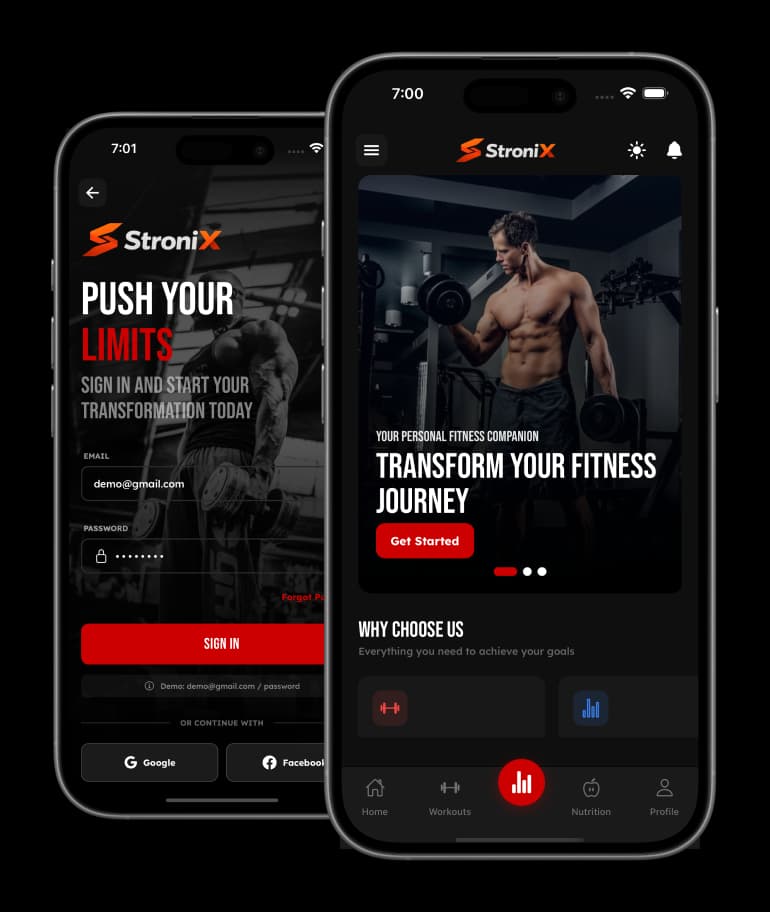
Technically Optimized for an Exceptional User Experience
Built with user engagement at its core, our free React Native UI template empowers you to deliver a beautifully intuitive weather app. From calming visuals to seamless interactions, every element is crafted to make weather tracking simple, enjoyable, and truly habit-forming.
80+
Screens
20+
Components
100%
Customizable
App Features
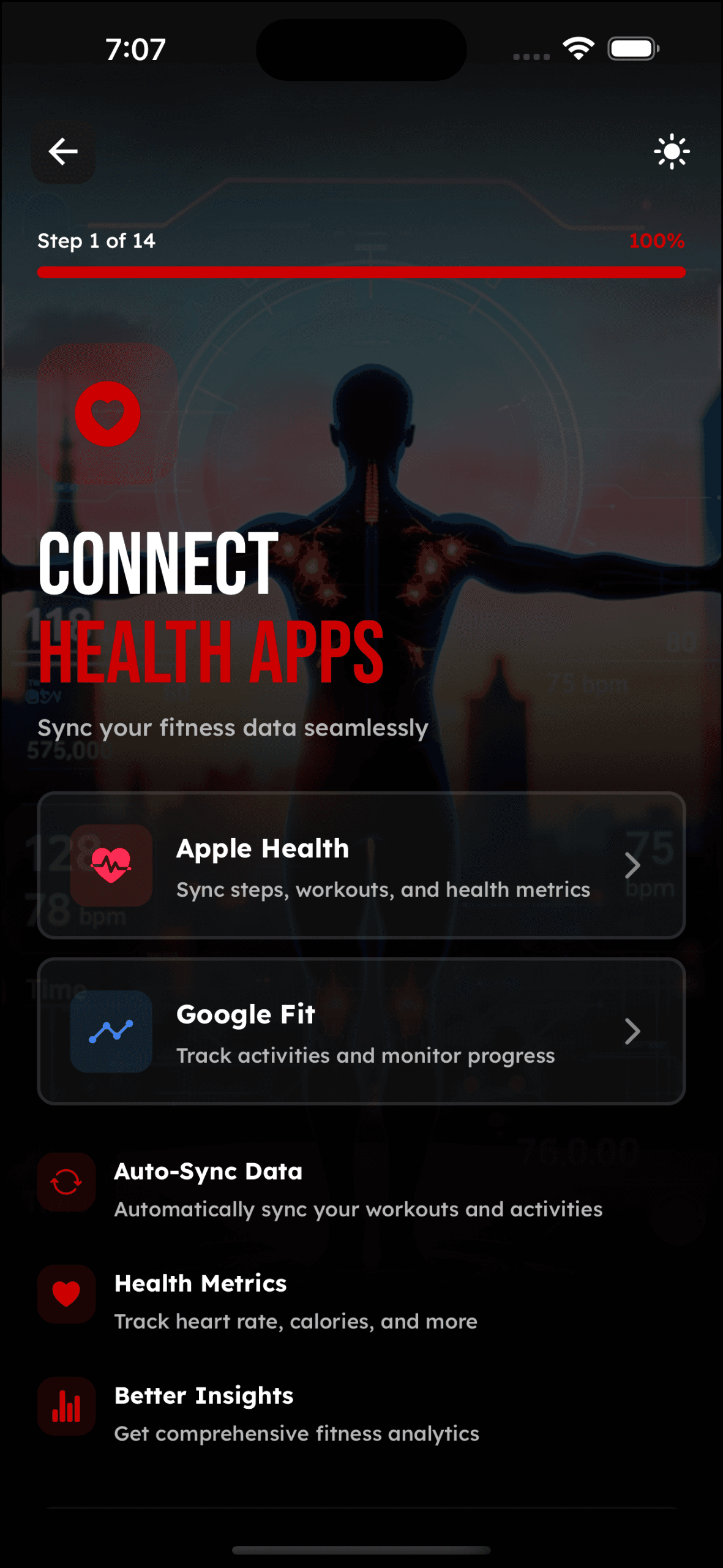
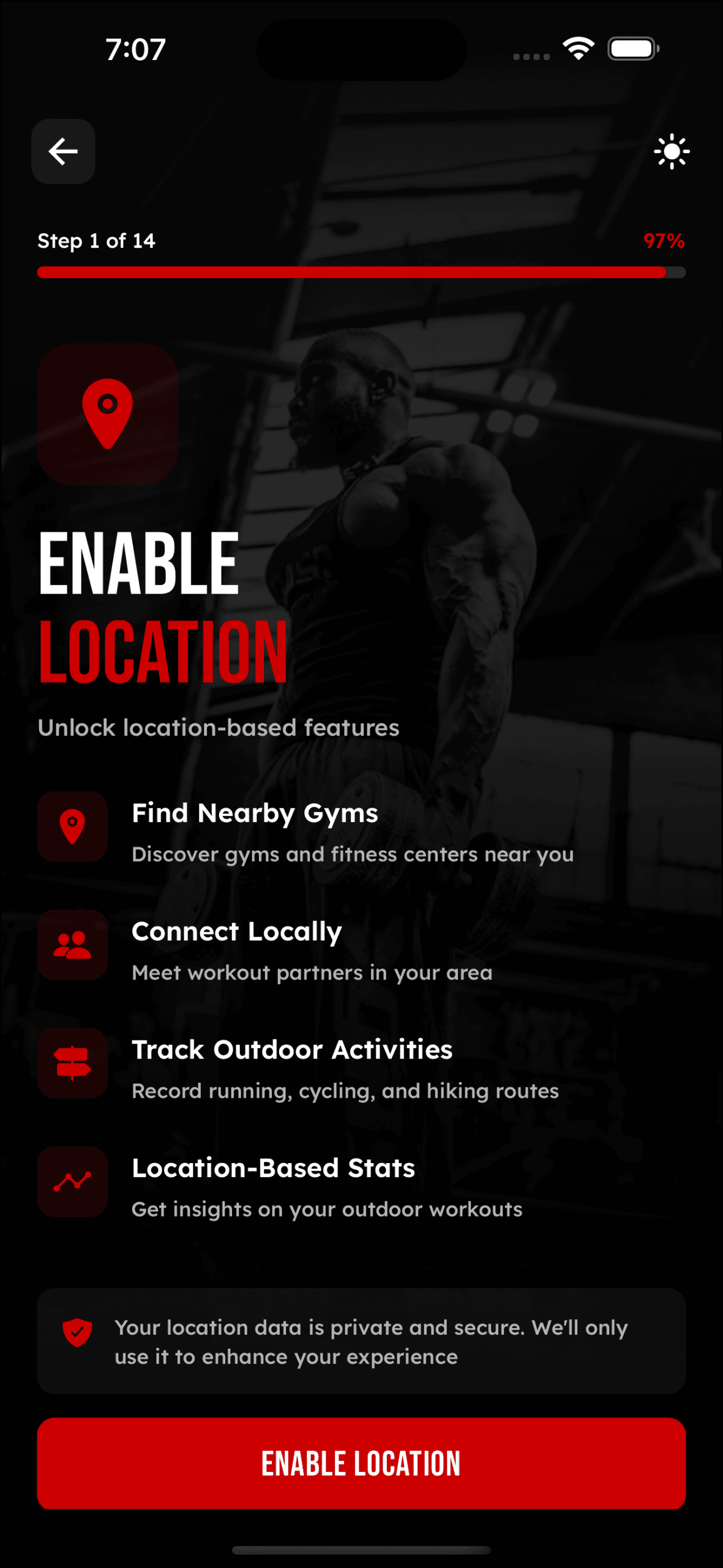
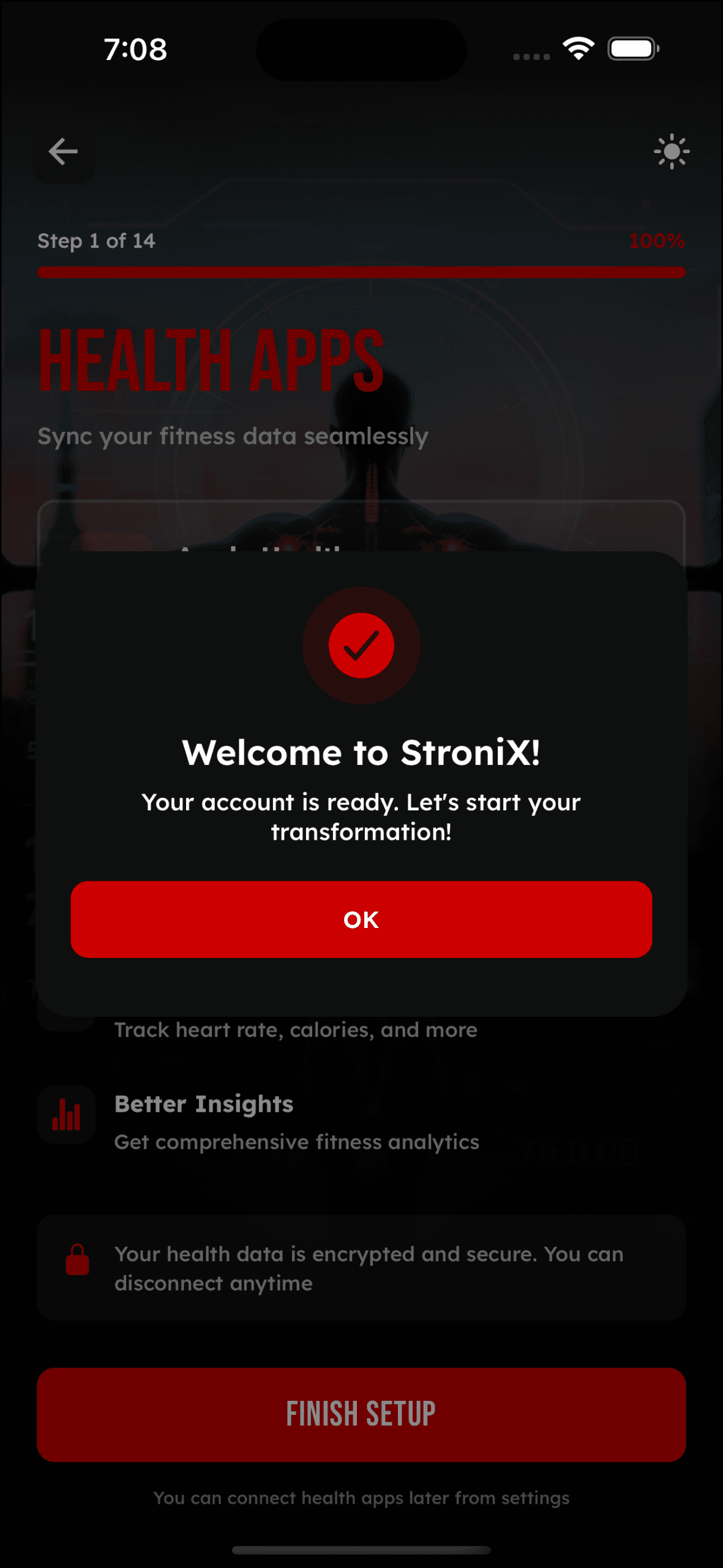
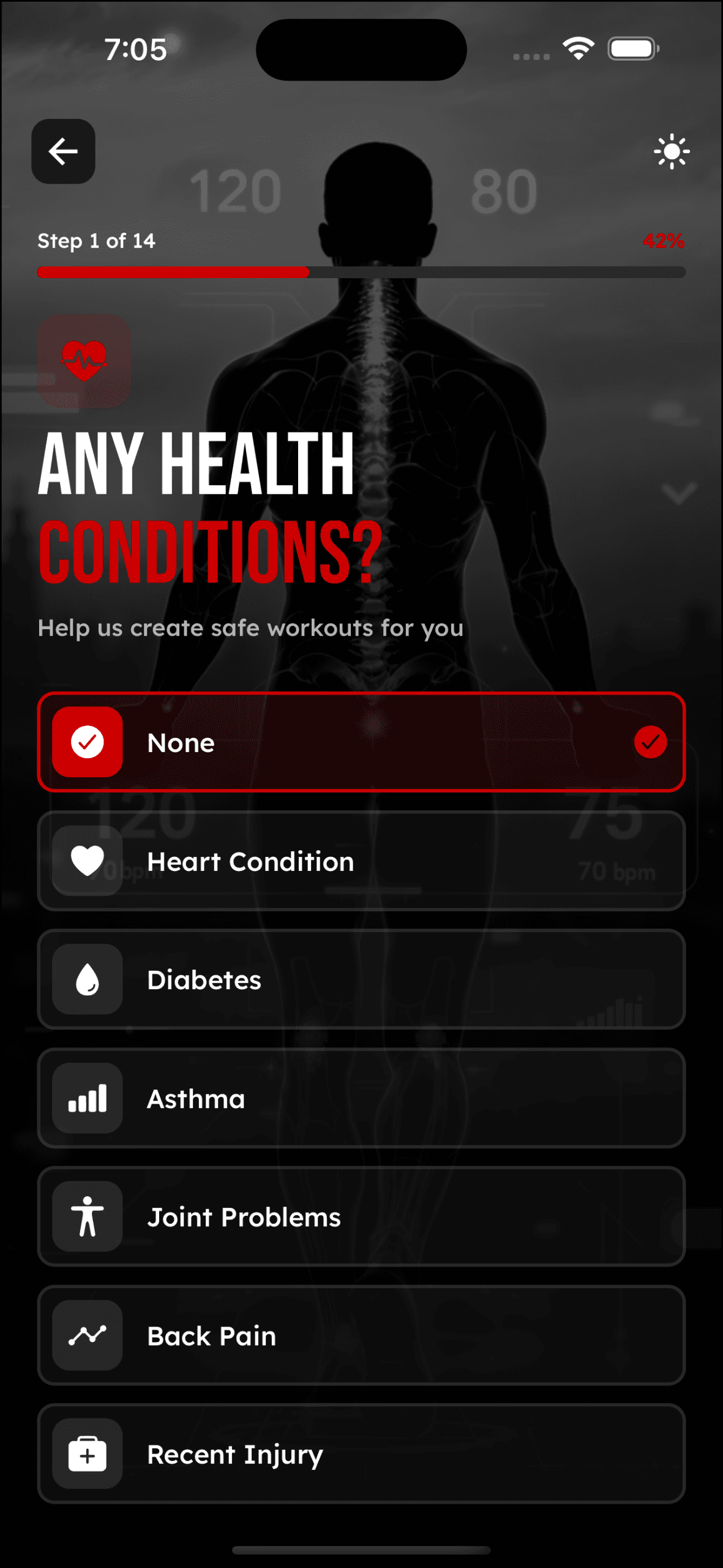
Authentication & Onboarding
Seamless registration, personalized setup, and fitness journey initiation
Main Dashboard
Central hub for daily fitness tracking and quick access
Workout & Training
Exercise library, guided sessions, and real-time tracking
Nutrition & Diet
Meal planning, calorie tracking, and dietary guidance
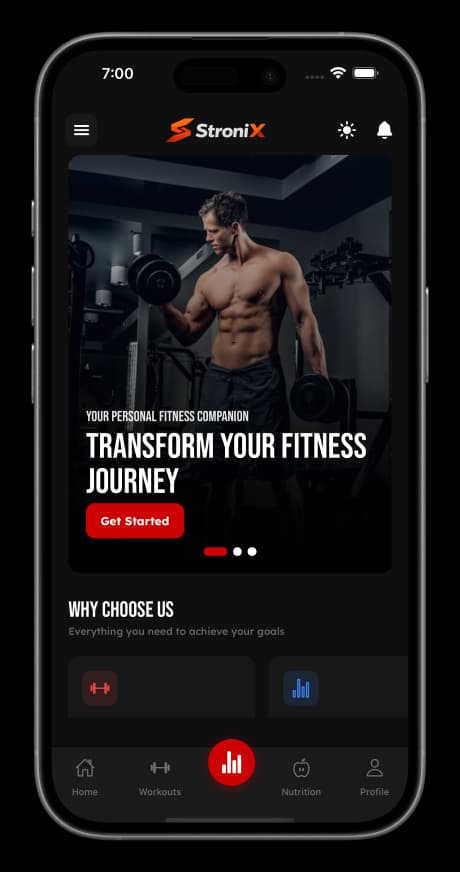
Progress & Analytics
Visual tracking, insights, and achievement milestones
Social & Community
Connect, compete, and stay motivated with others
Premium & Subscription
Unlock advanced features and exclusive content
Profile & Settings
Personal information, app configuration, and account management
Stronix Preview
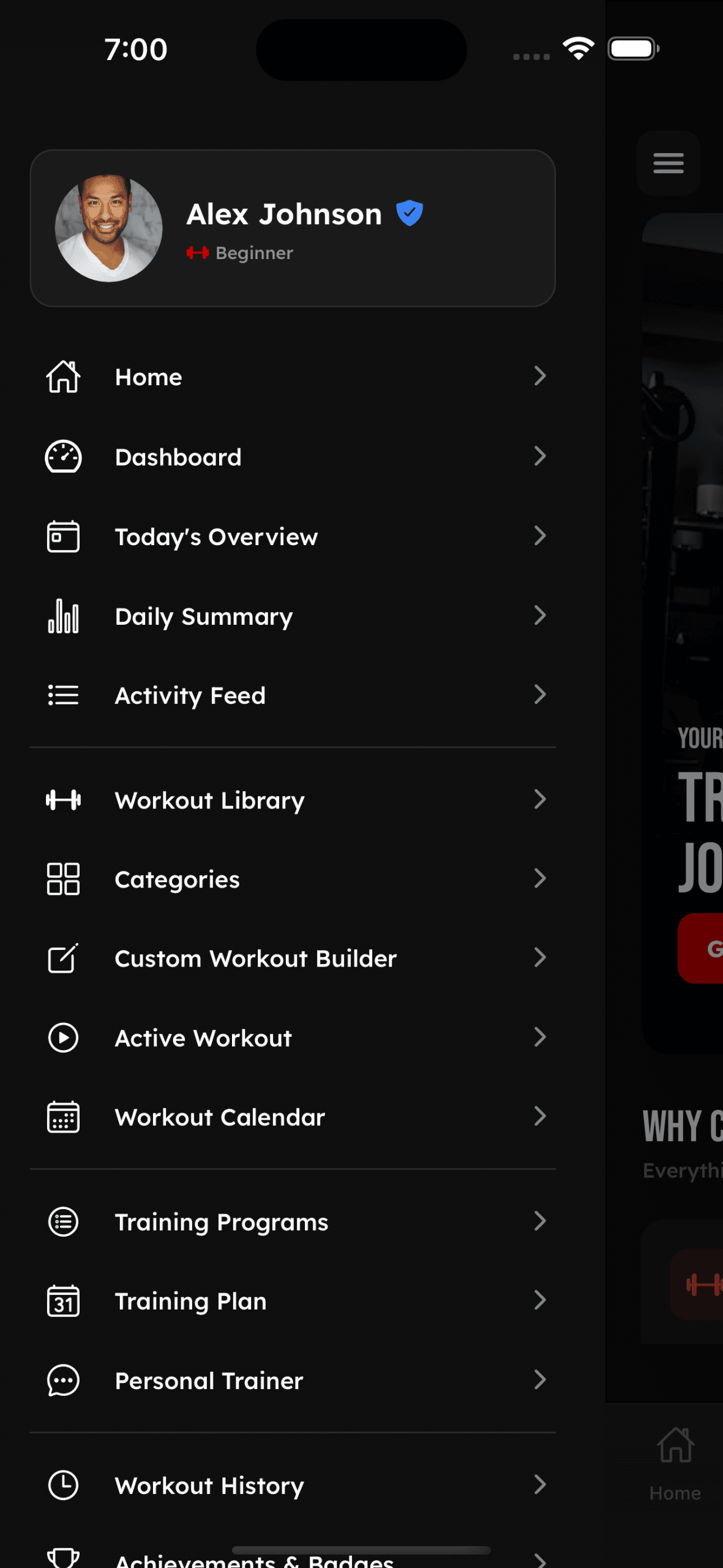
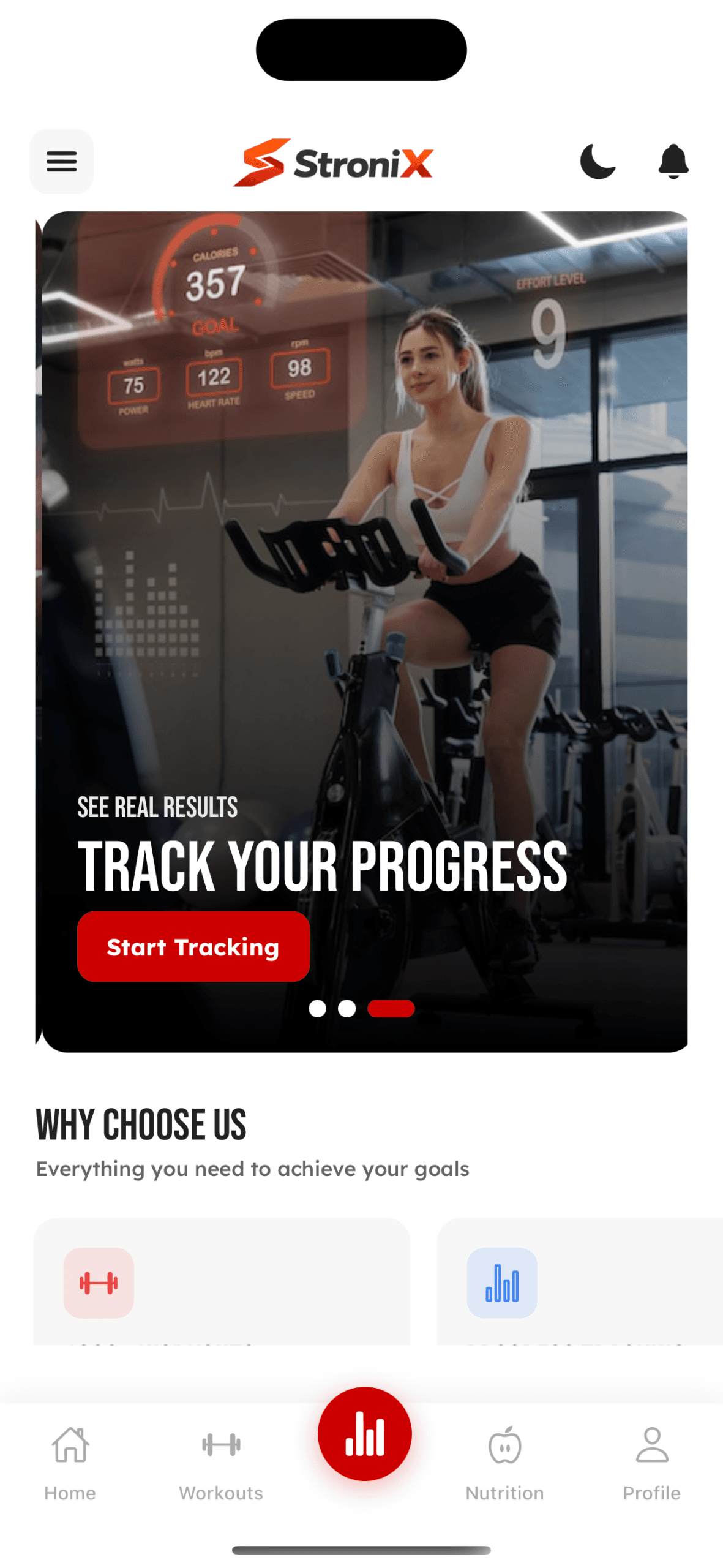
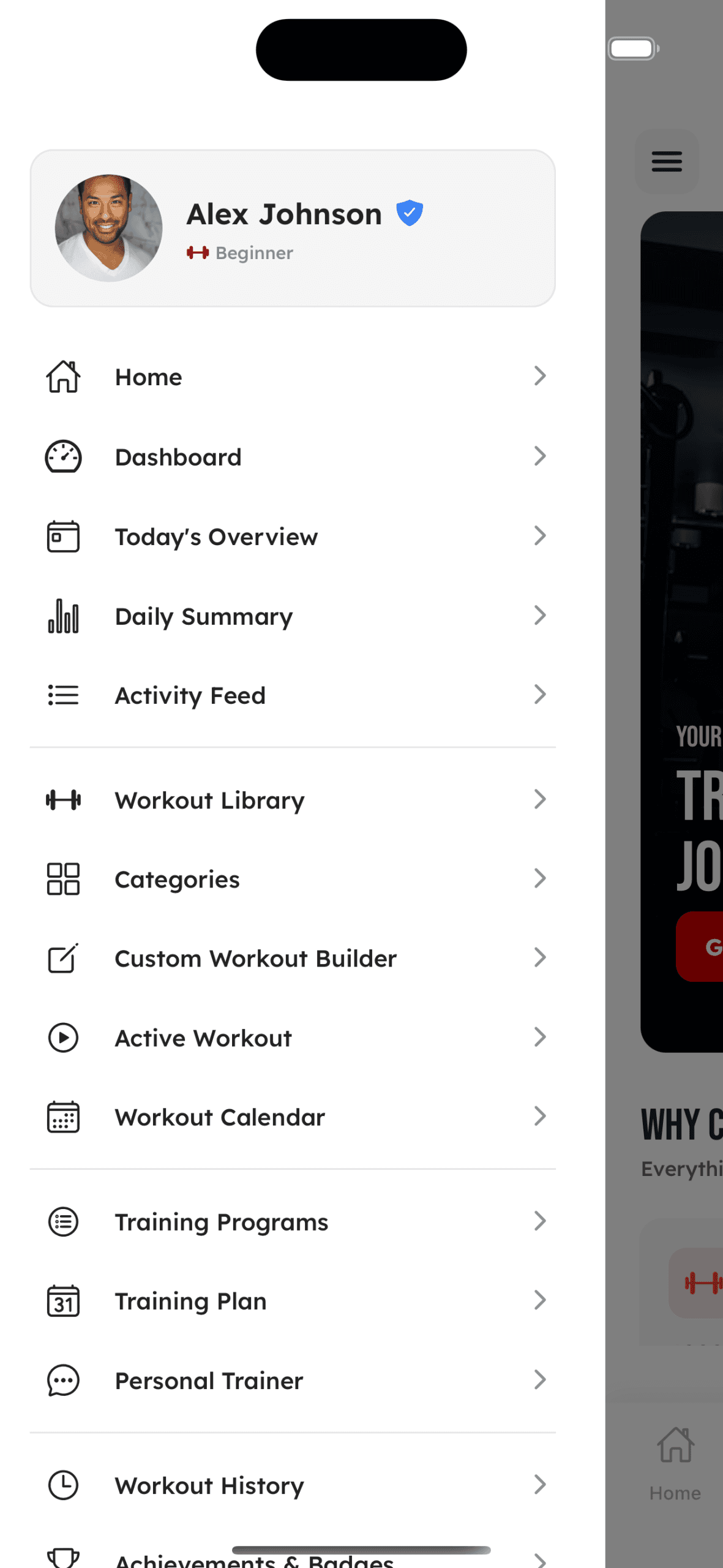
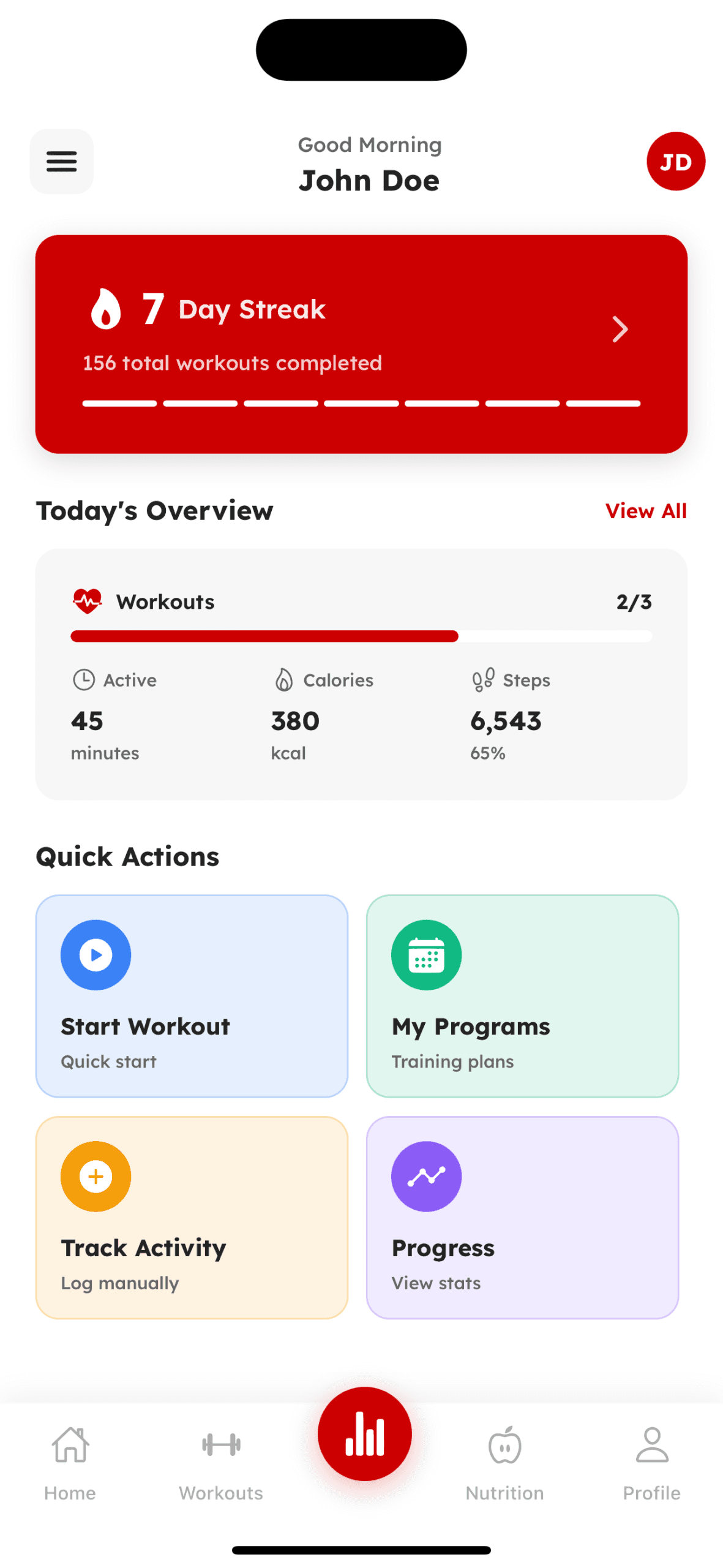
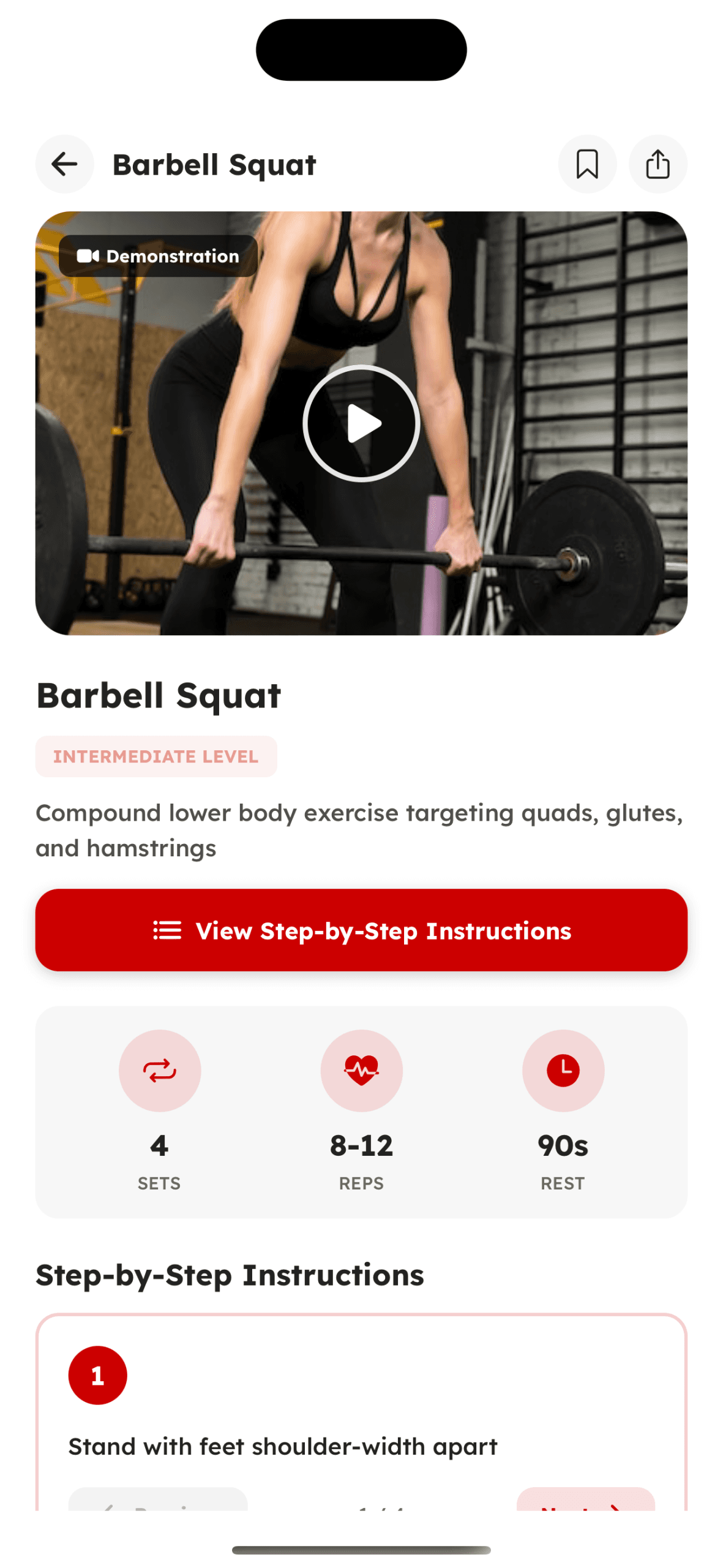
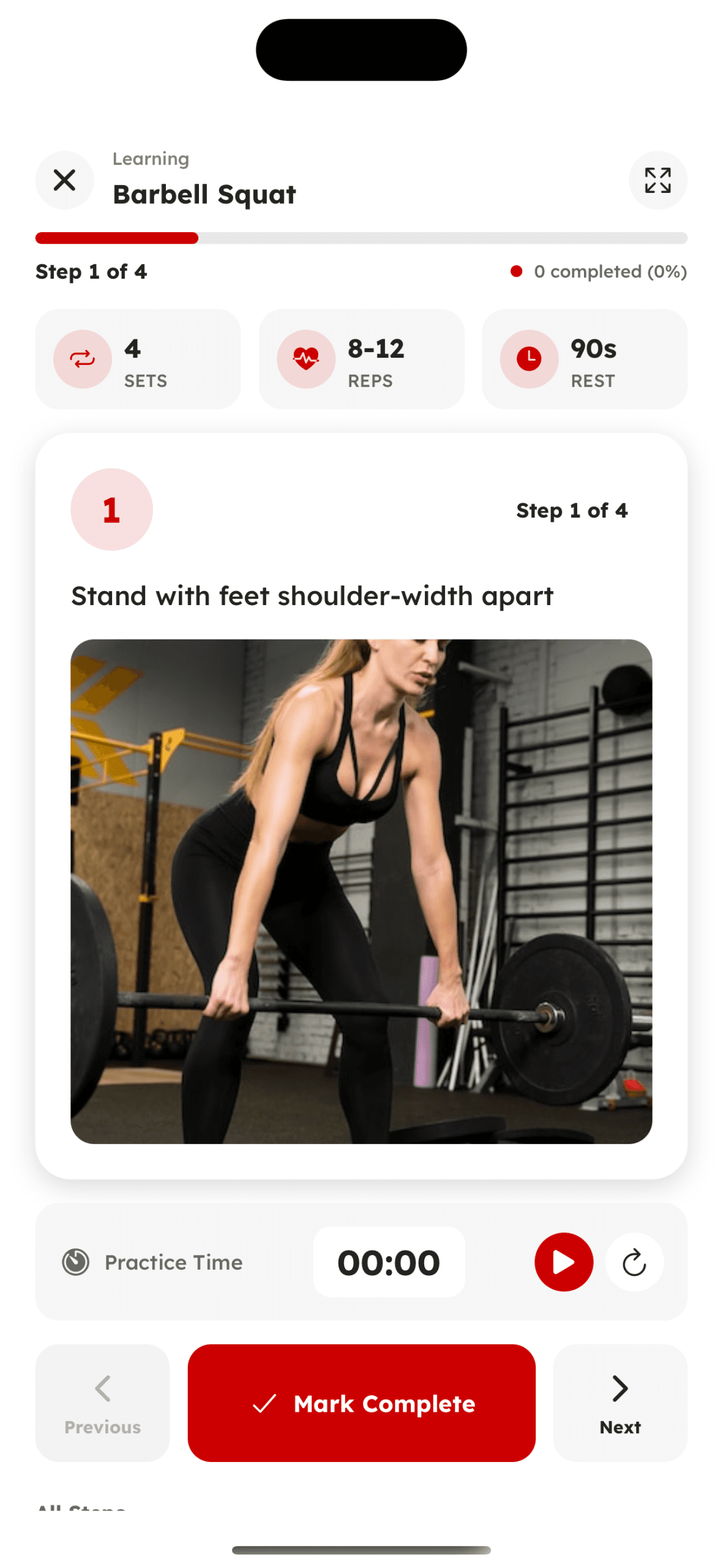
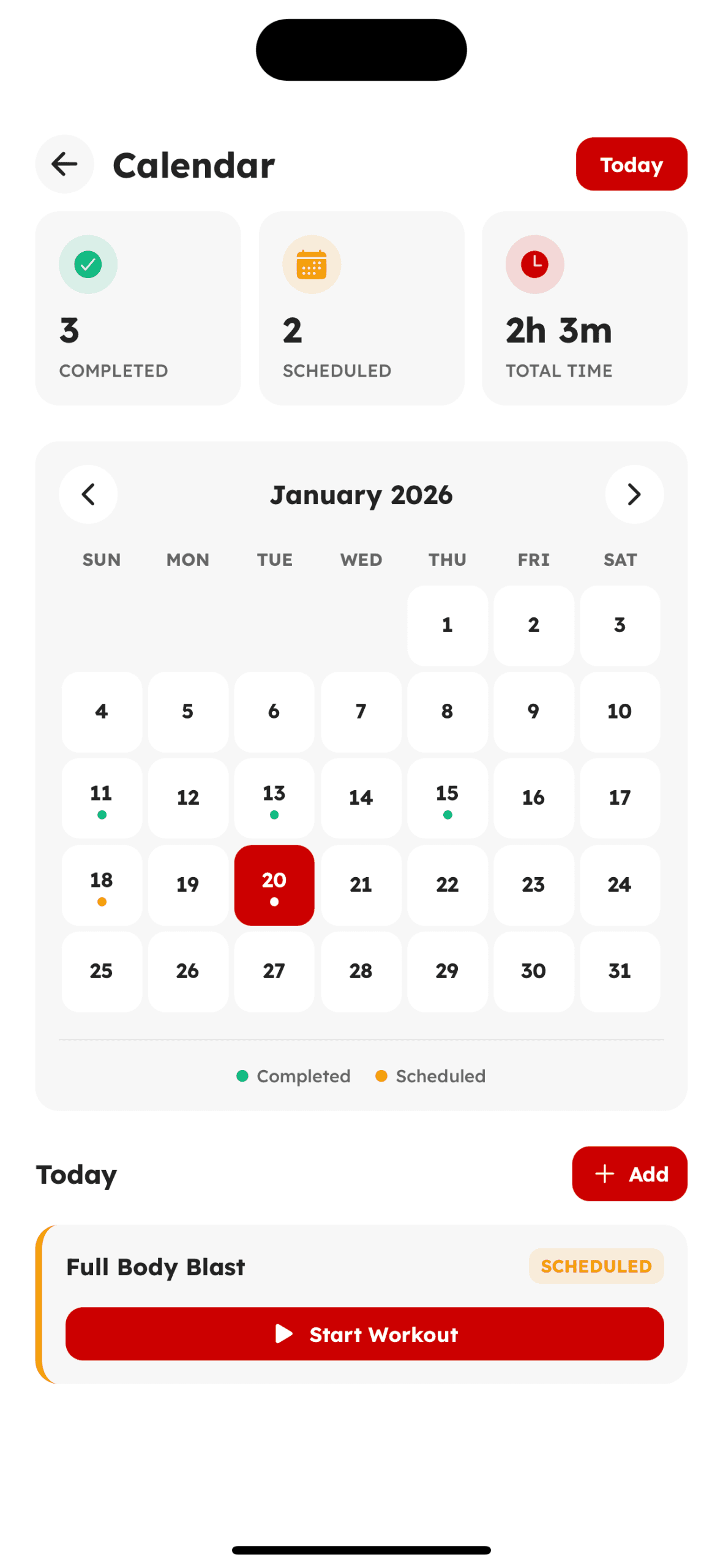
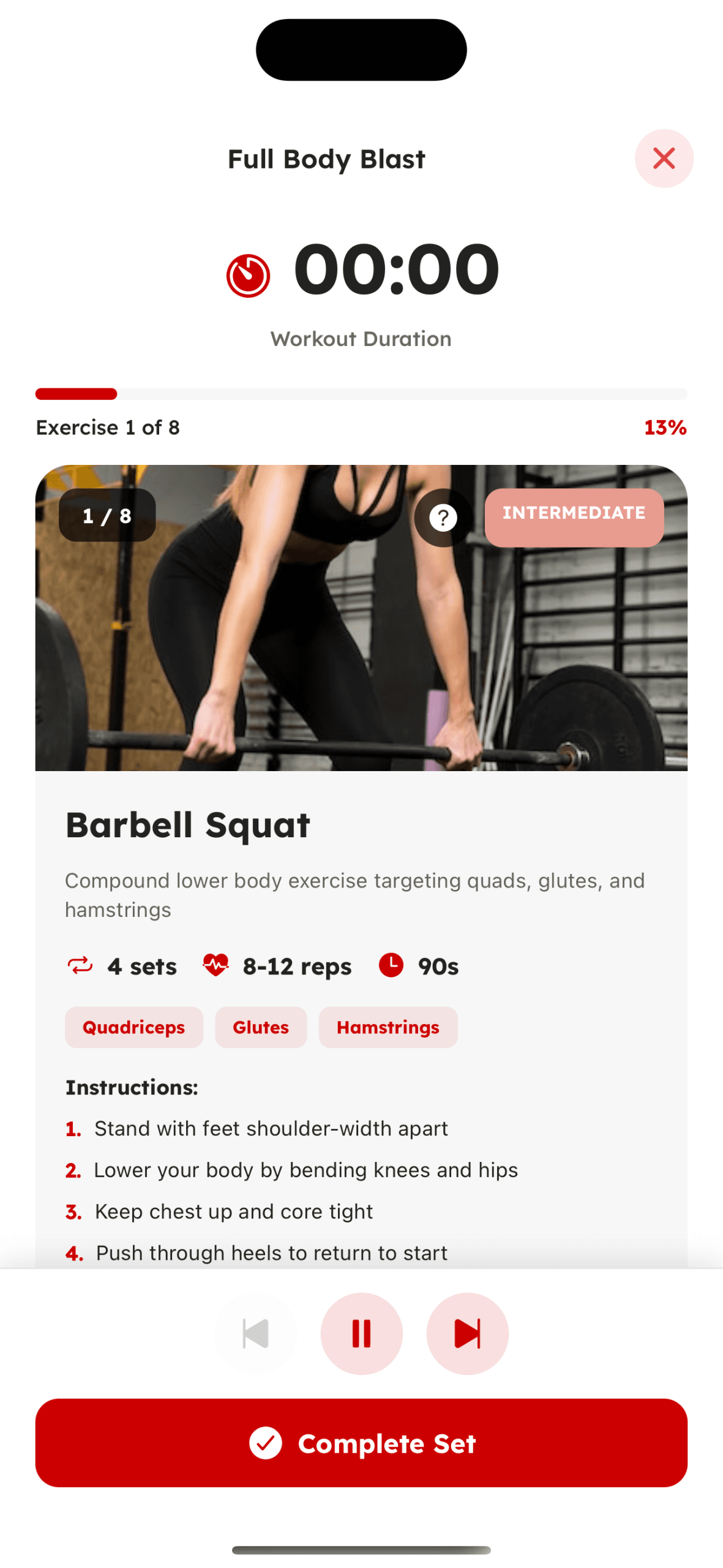
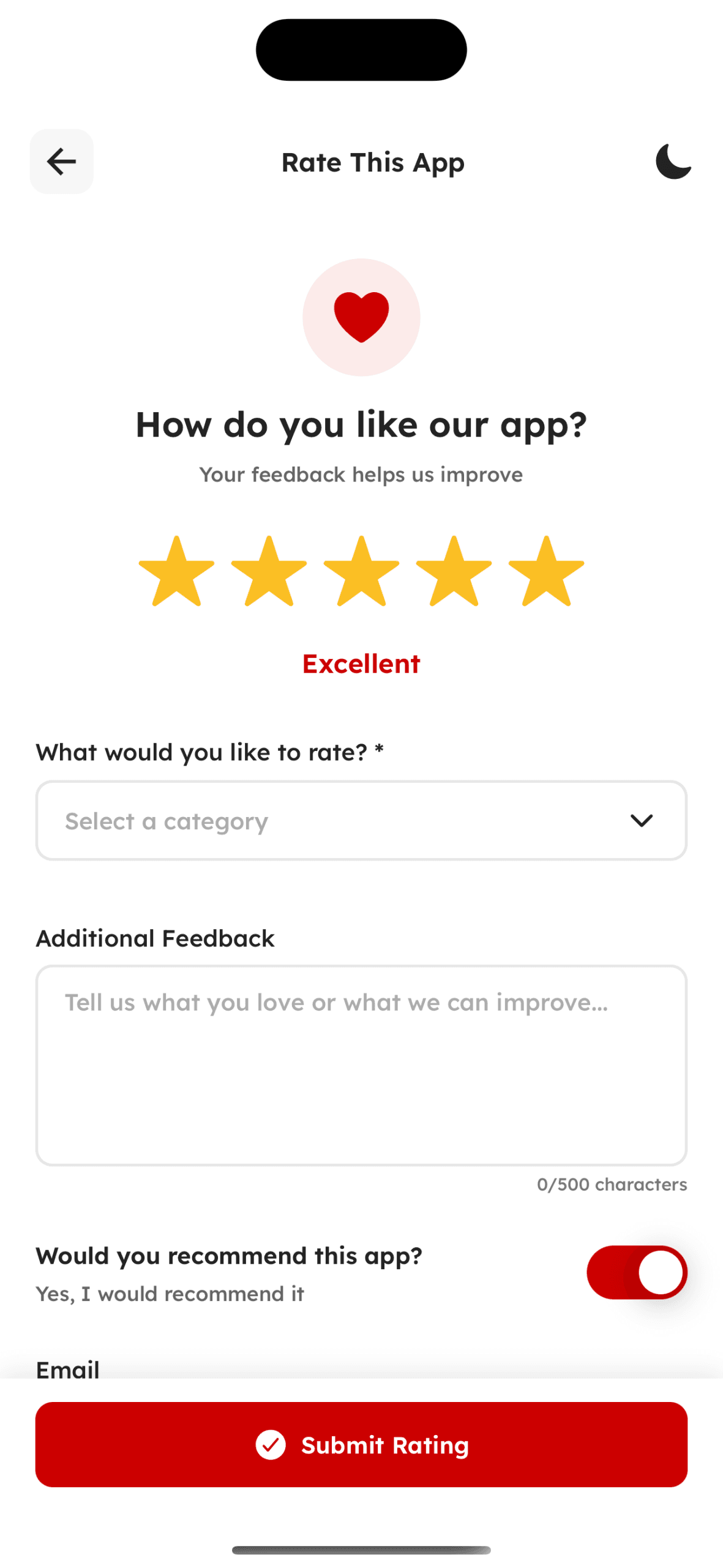
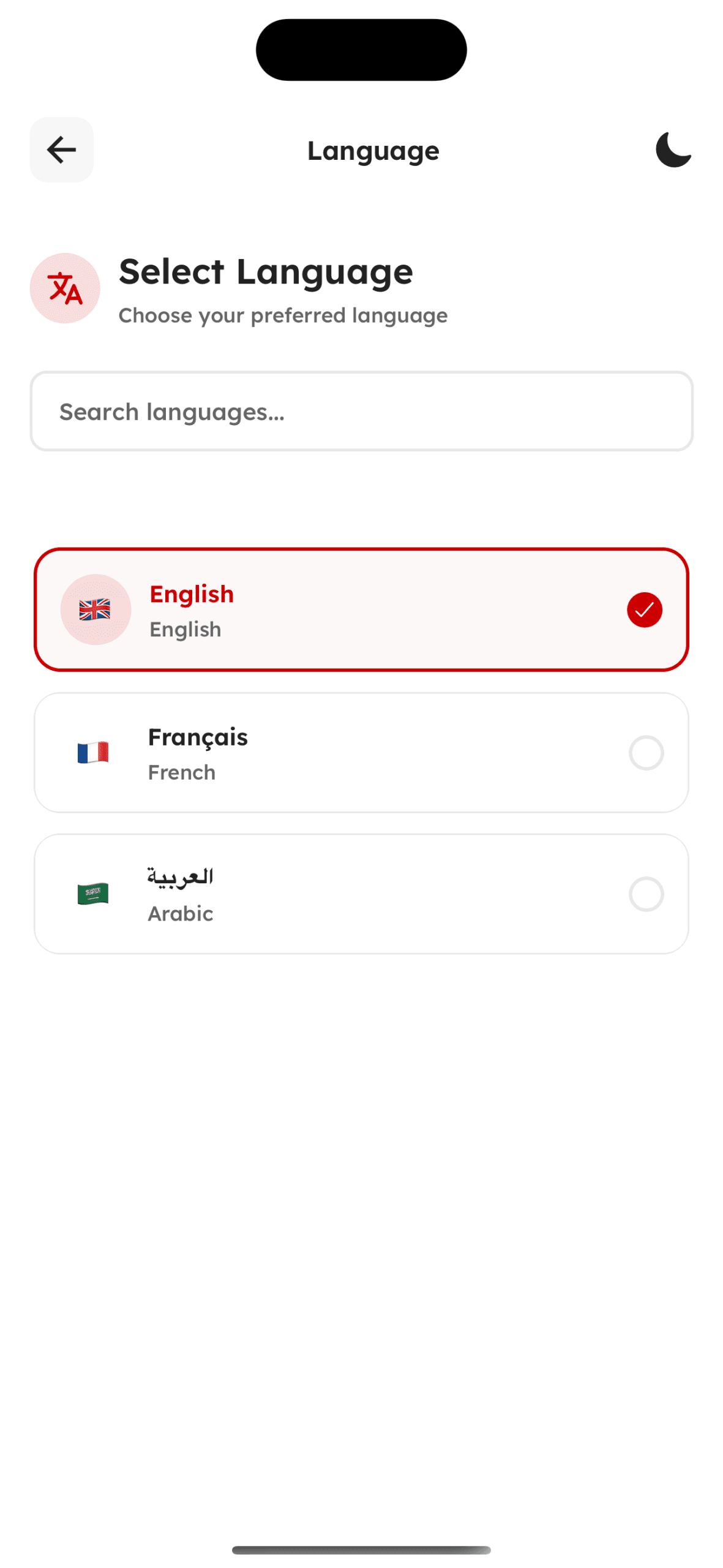
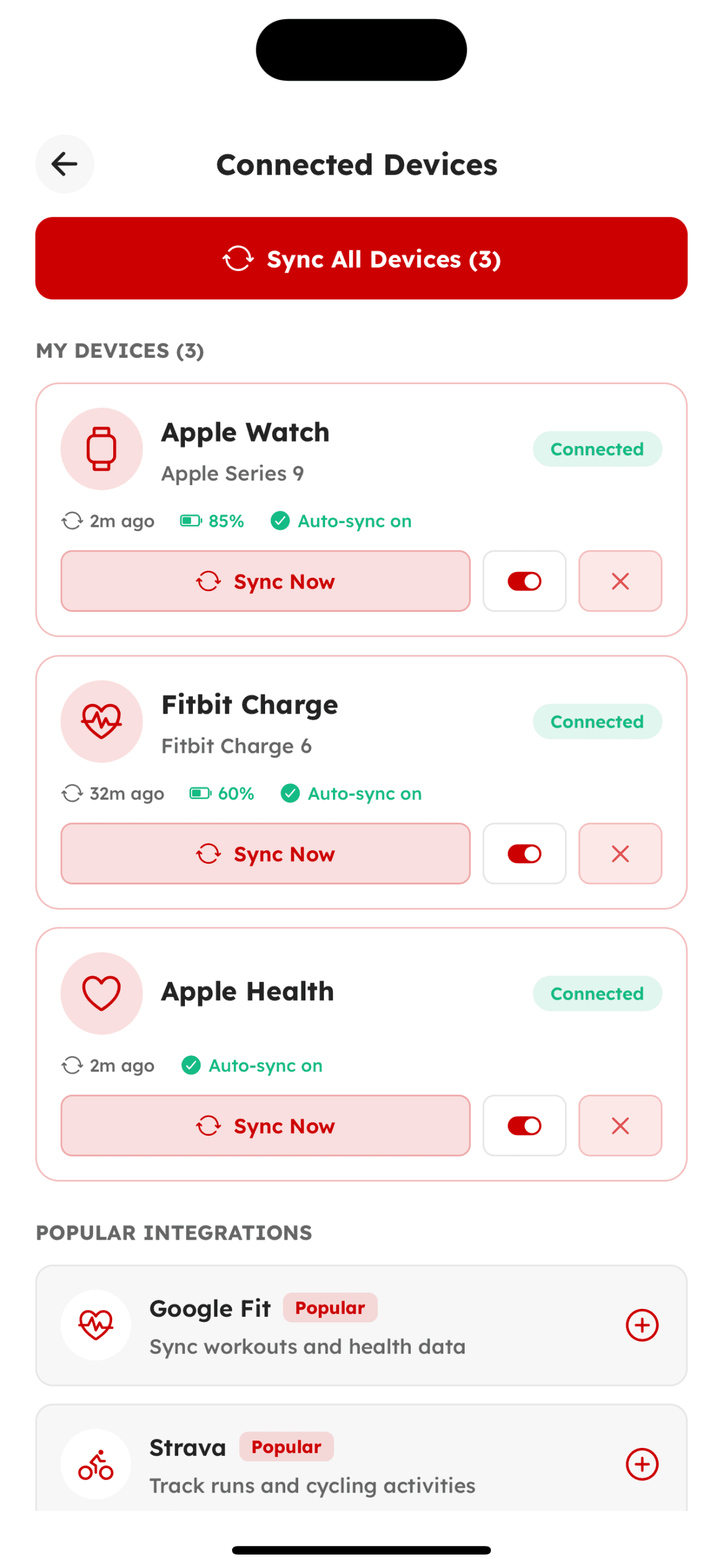
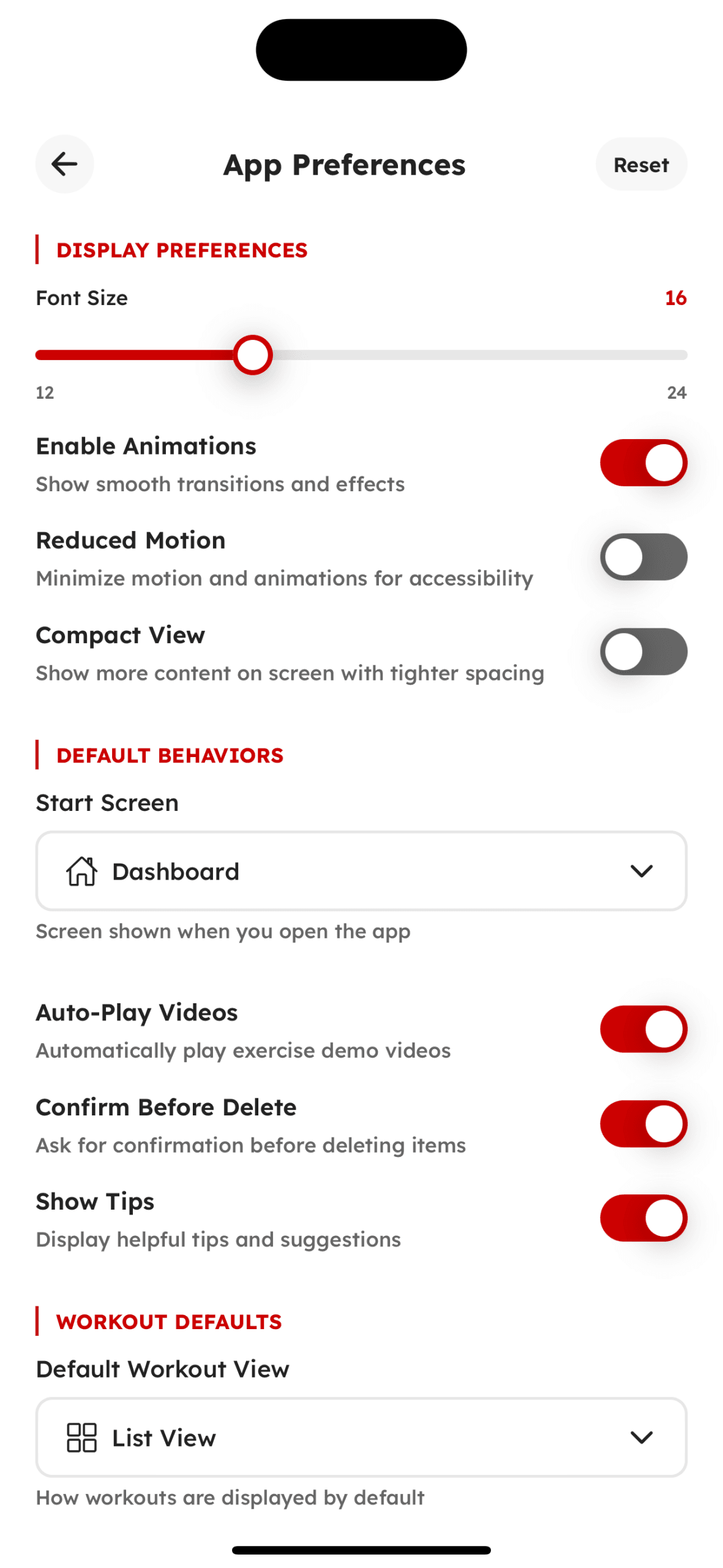
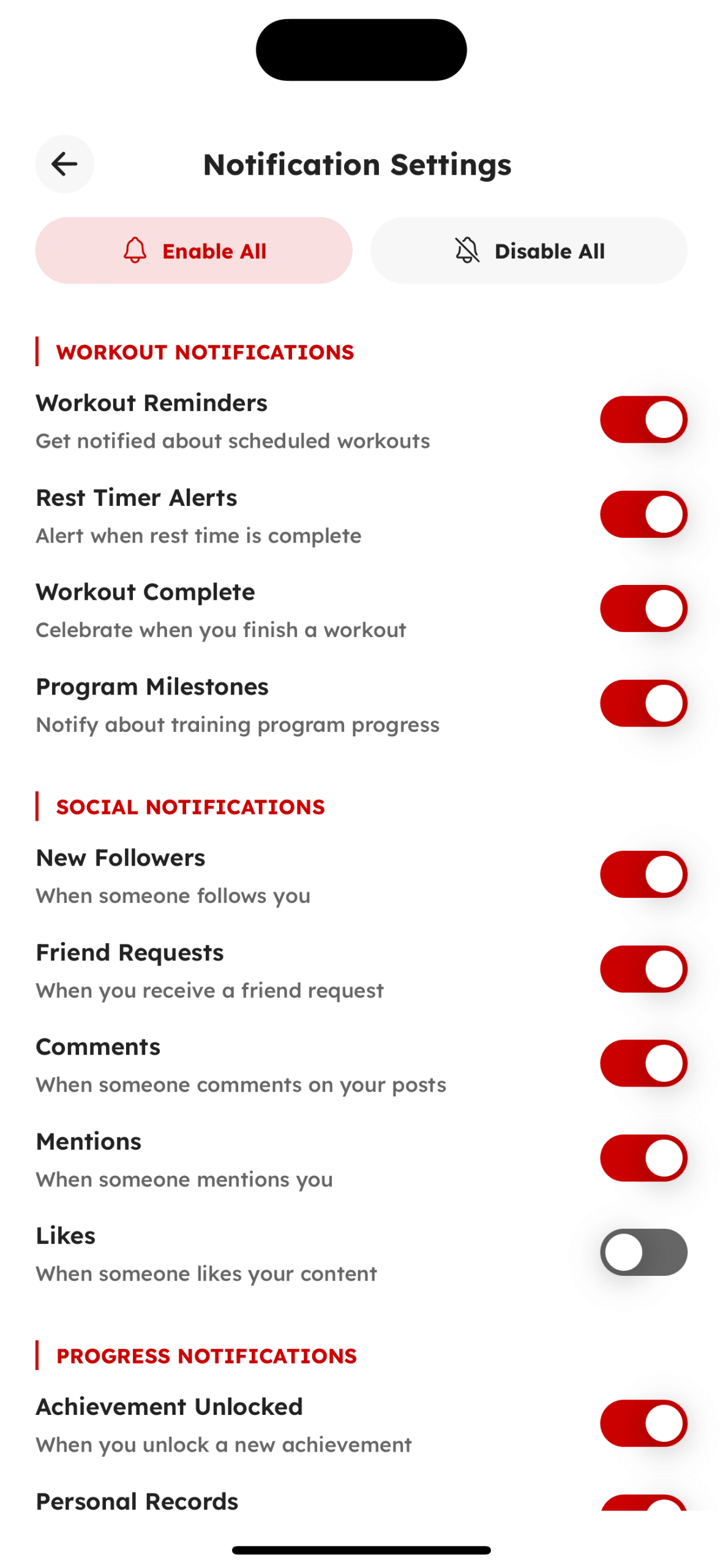
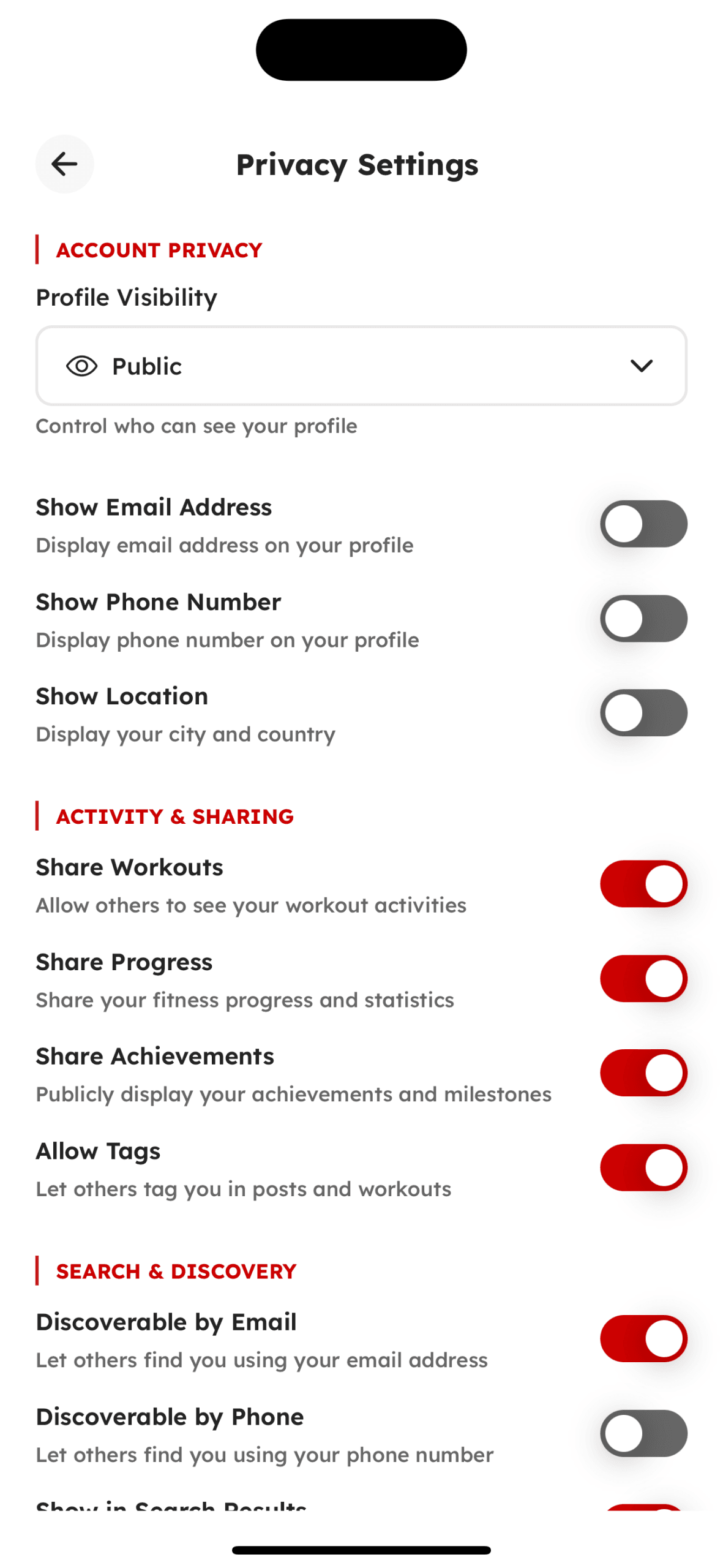
Take a look at the key interfaces that shape the user experience. Navigate through essential screens designed for smooth interaction, intuitive functionality, and seamless usability in this react native template & UI kit.
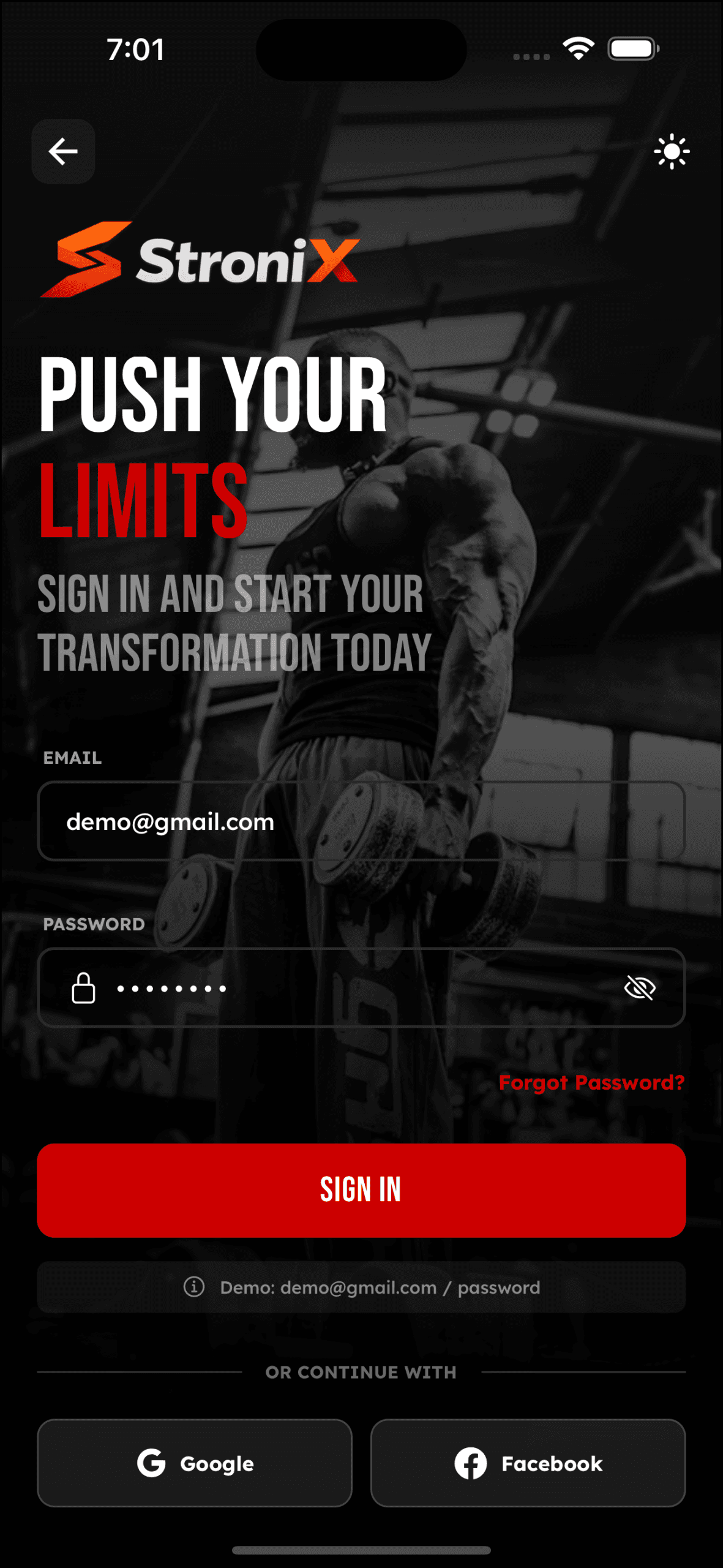
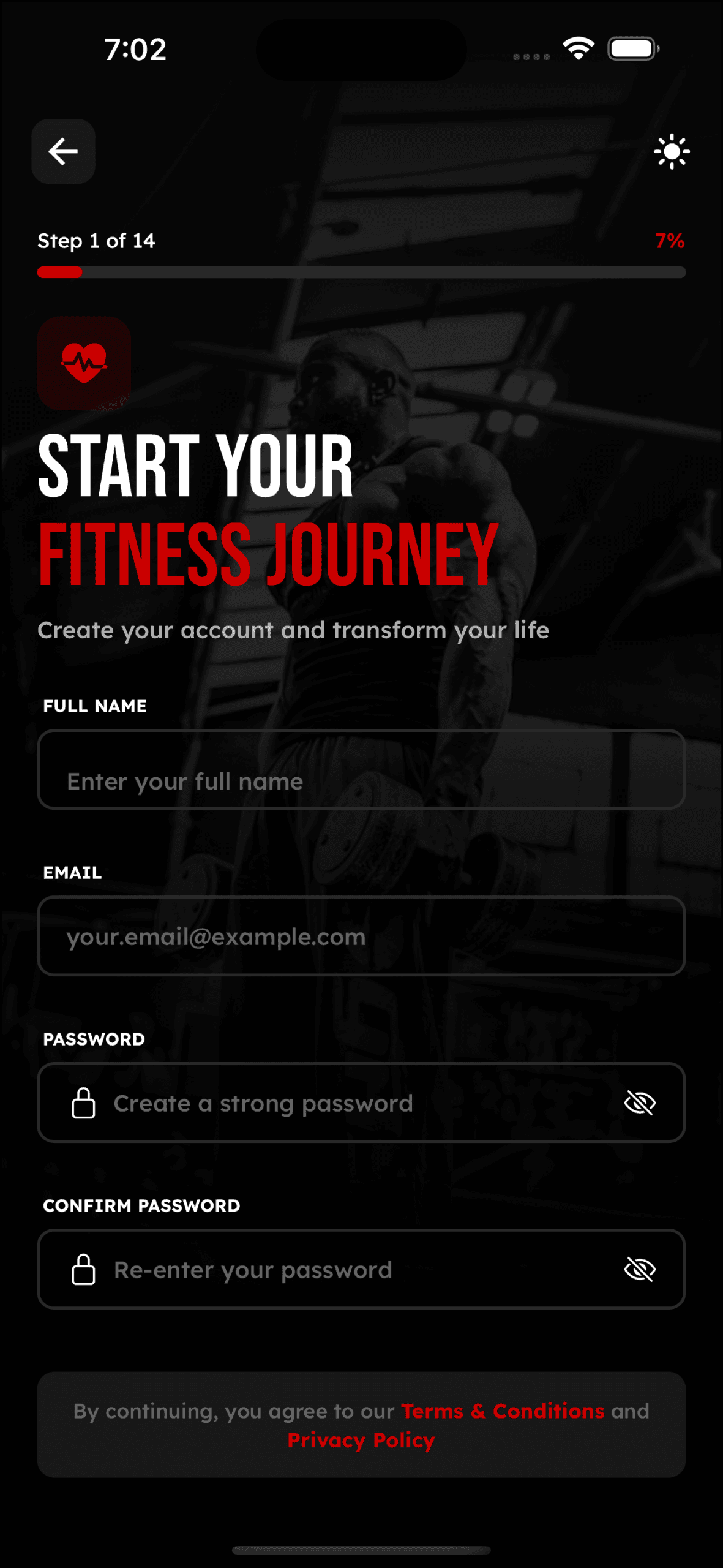
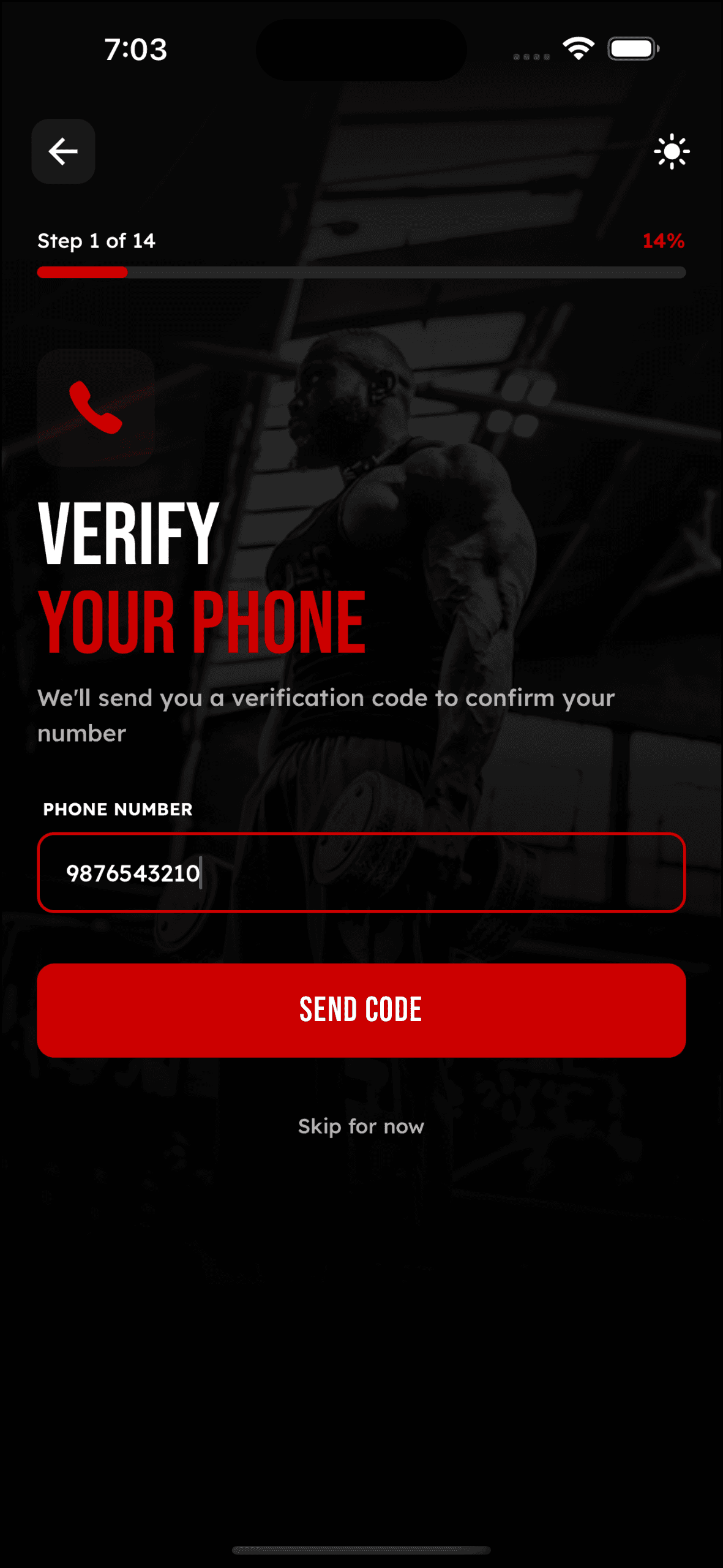
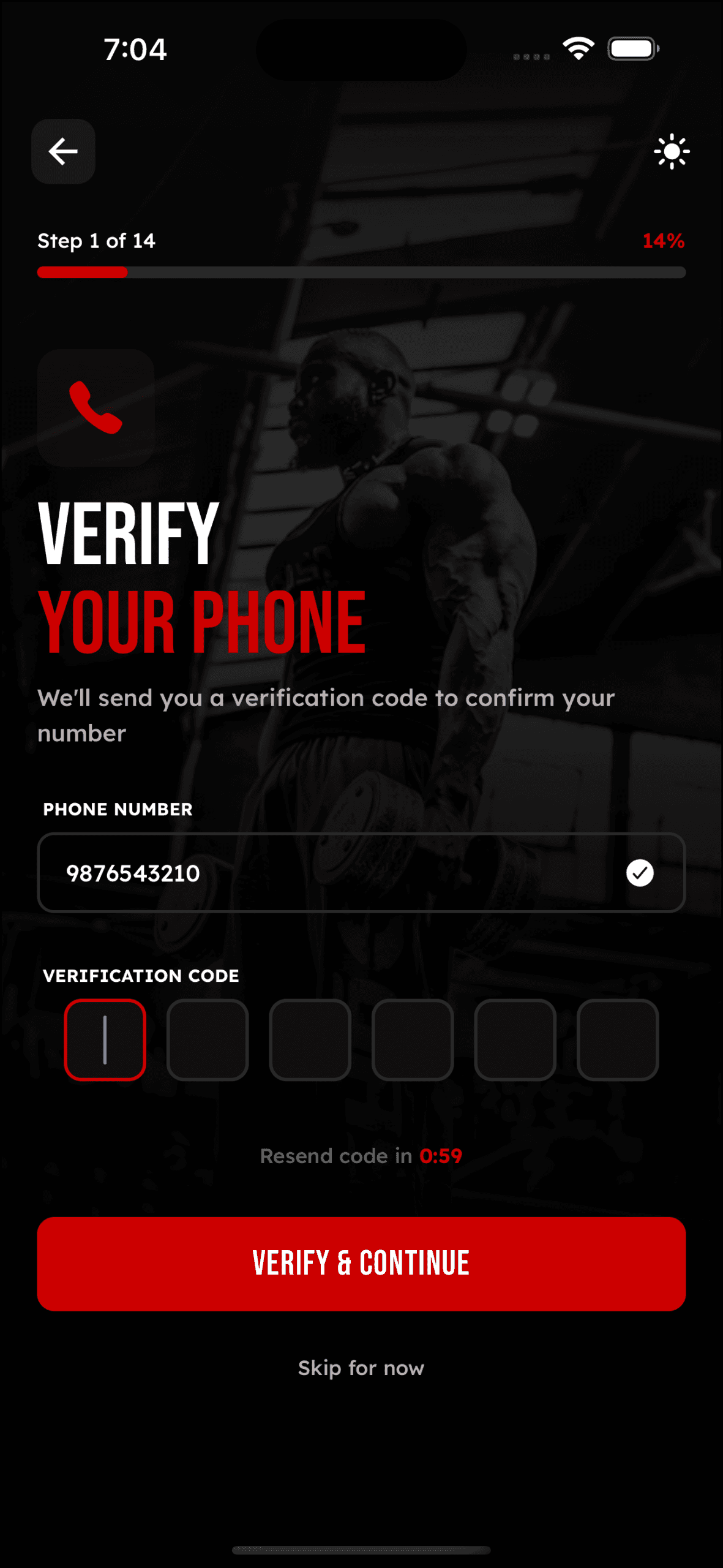
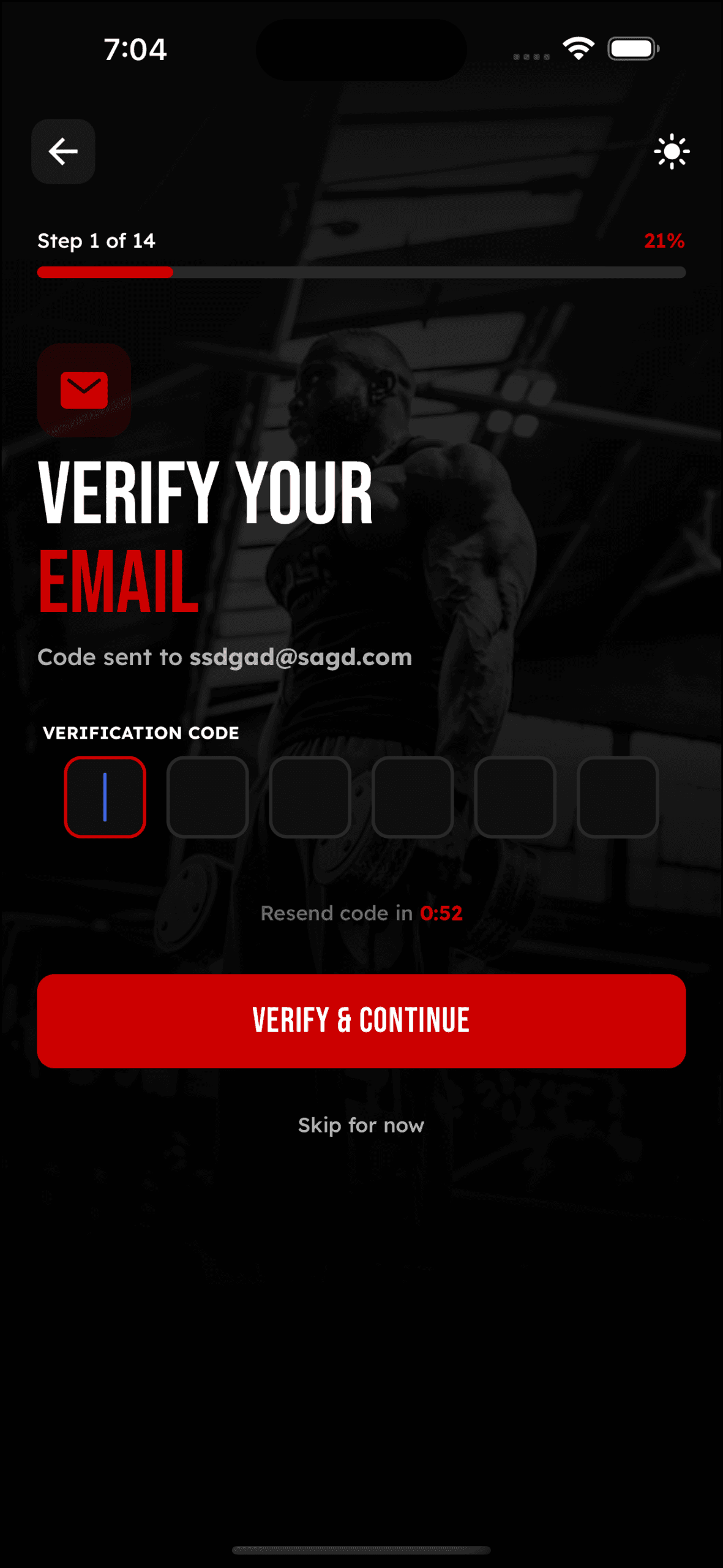
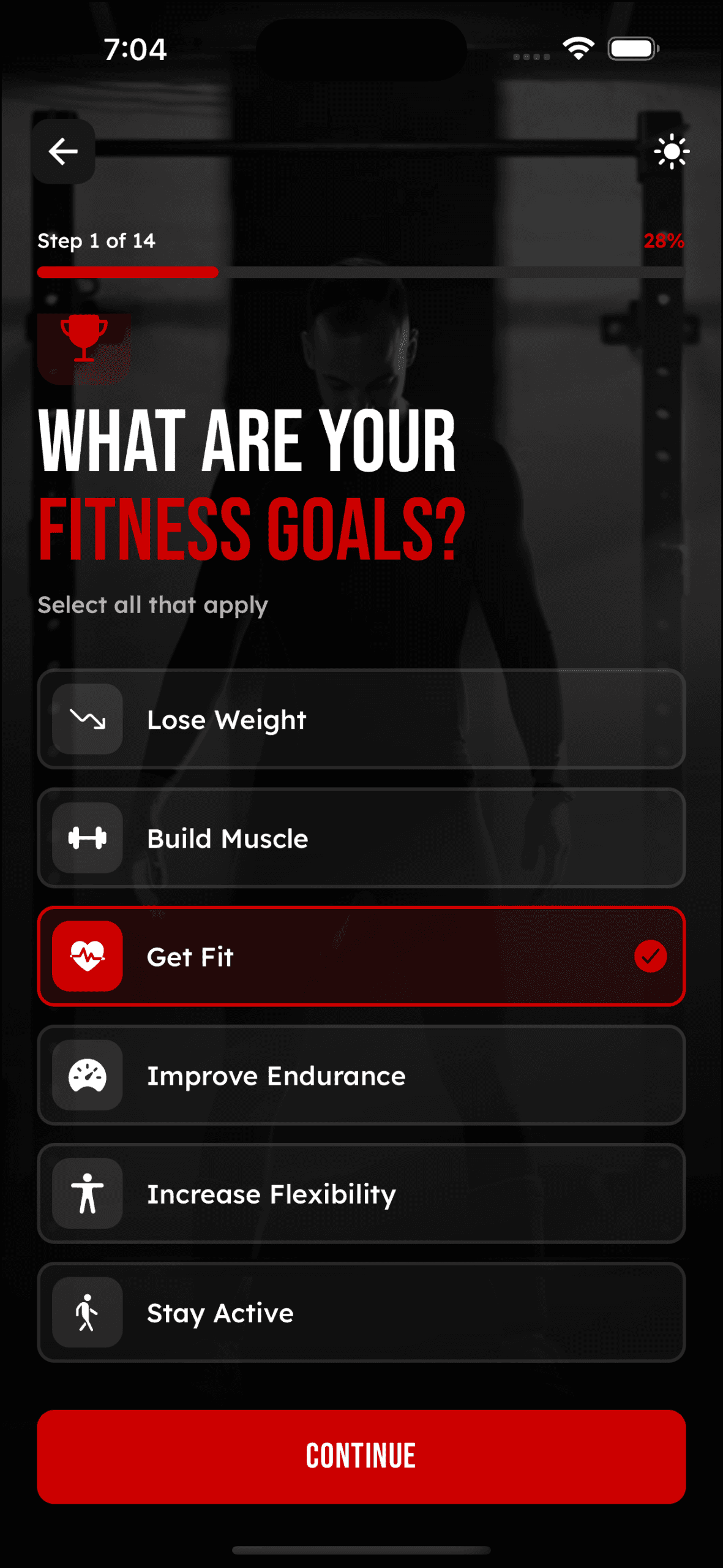
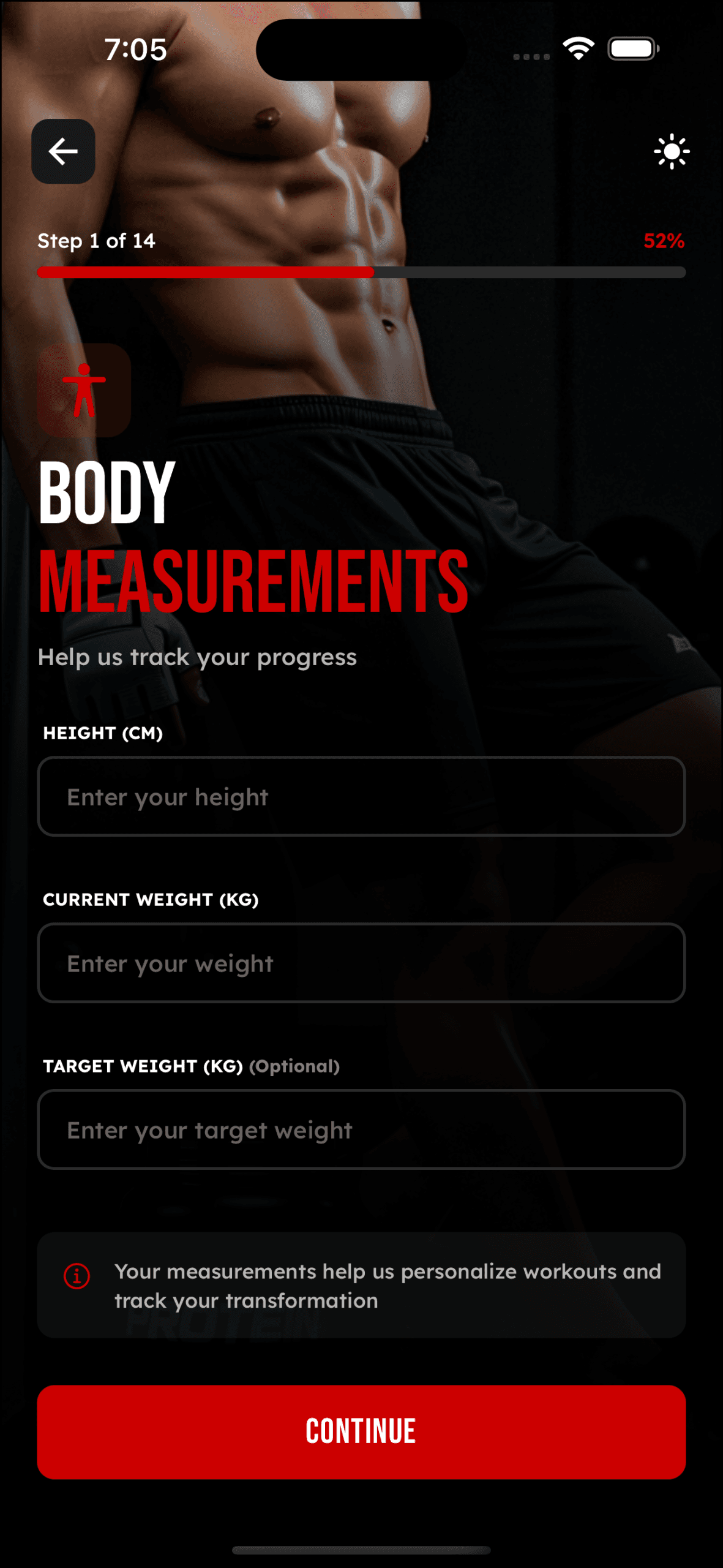
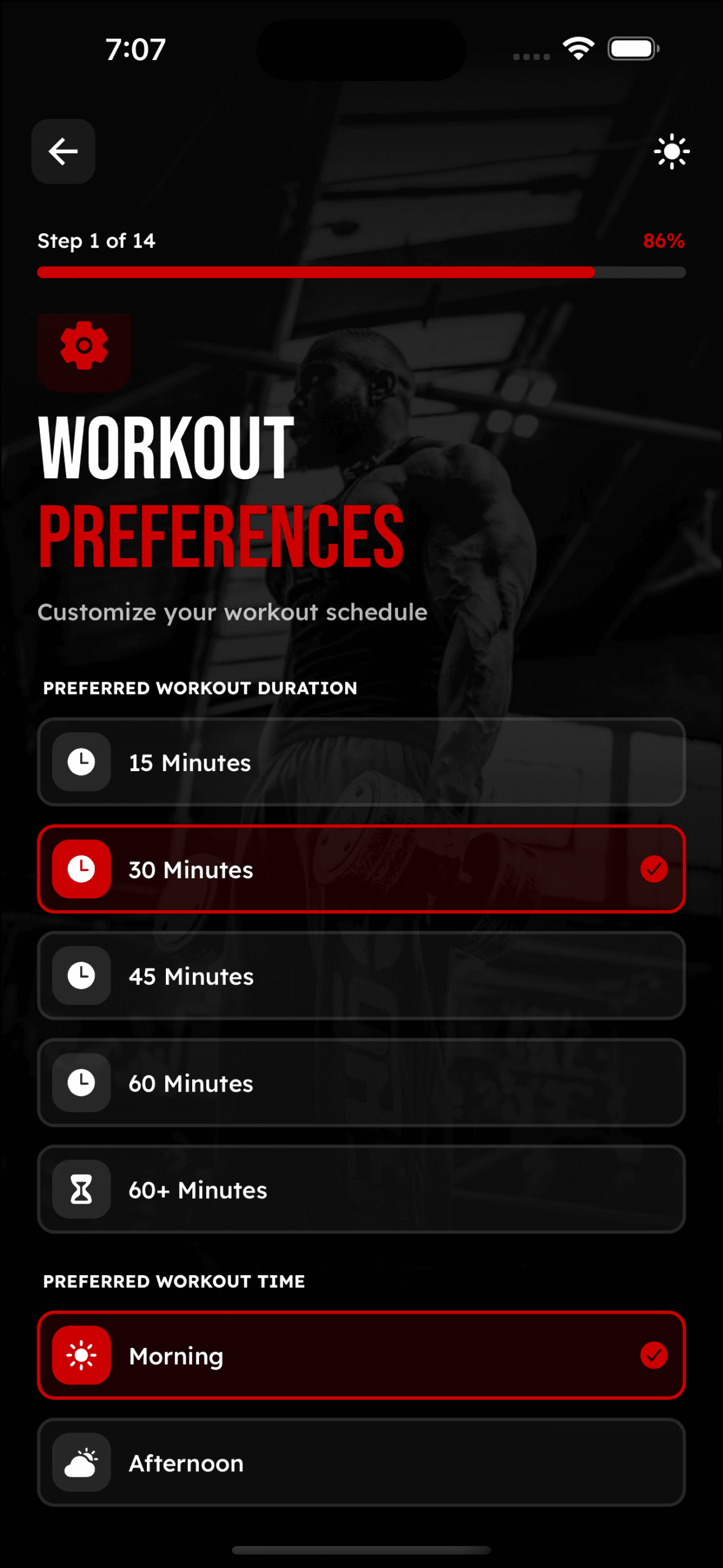
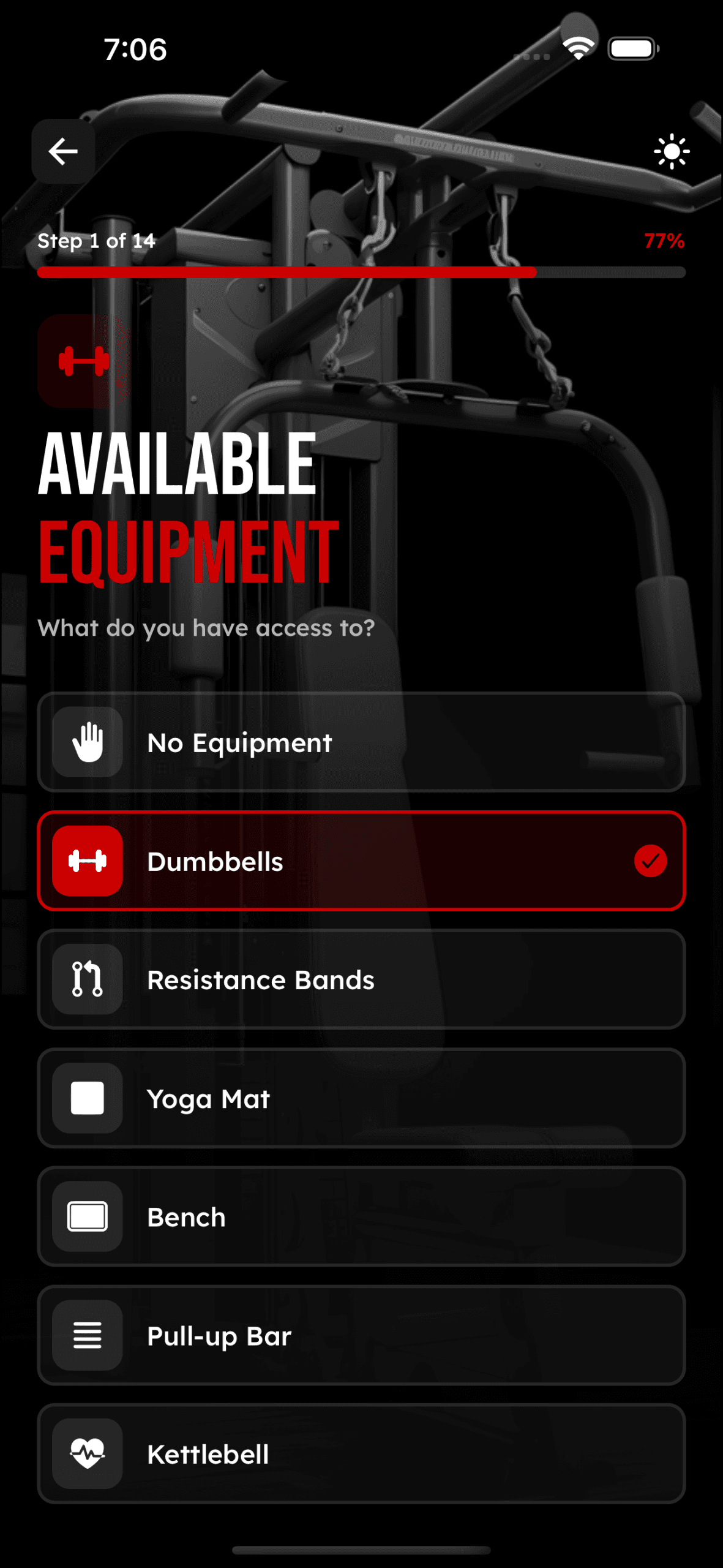
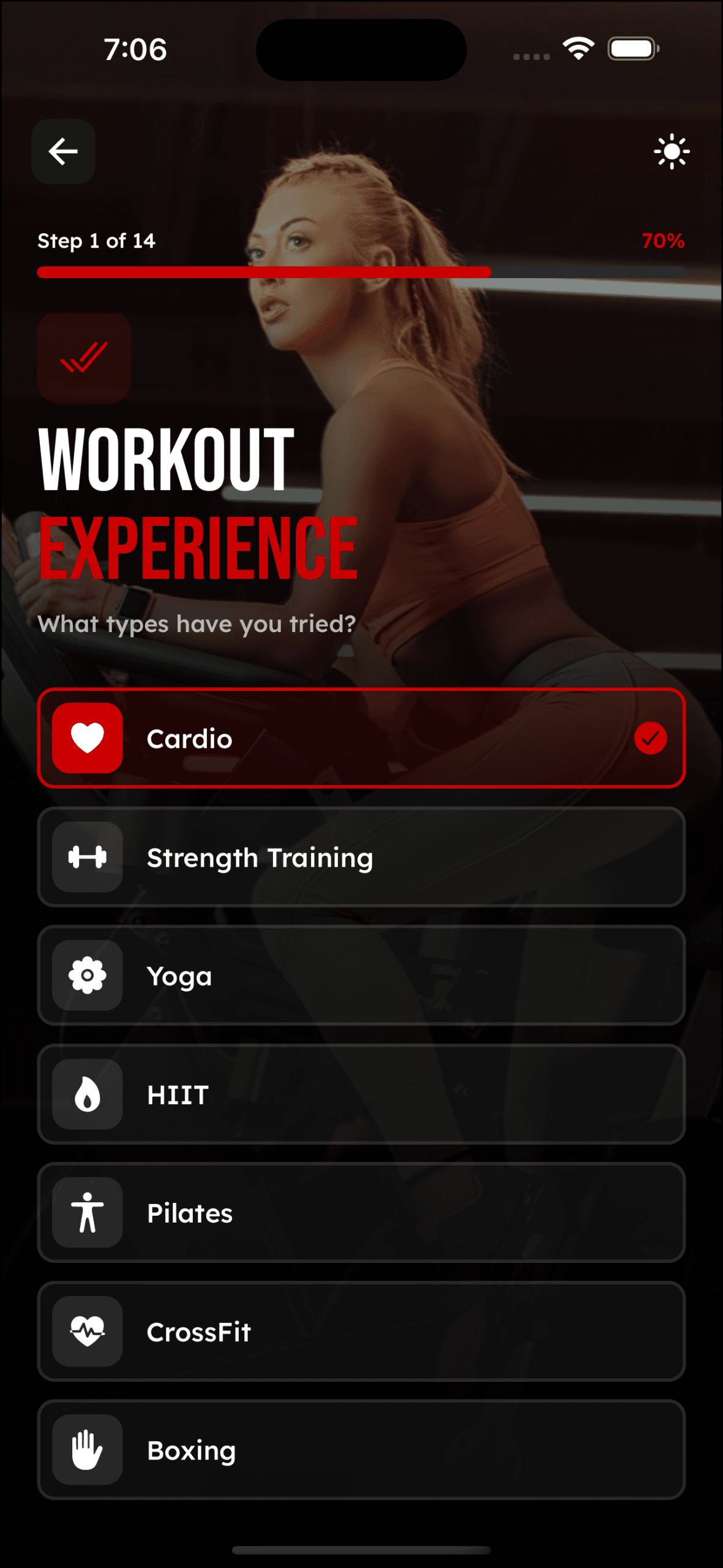
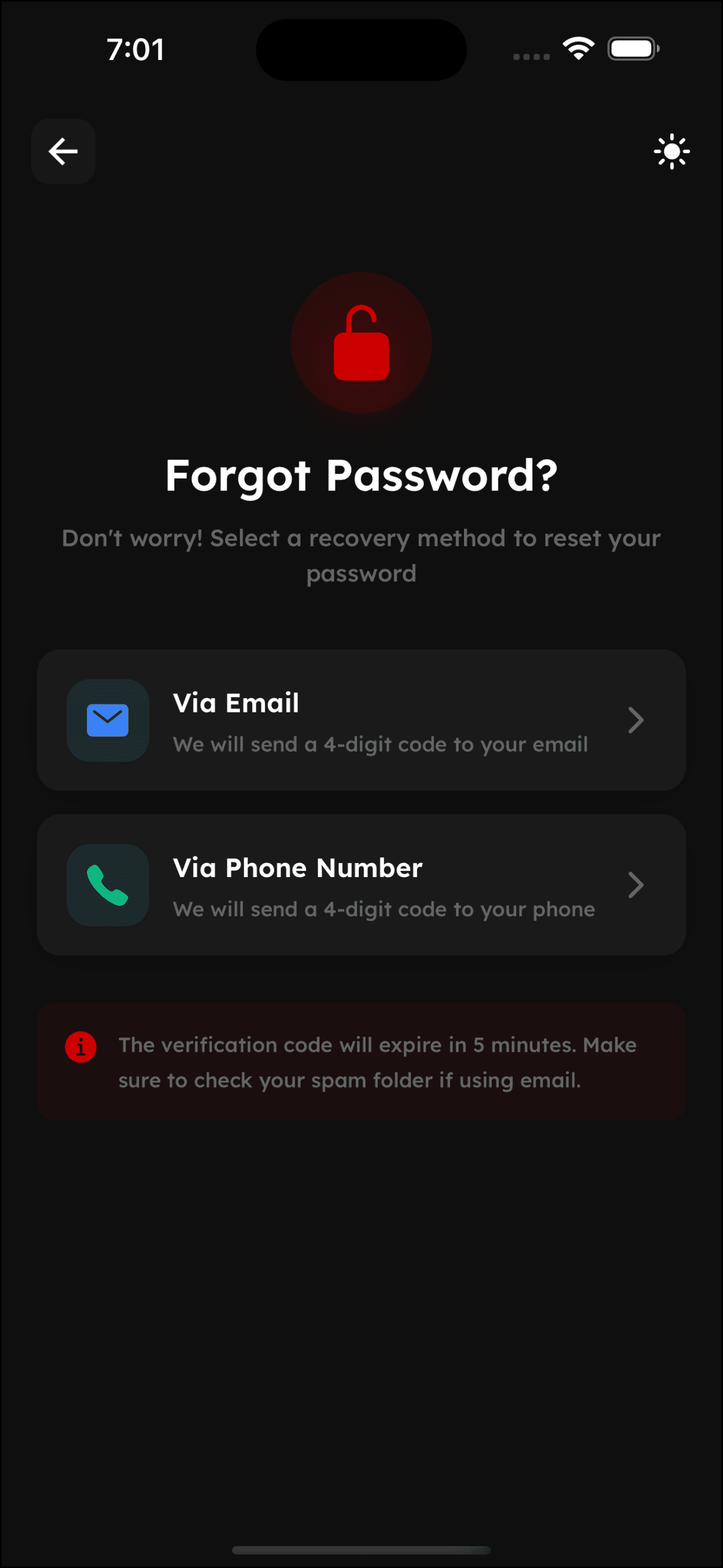
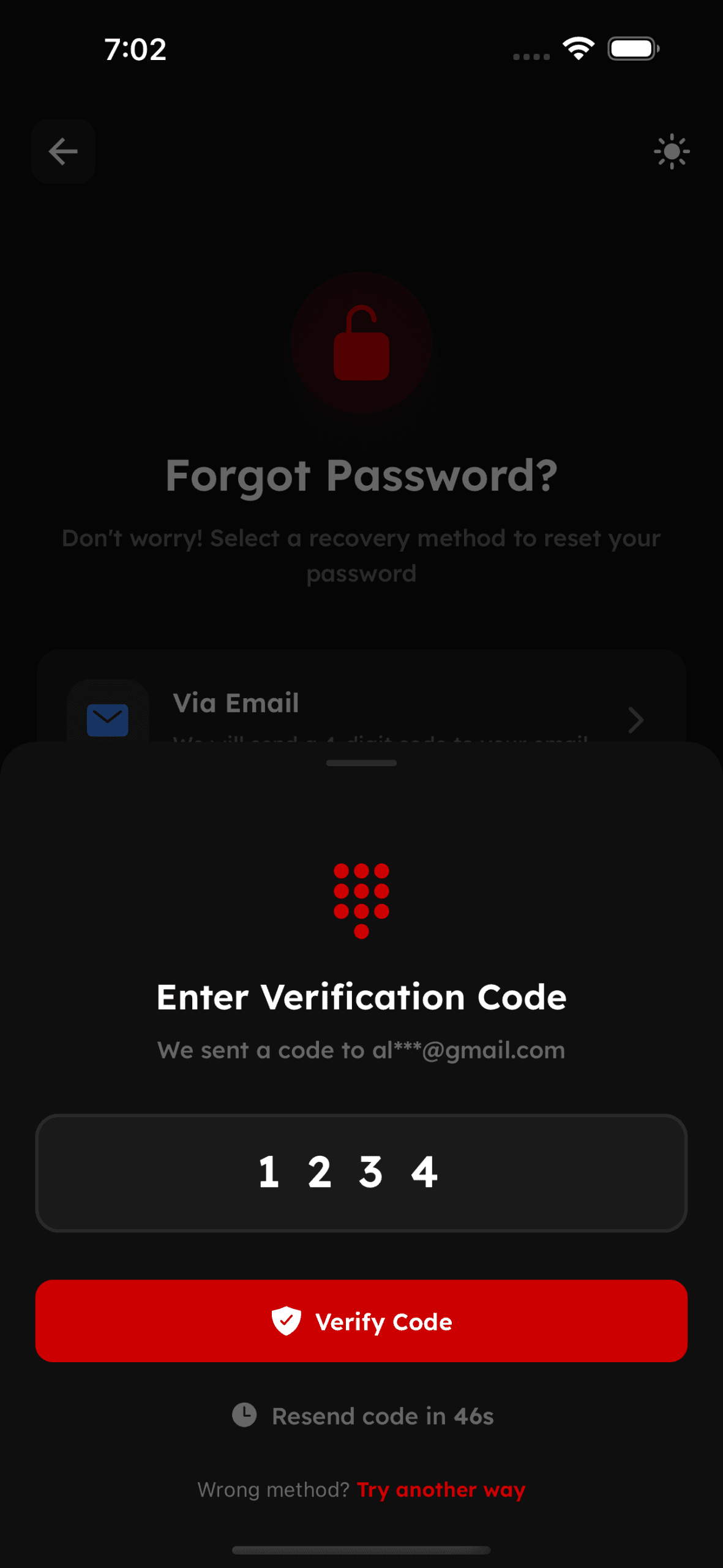
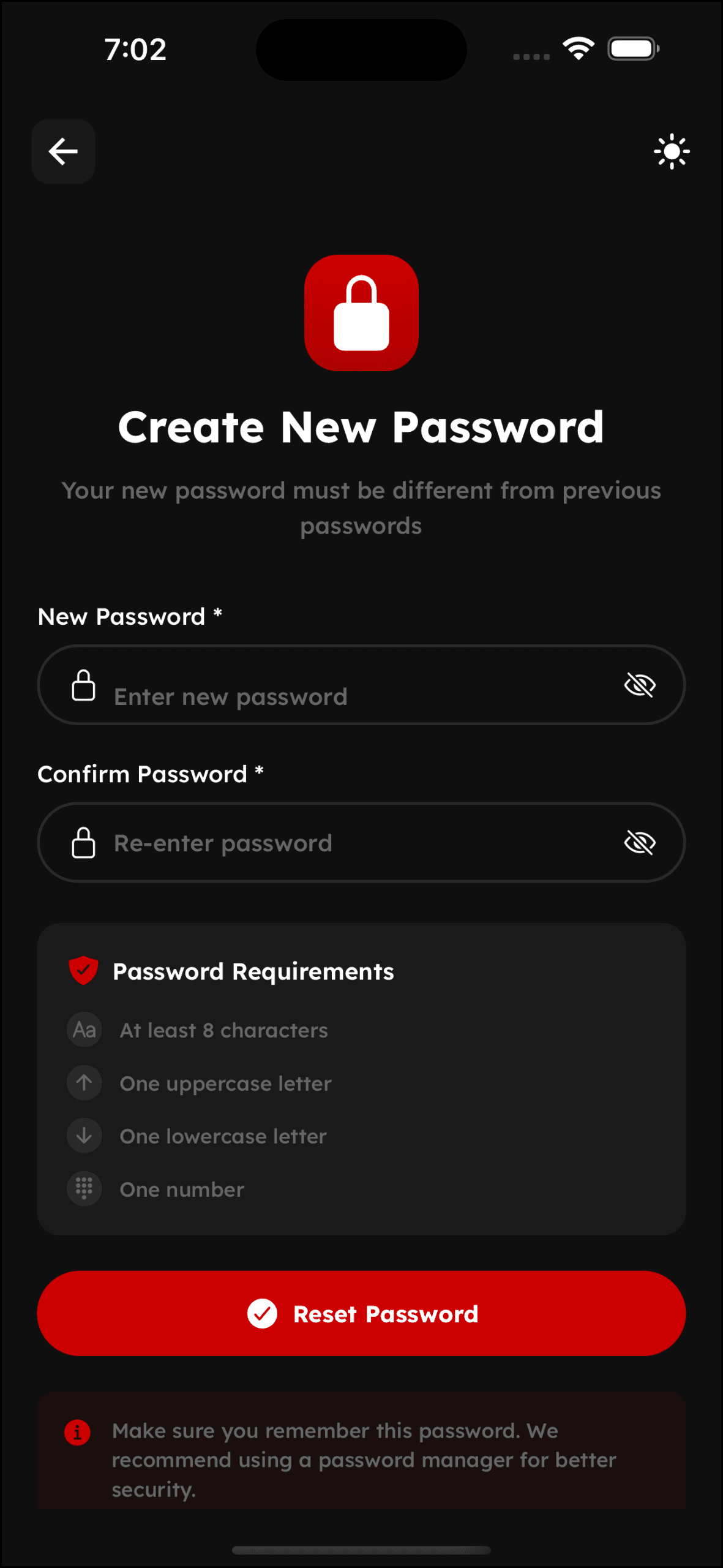
Authentication & Onboarding
Seamless registration, personalized setup, and fitness journey initiation
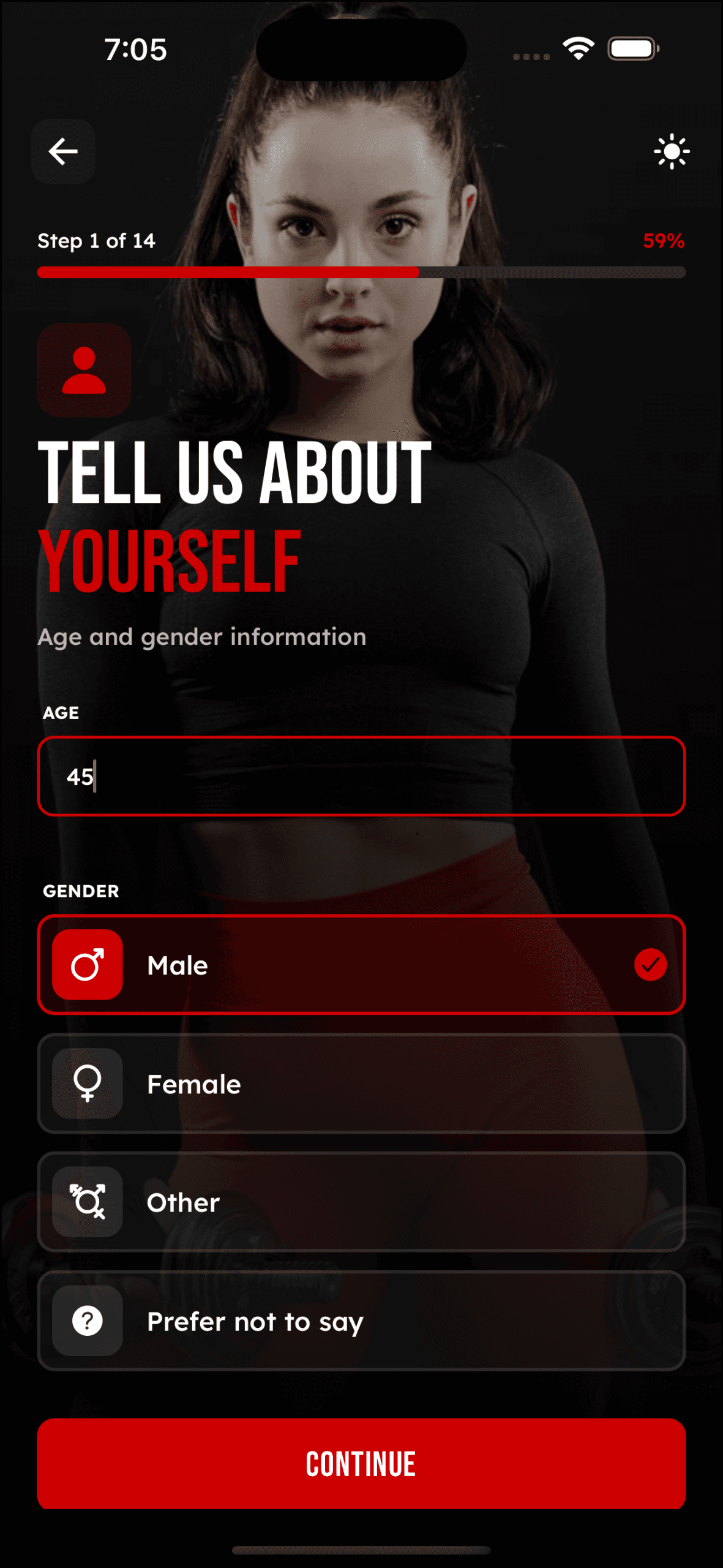
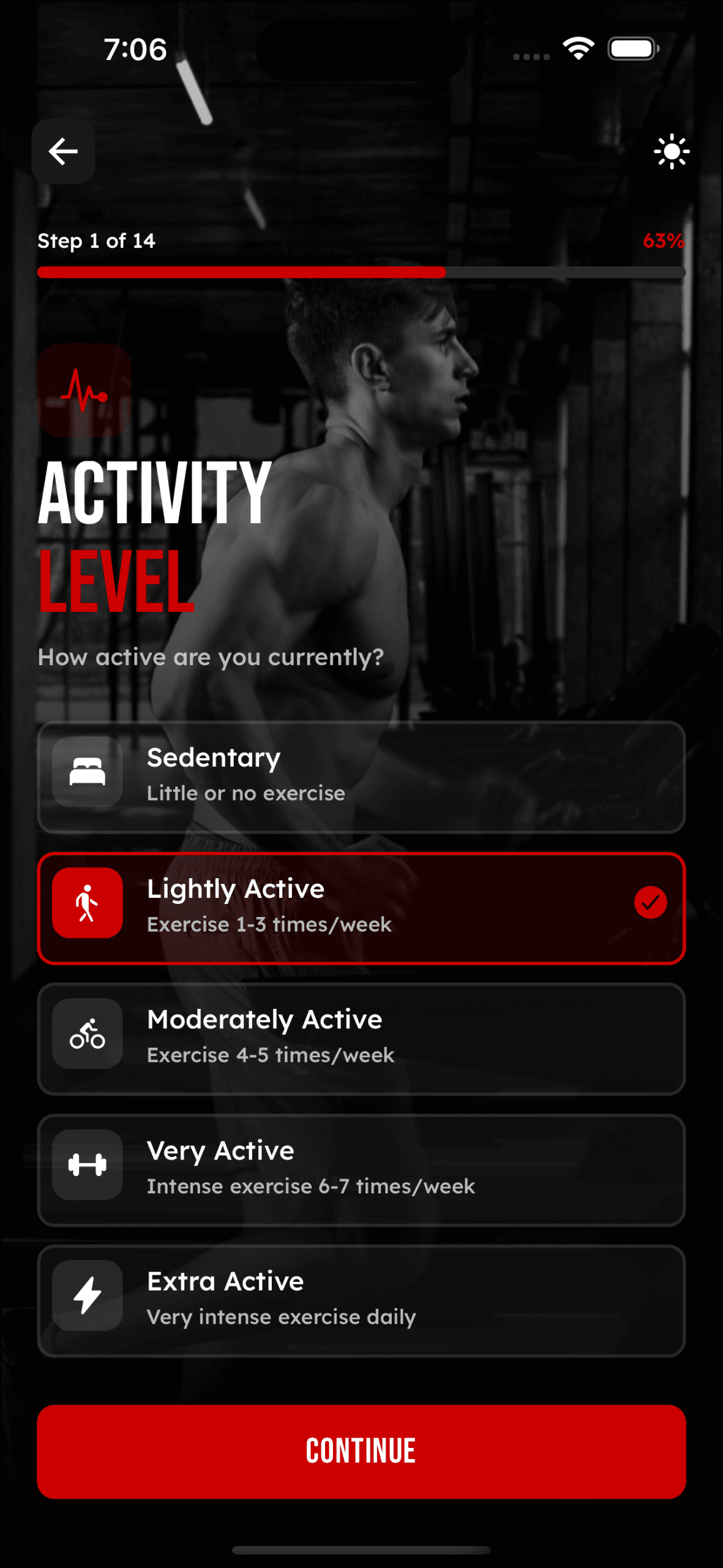
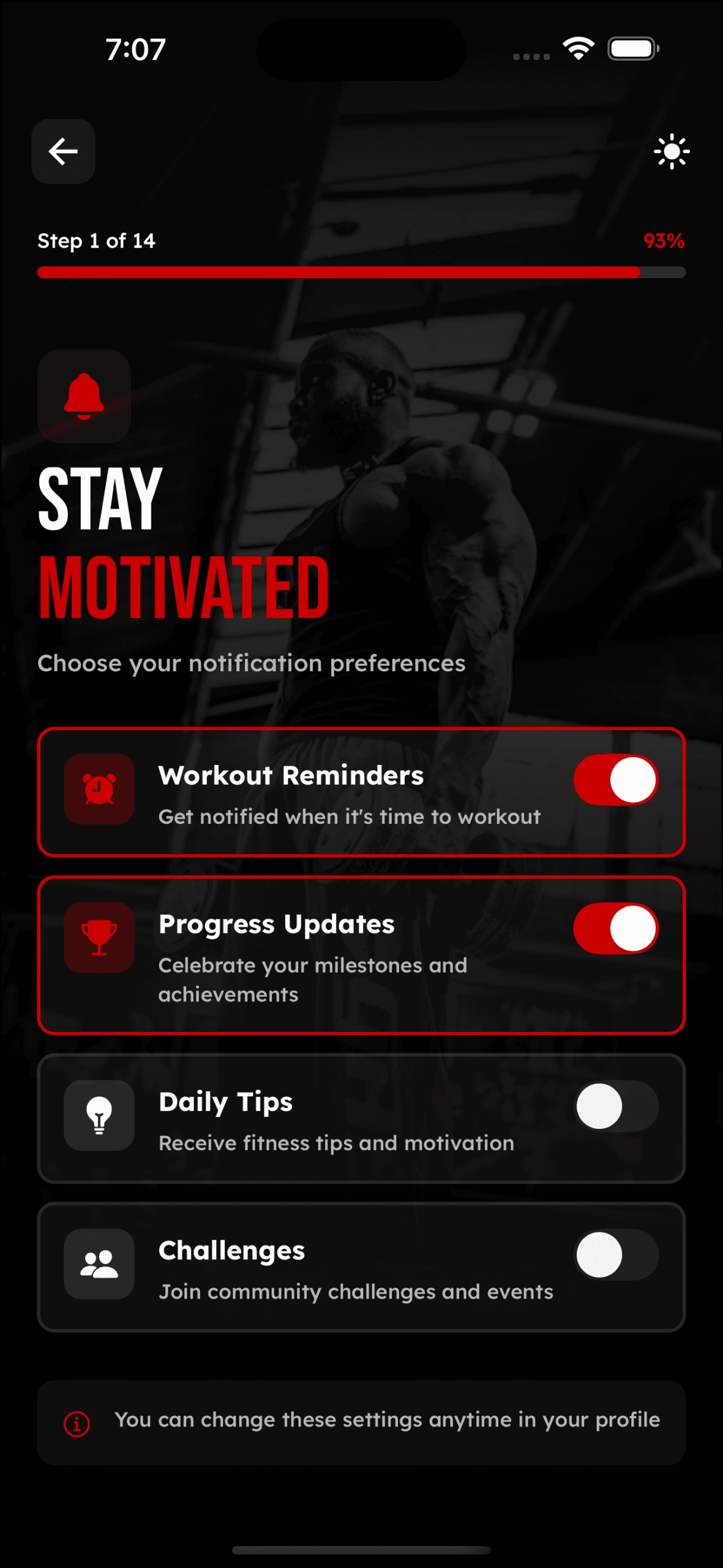
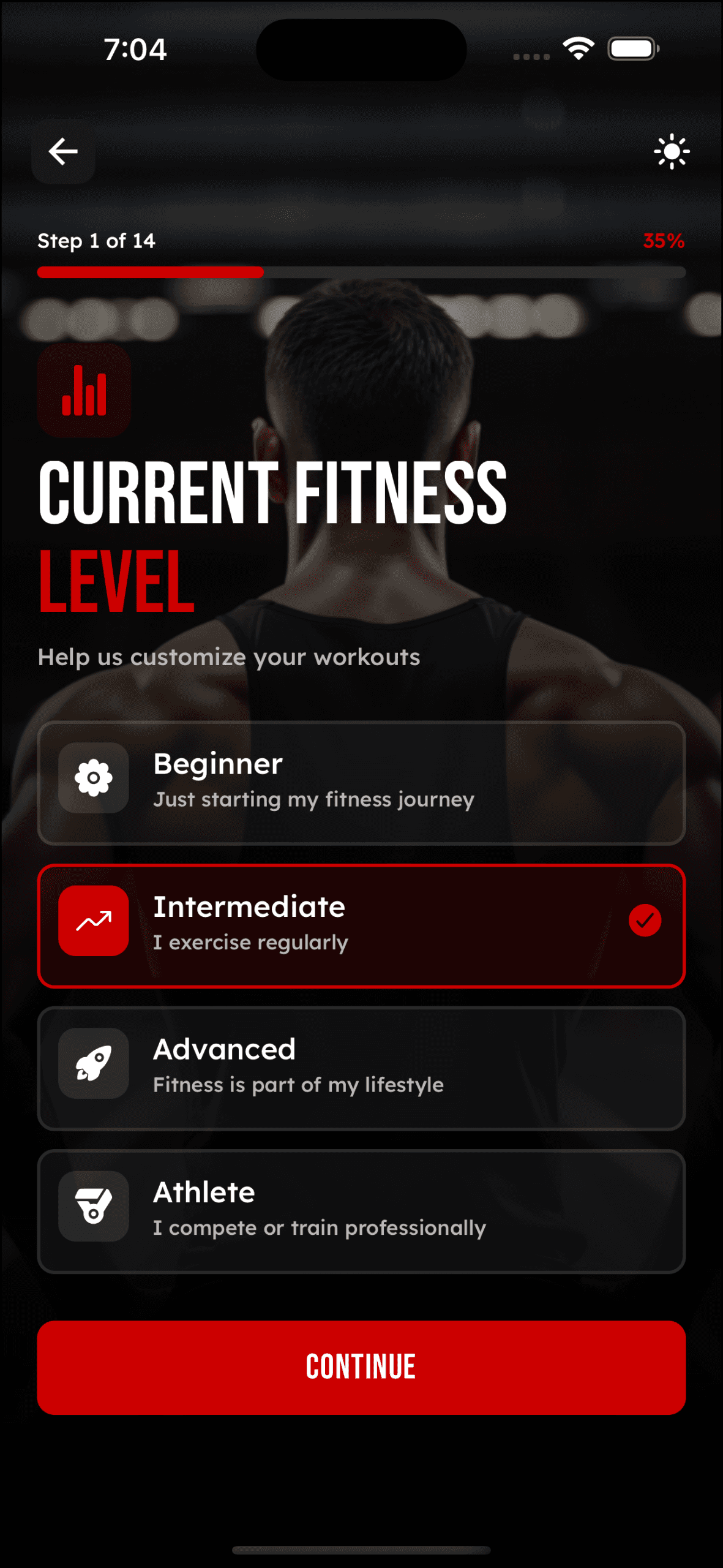
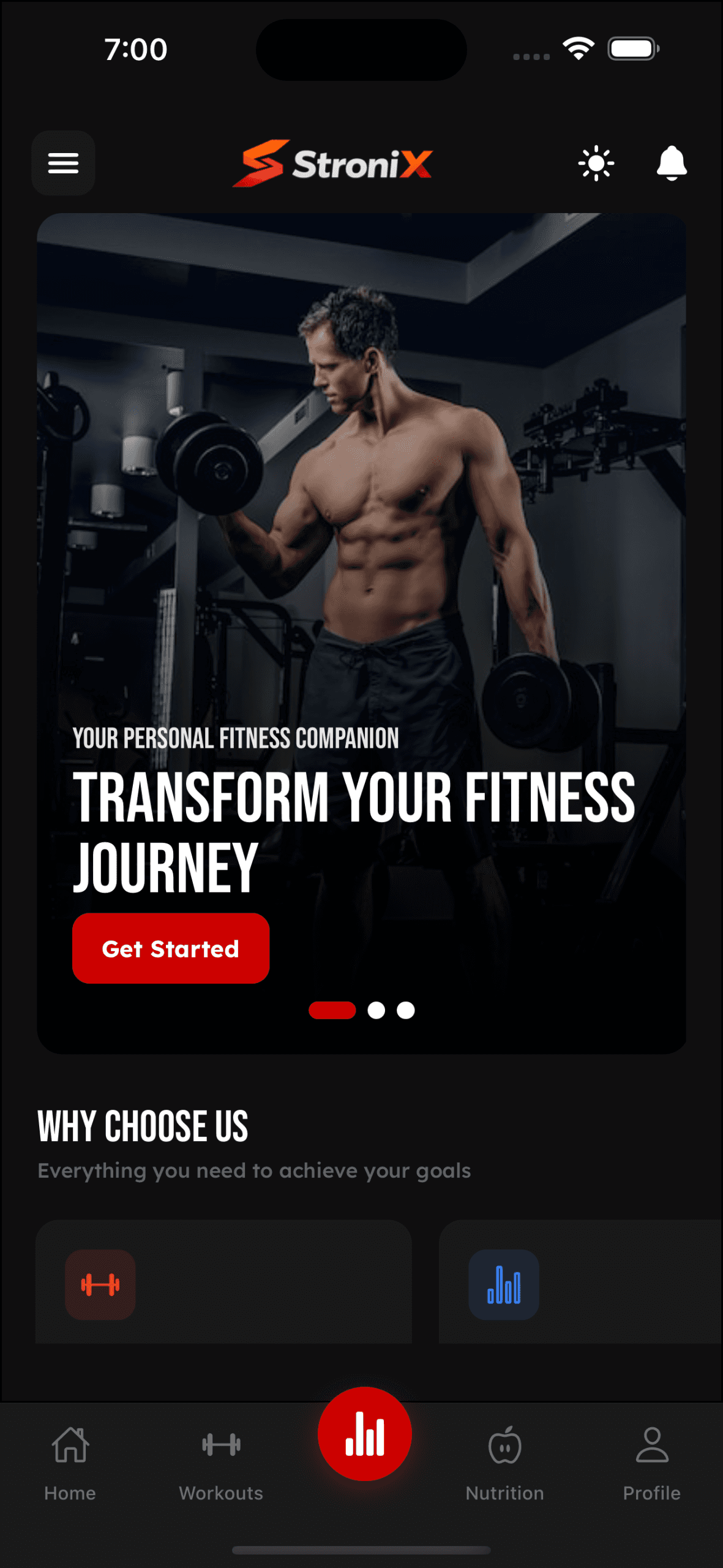
Main Dashboard
Central hub for daily fitness tracking and quick access
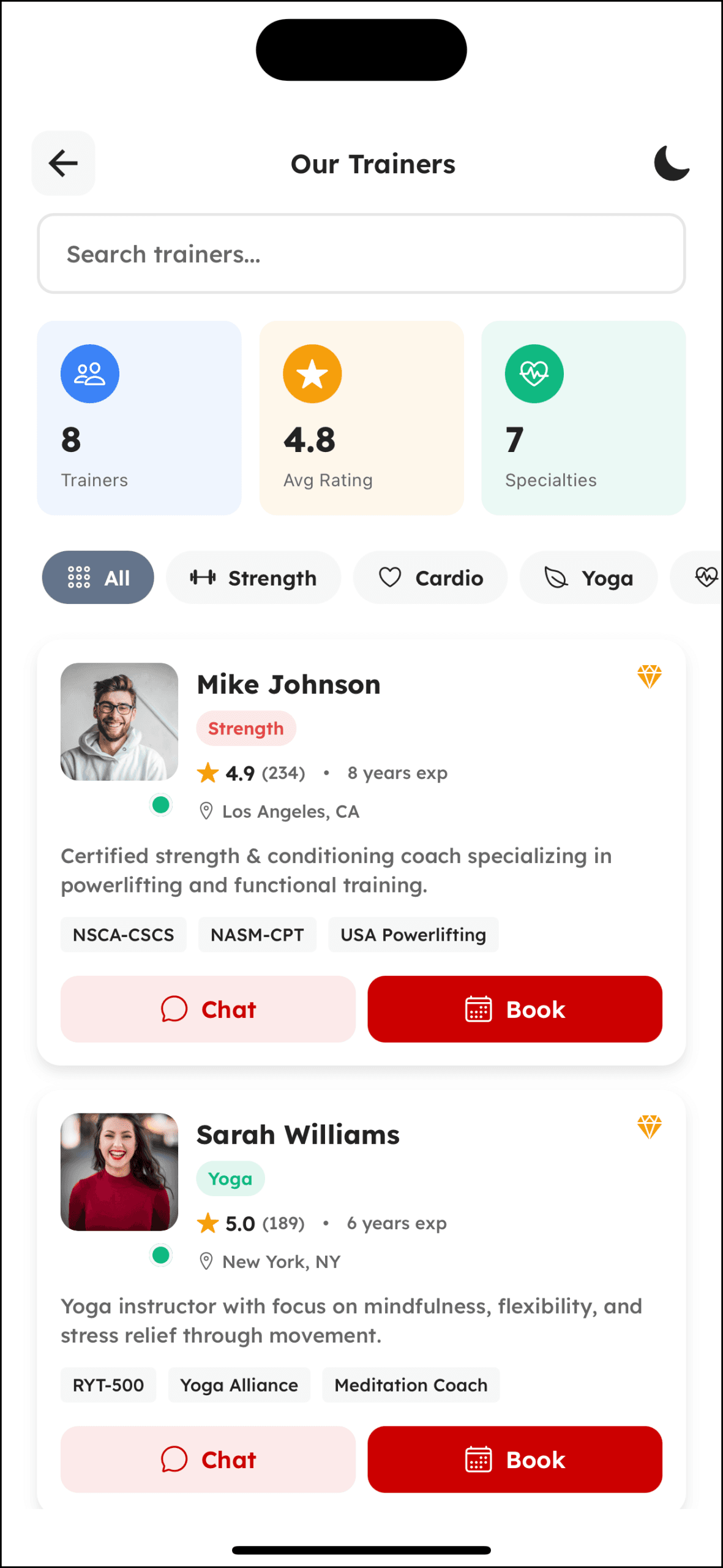
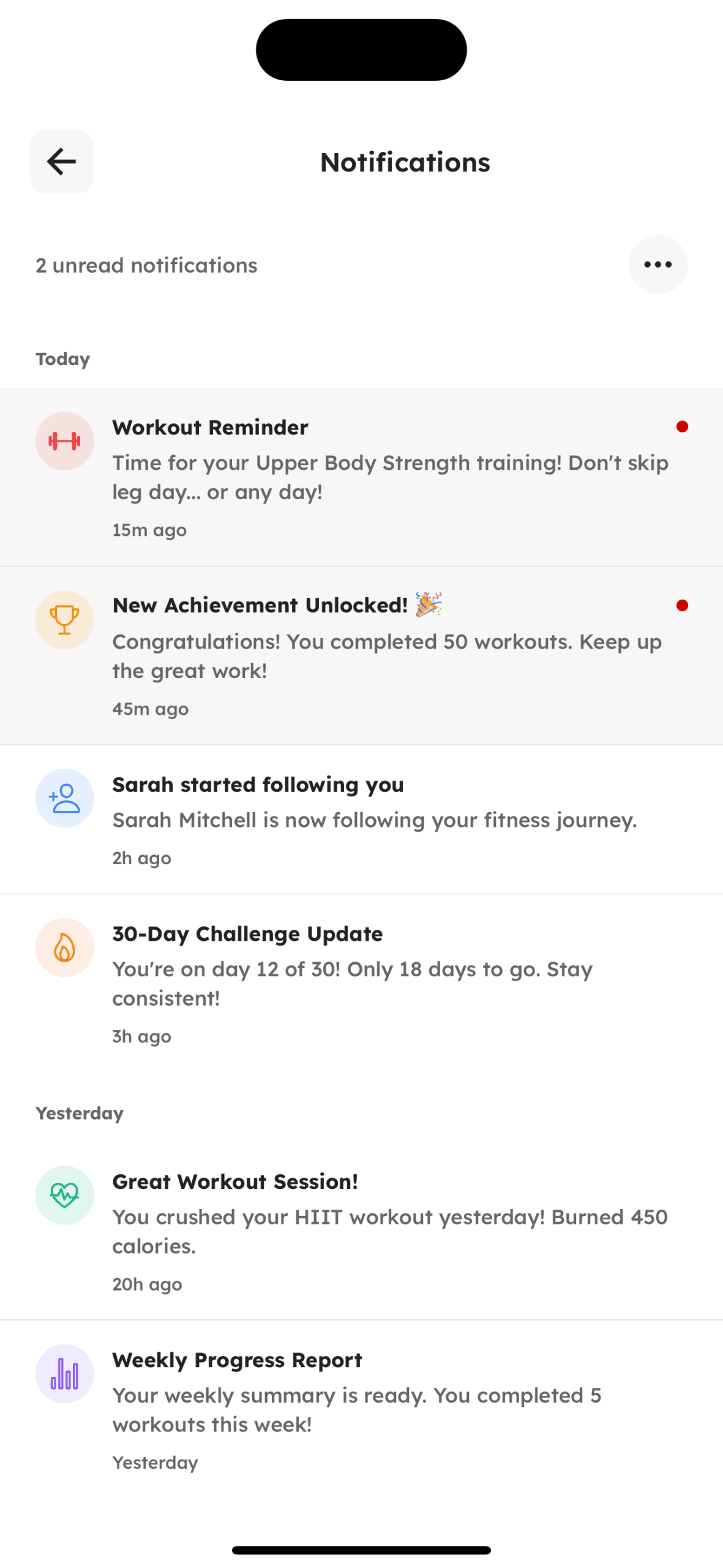
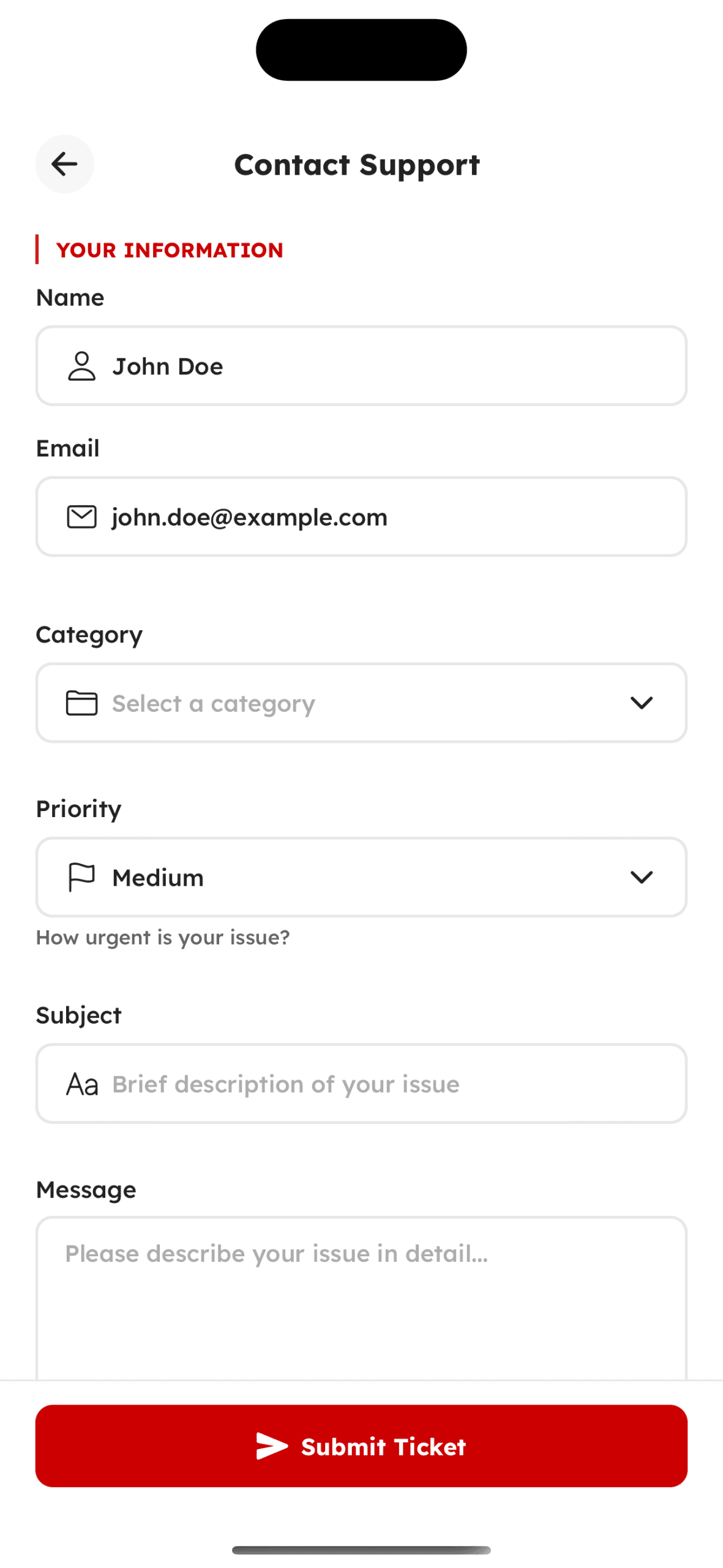
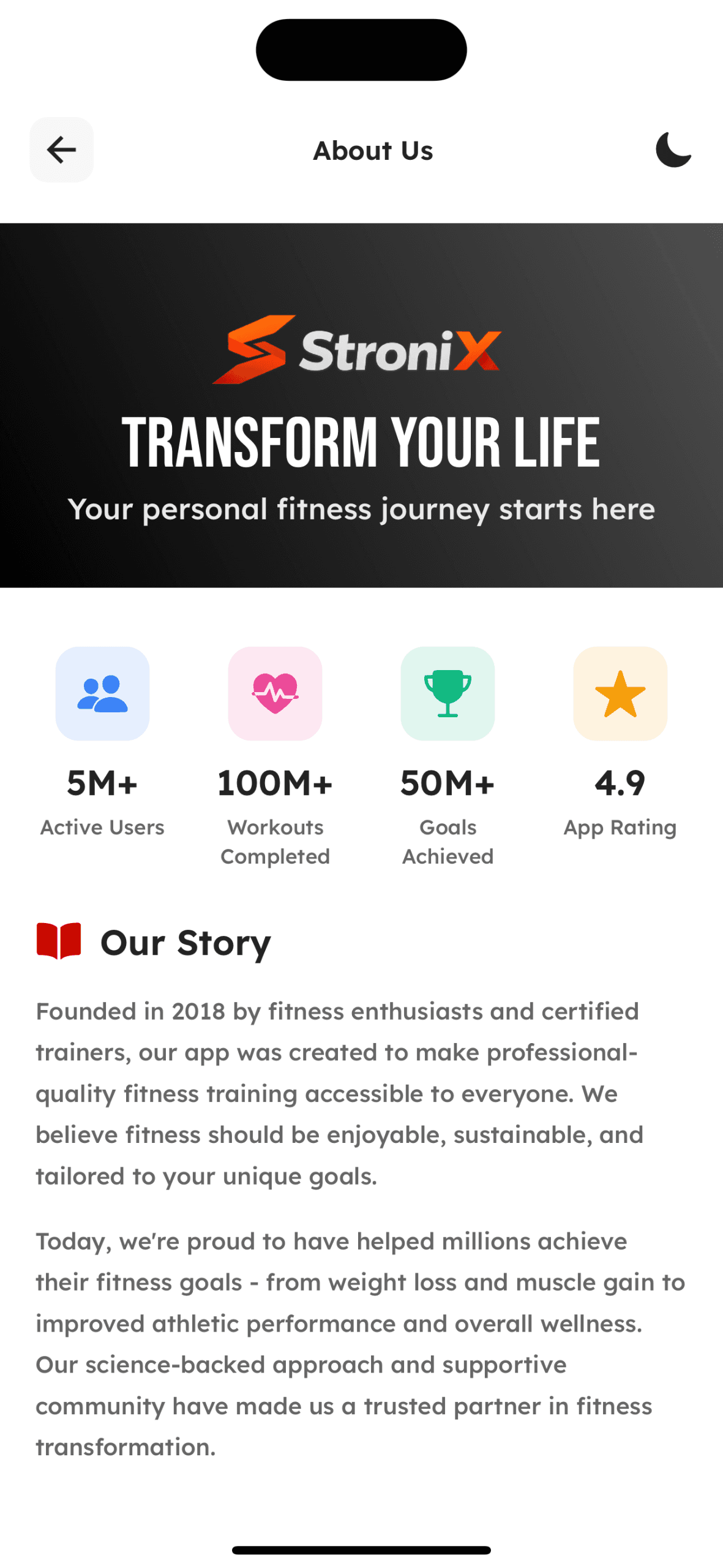
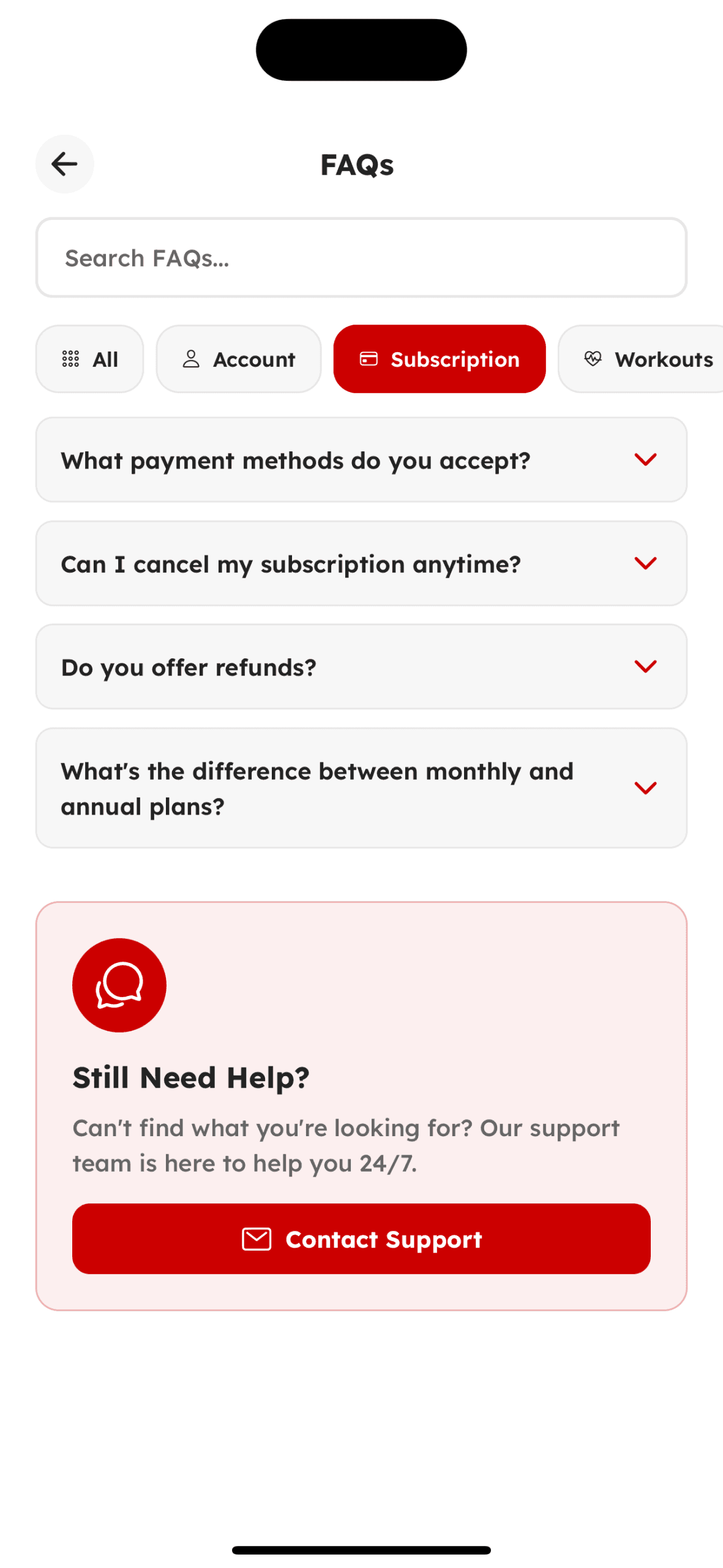
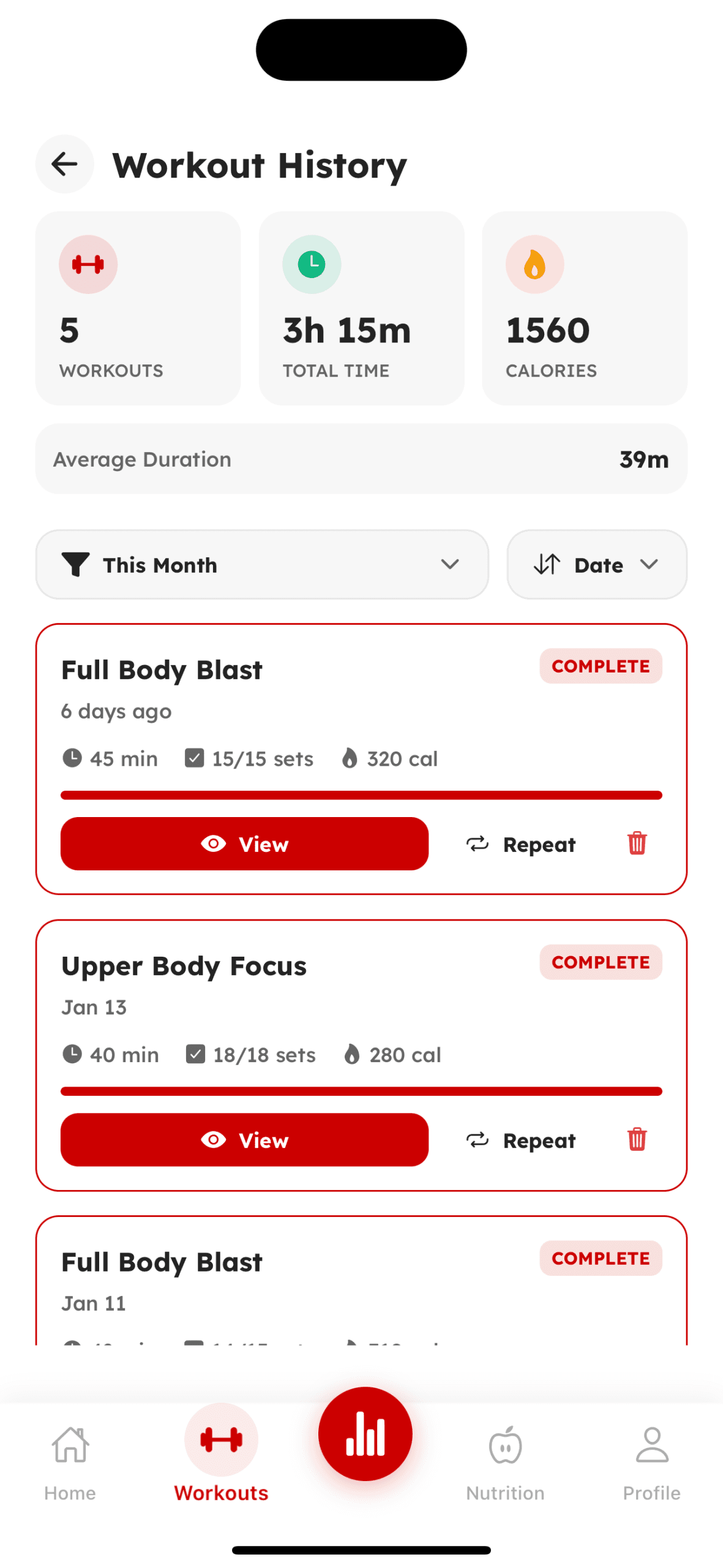
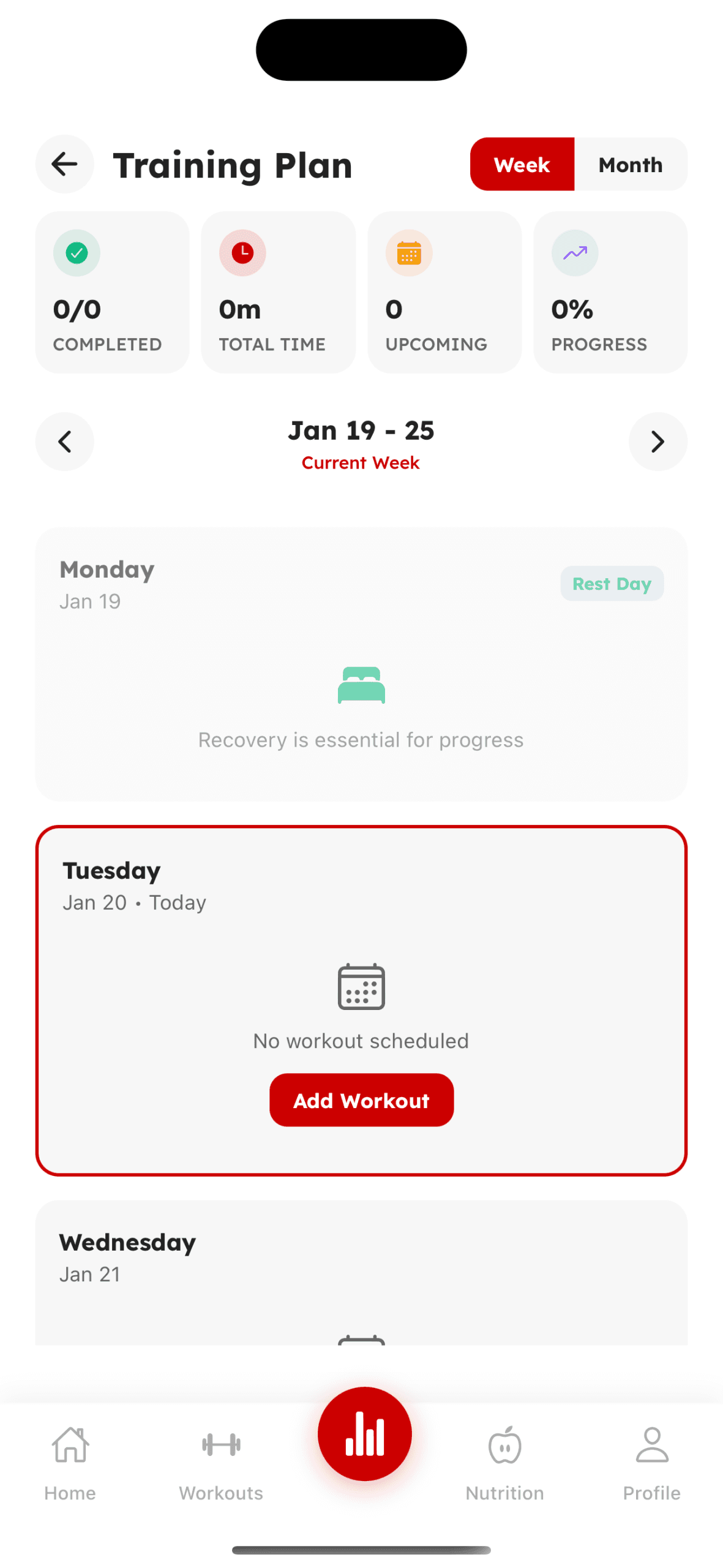
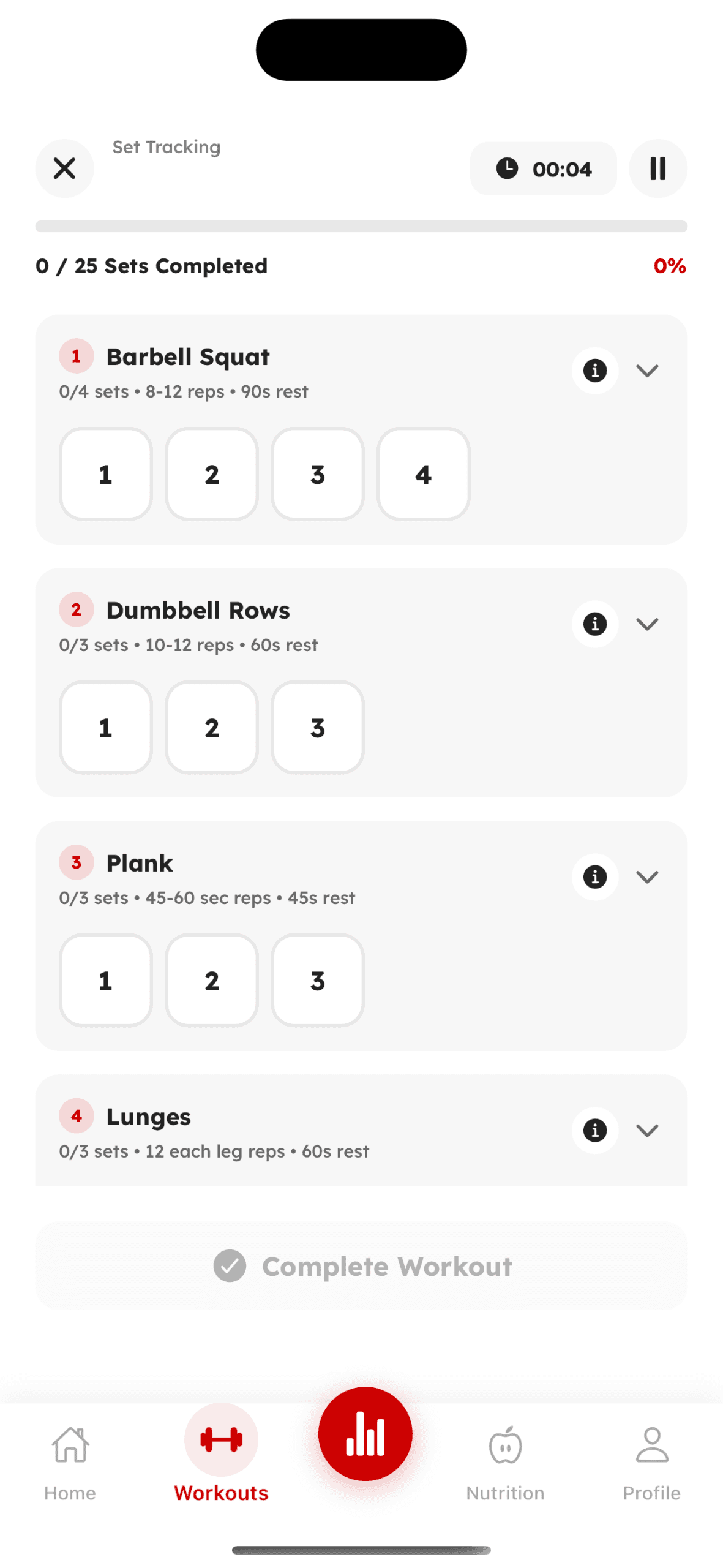
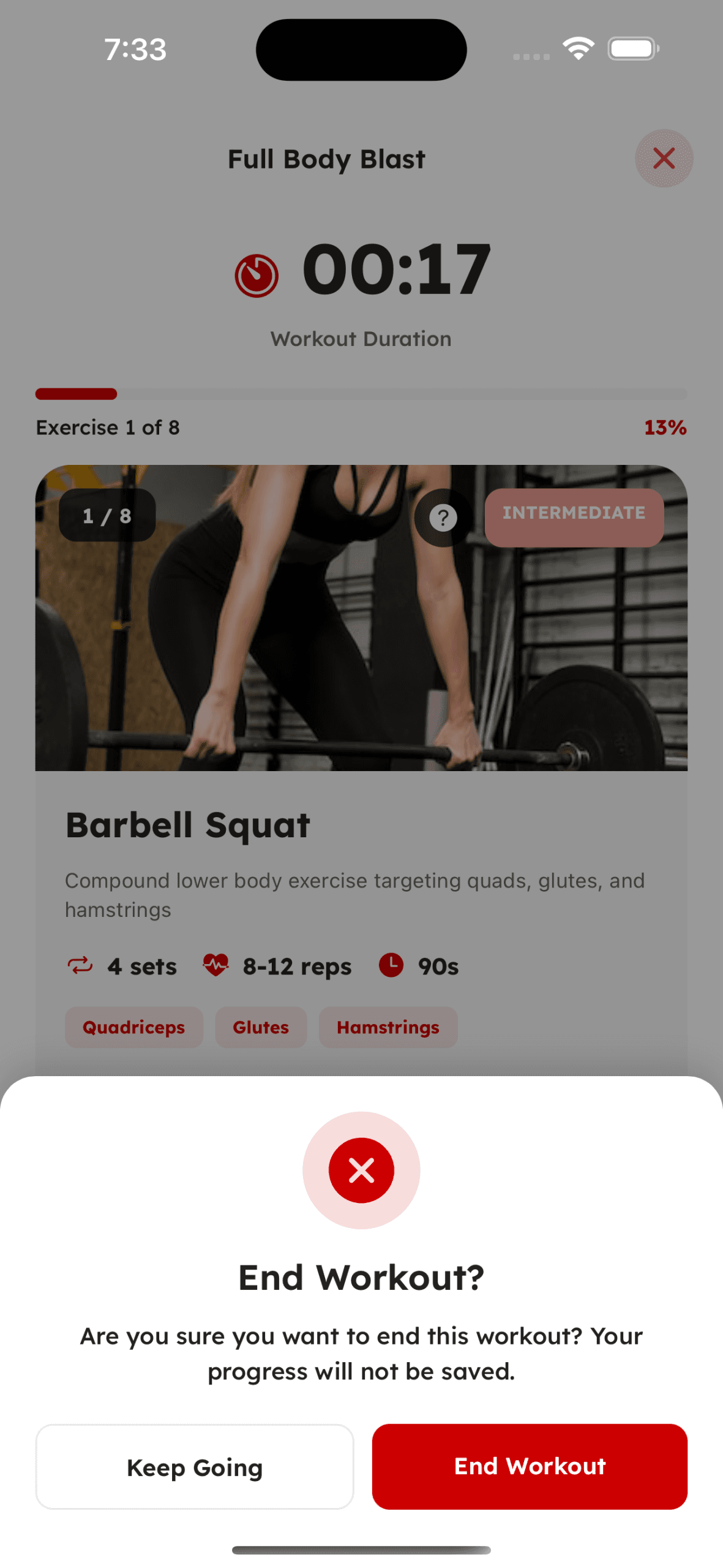
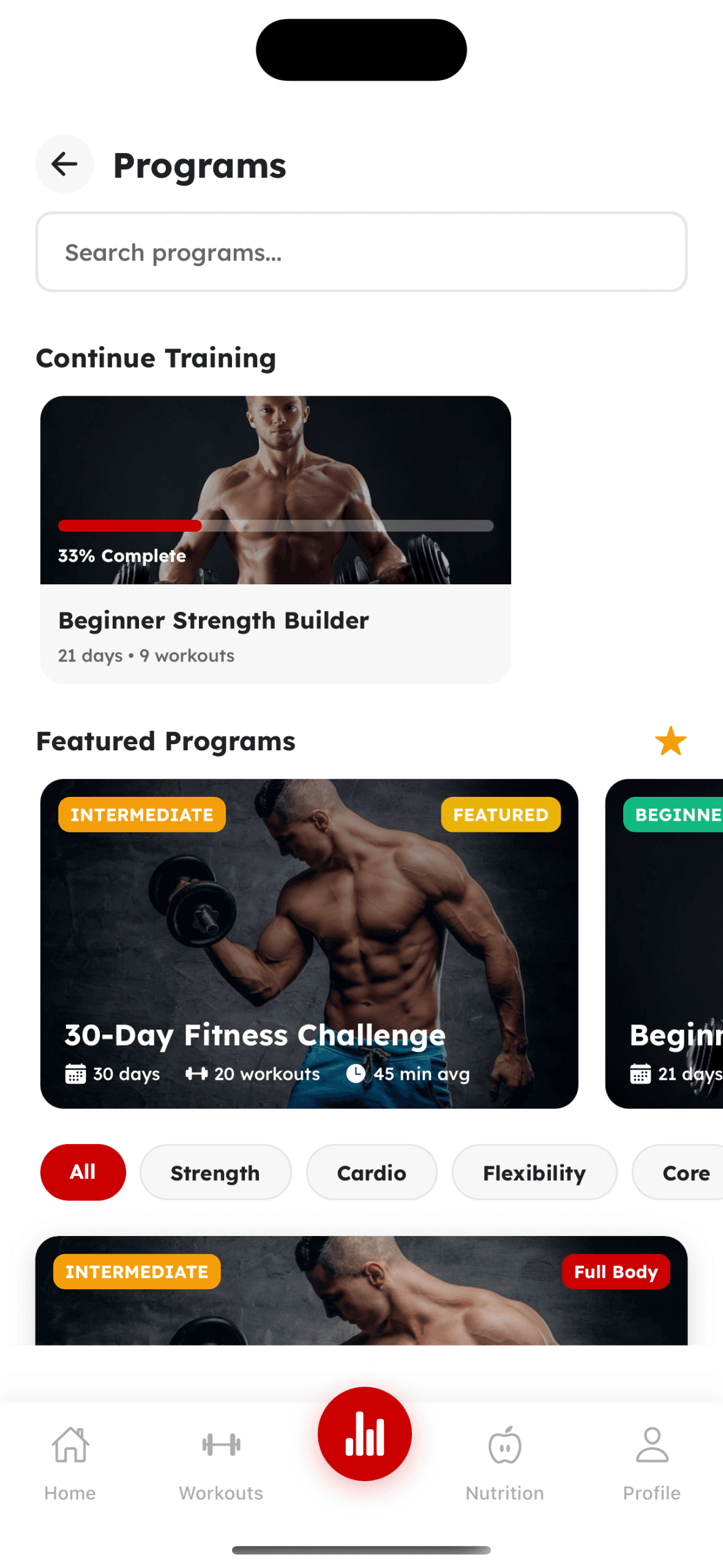
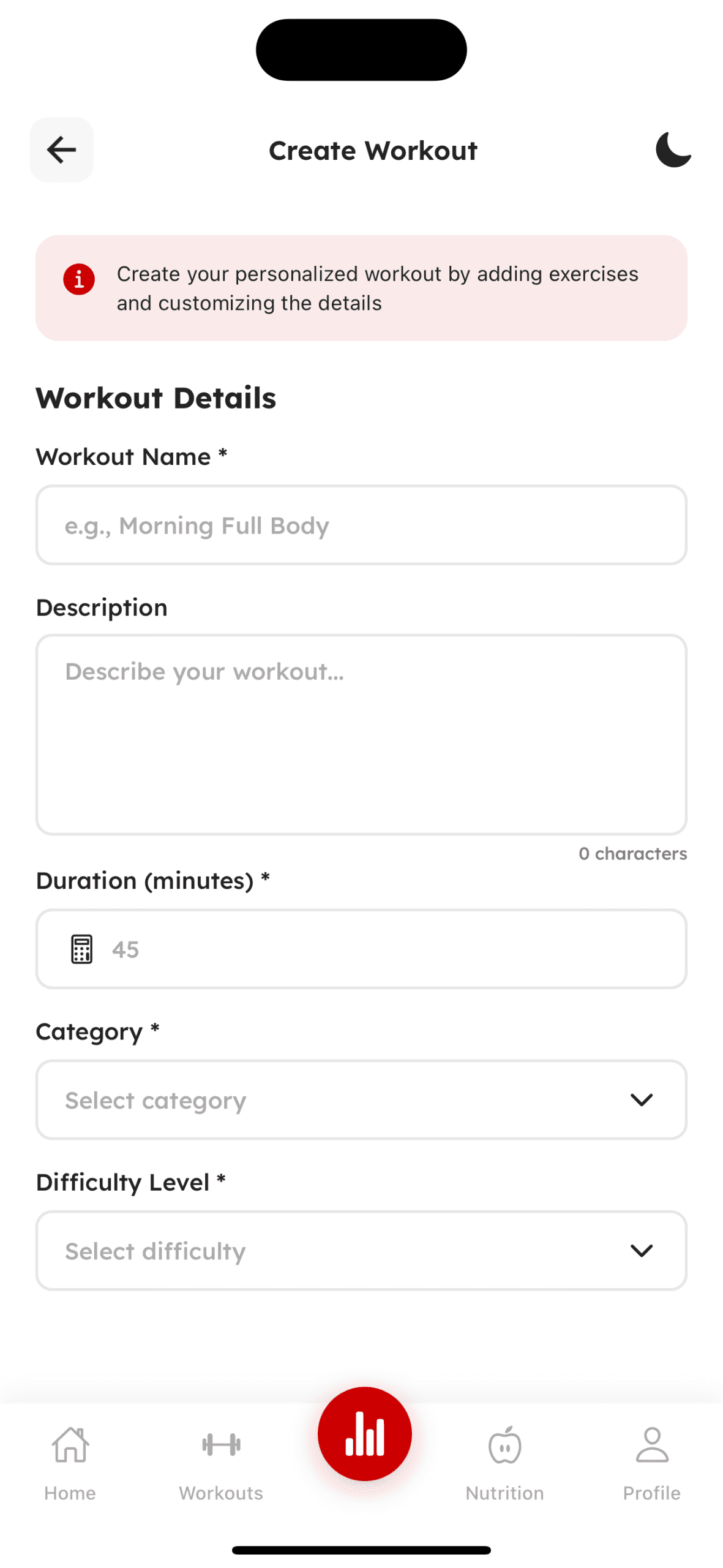
Workout & Training
Exercise library, guided sessions, and real-time tracking
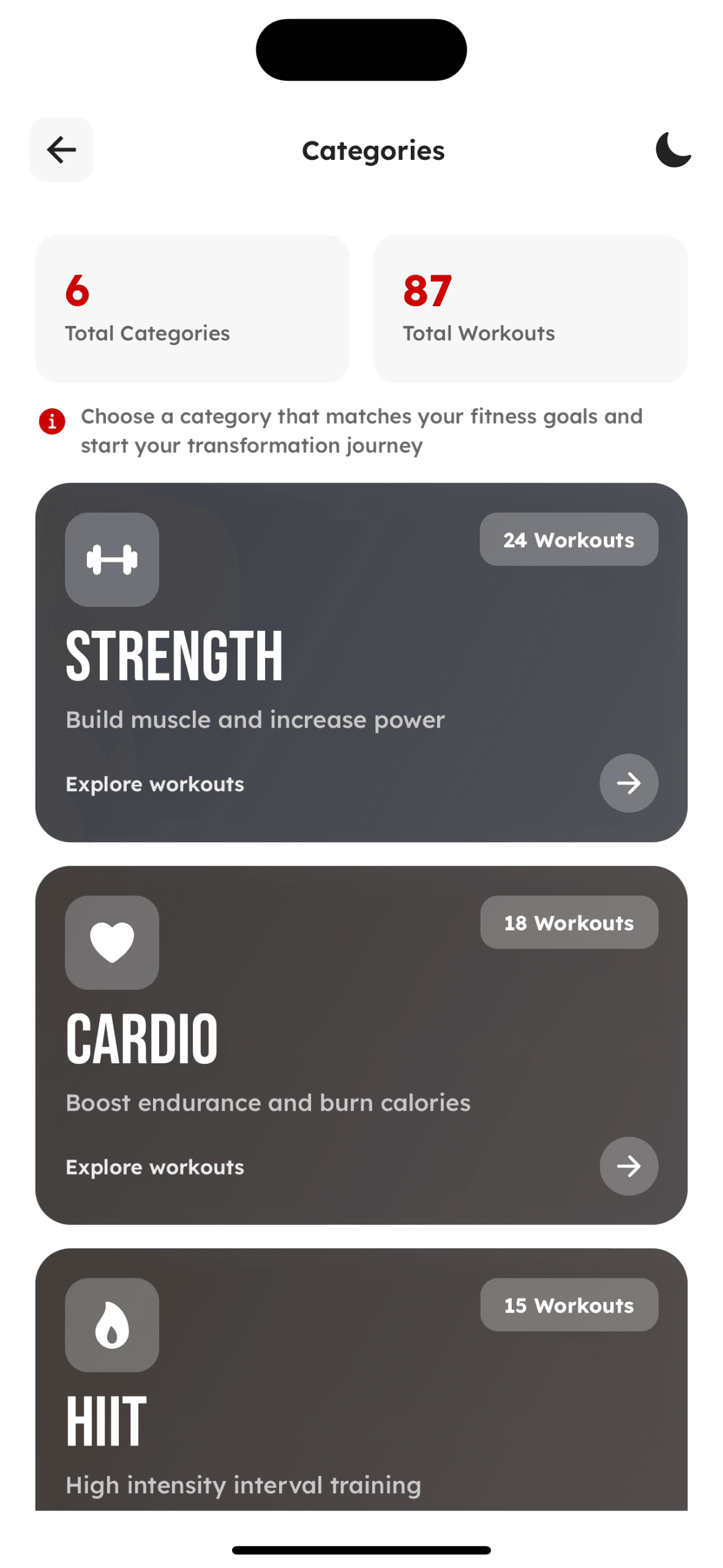
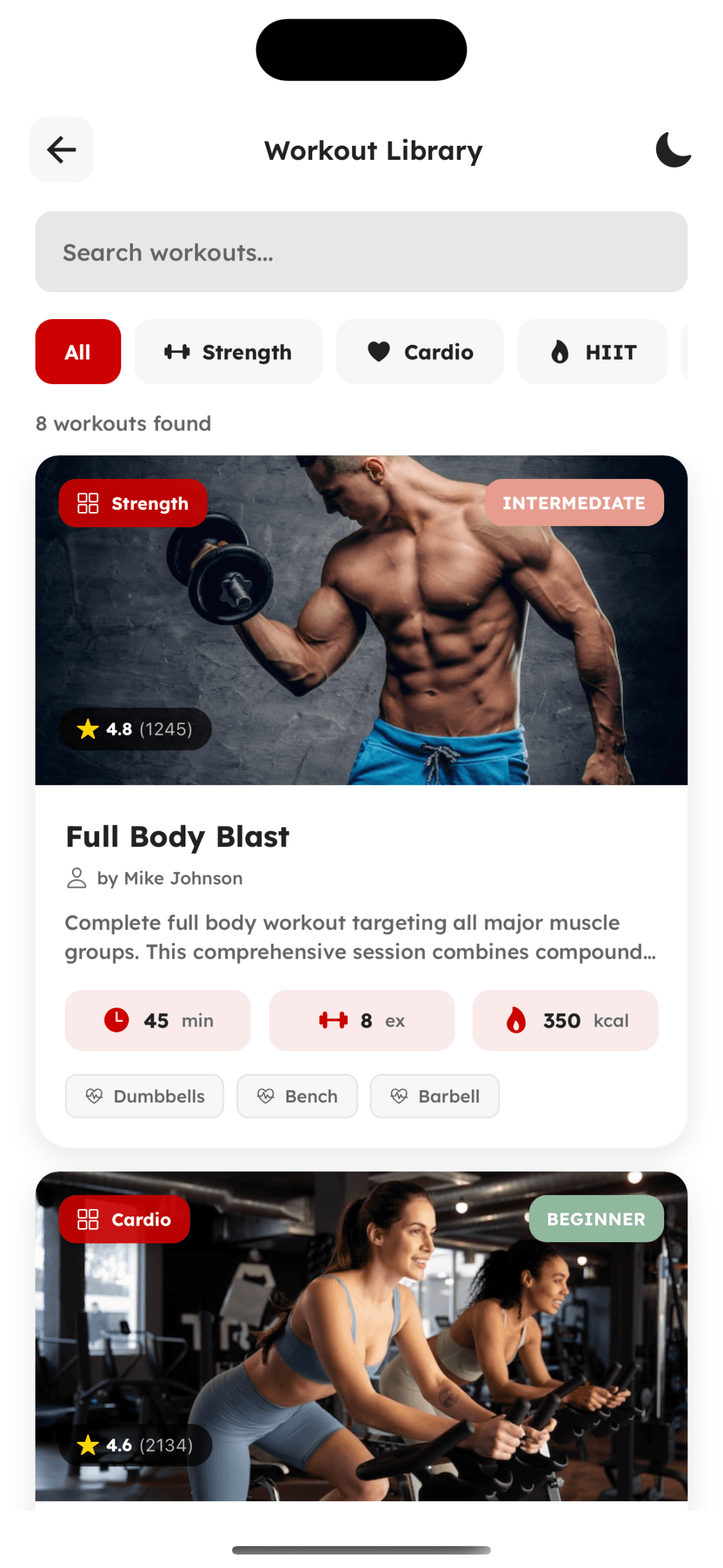
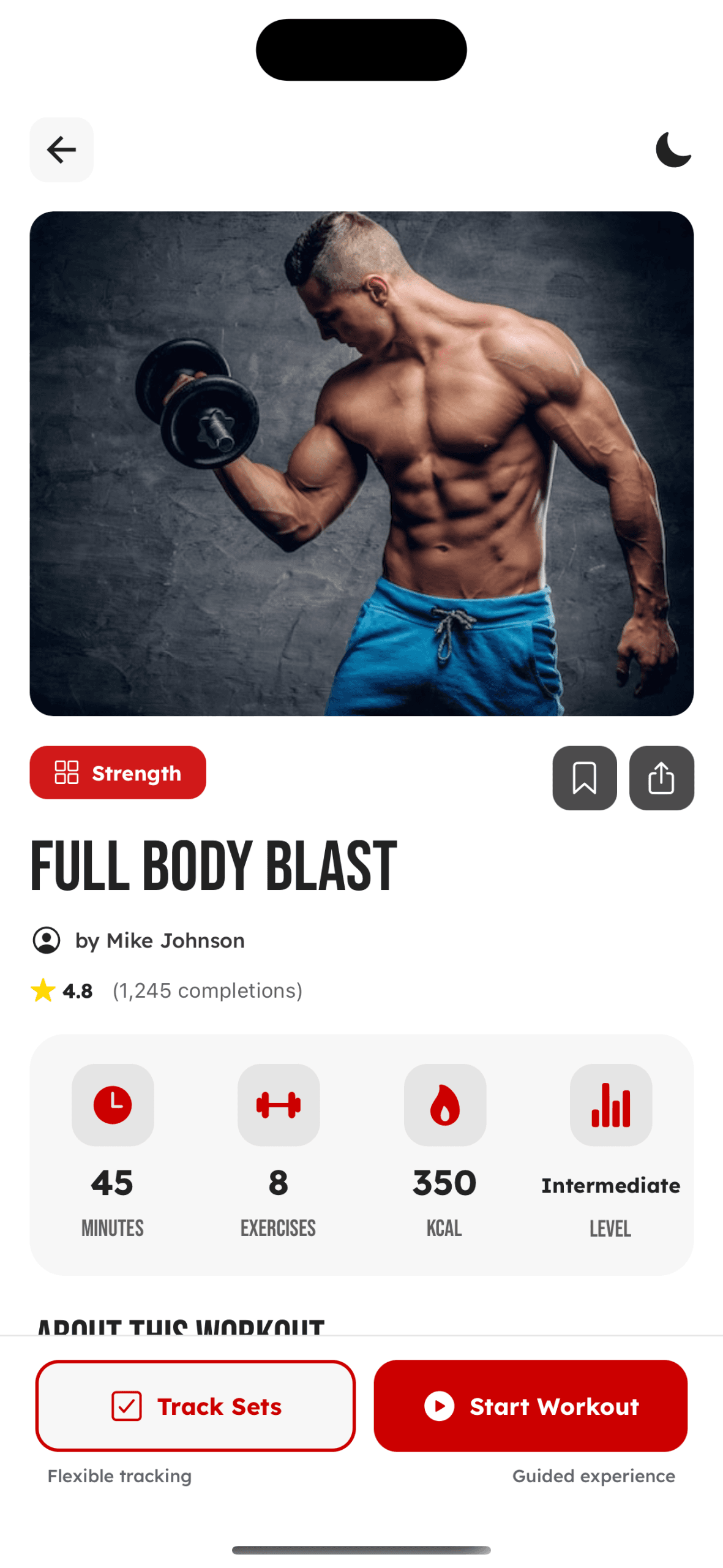
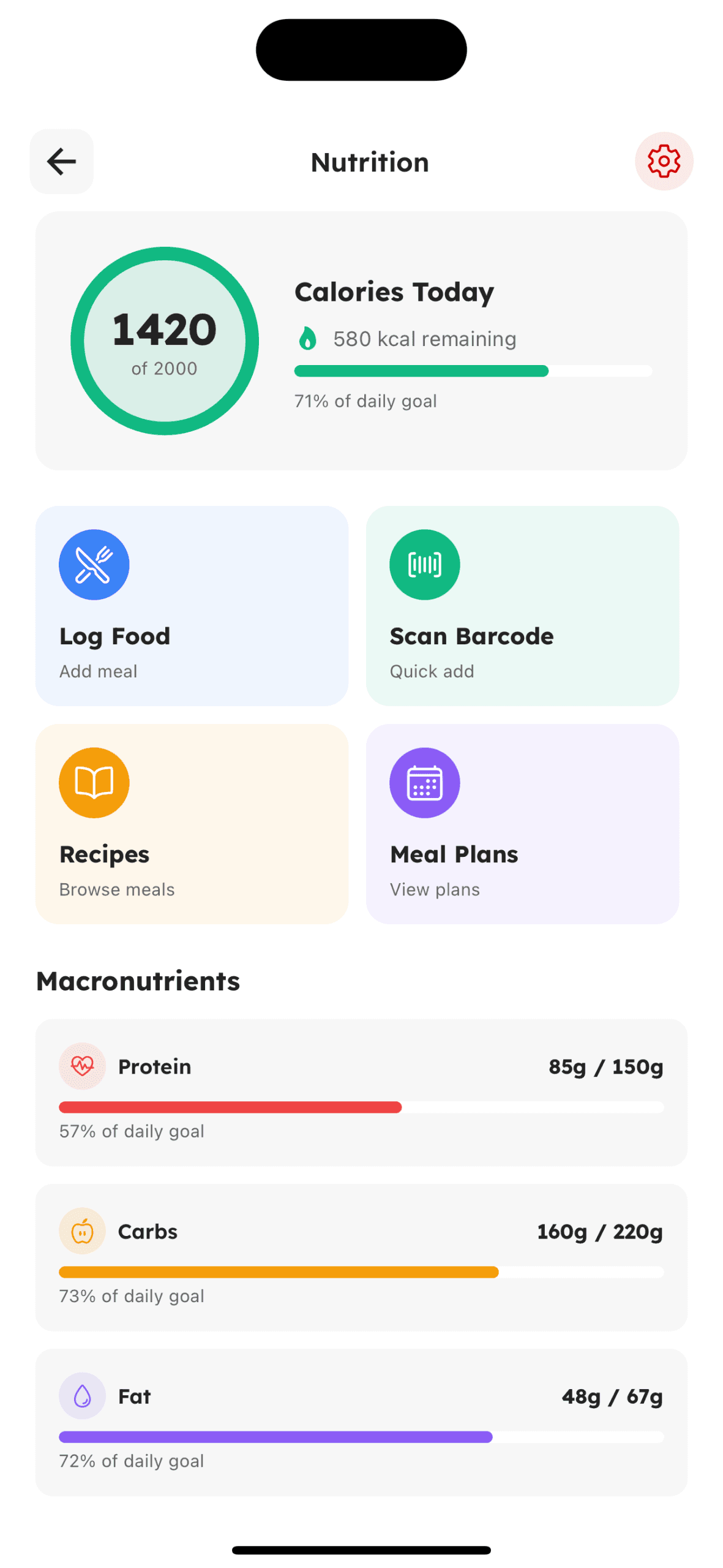
Nutrition & Diet
Meal planning, calorie tracking, and dietary guidance
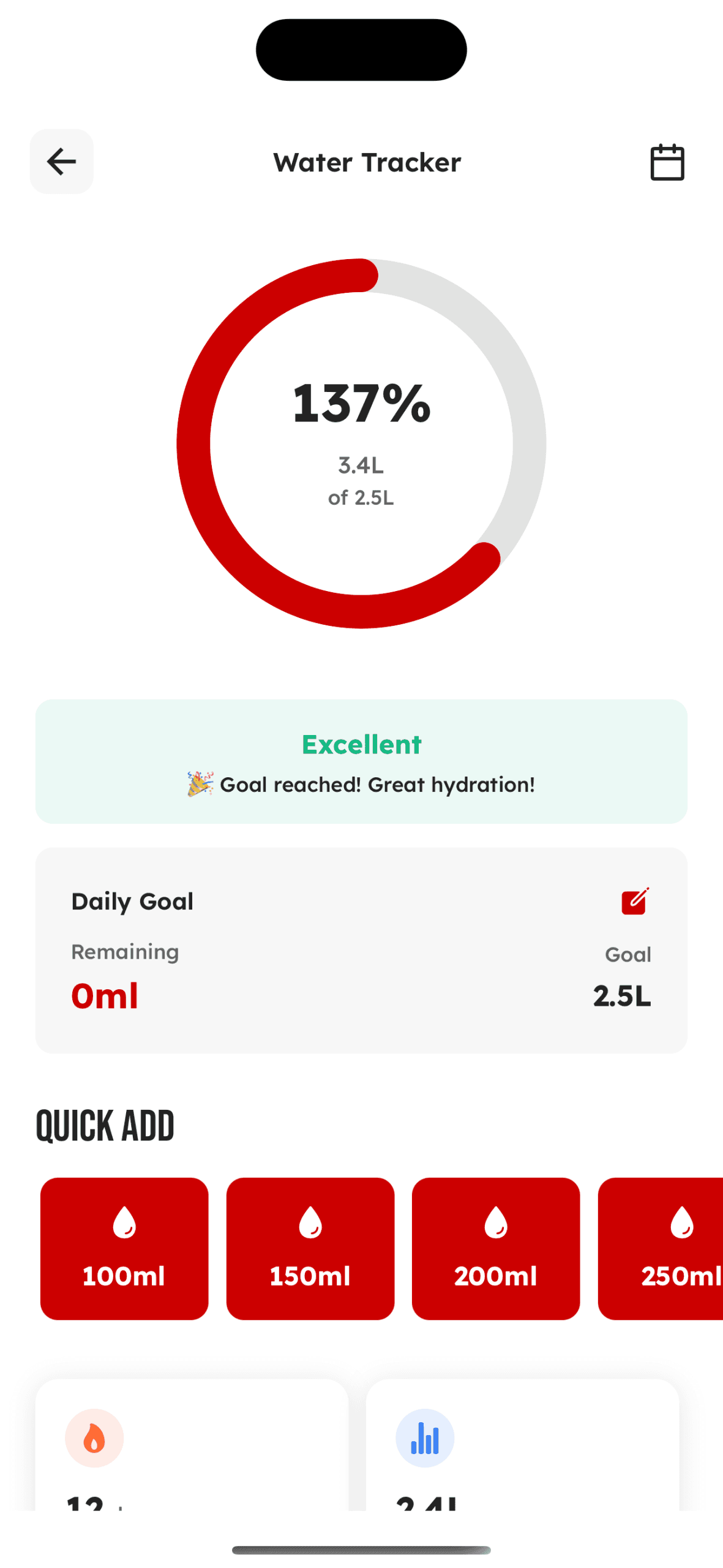
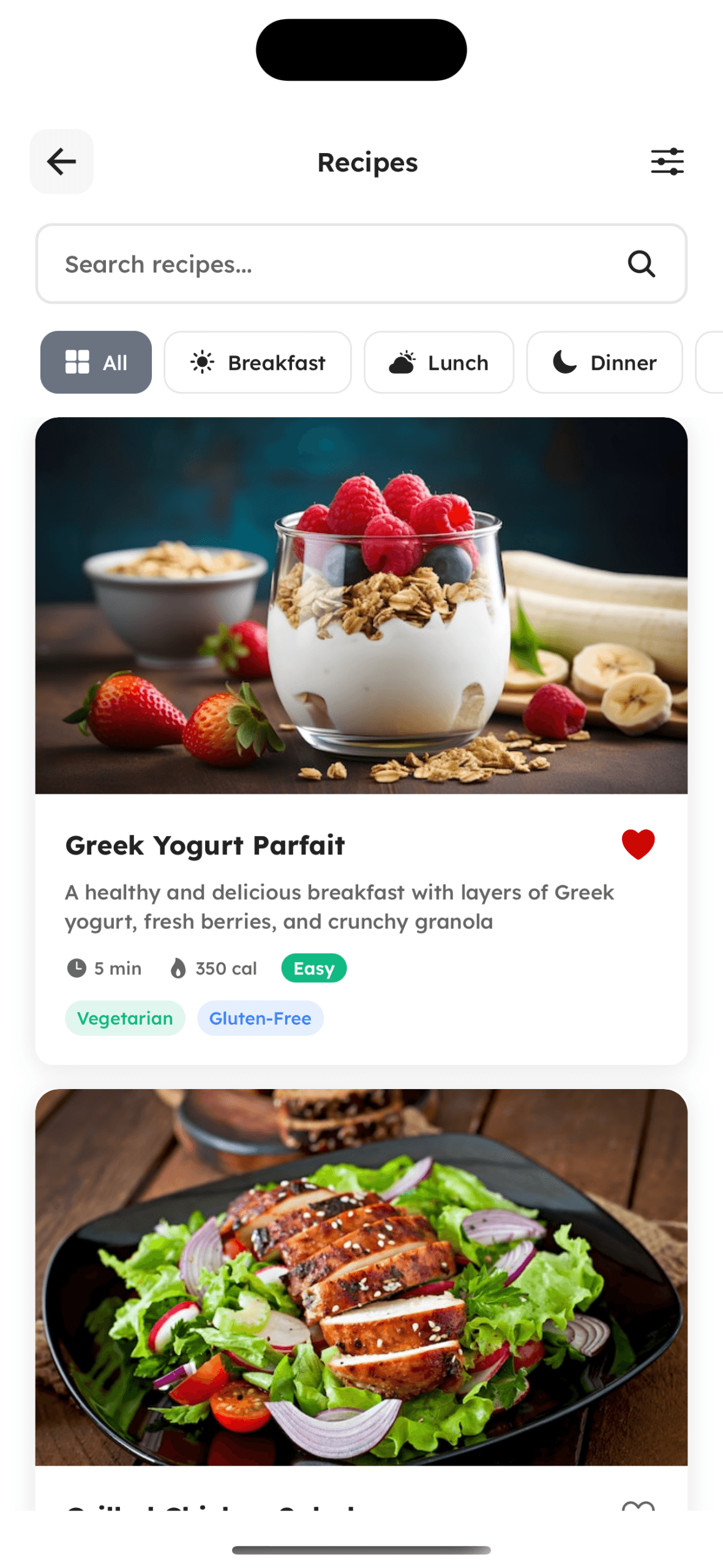
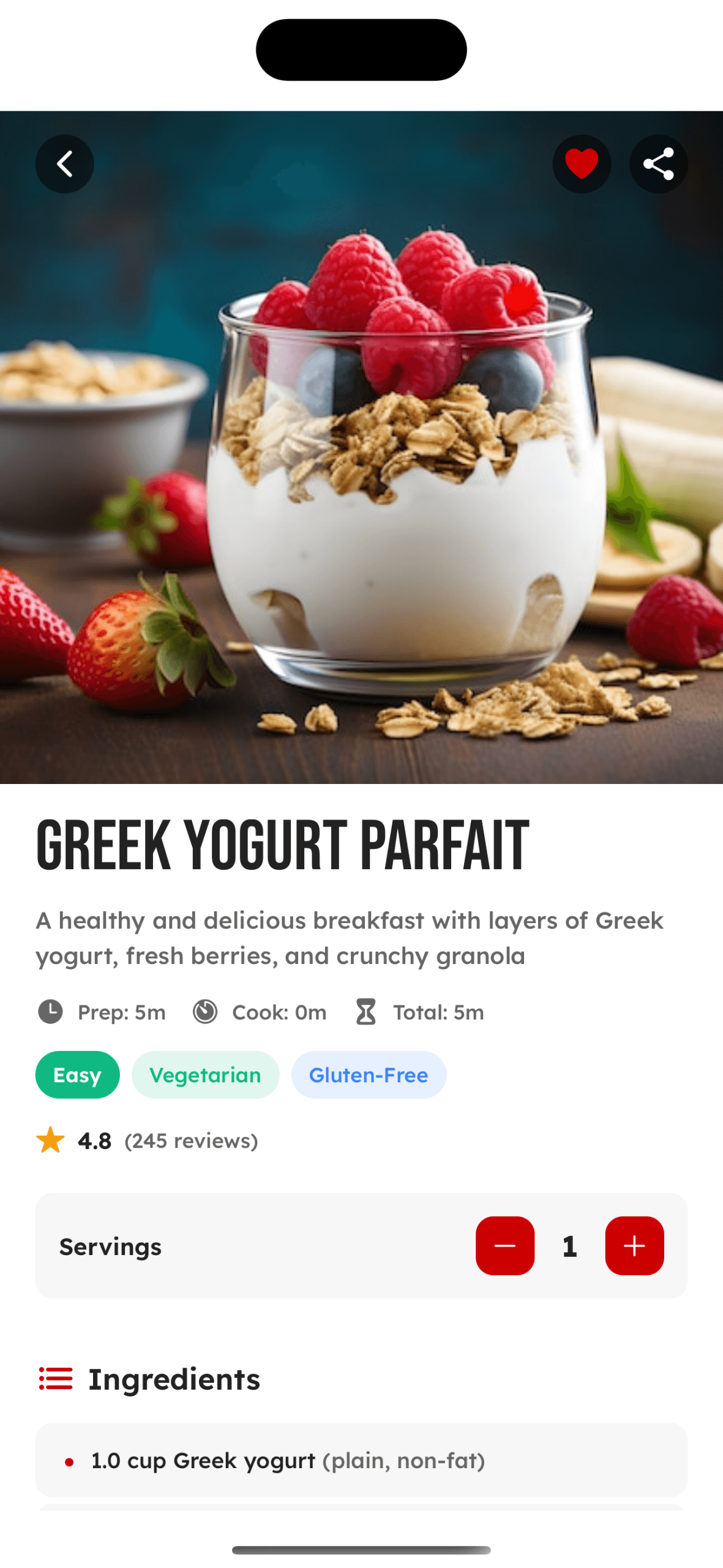
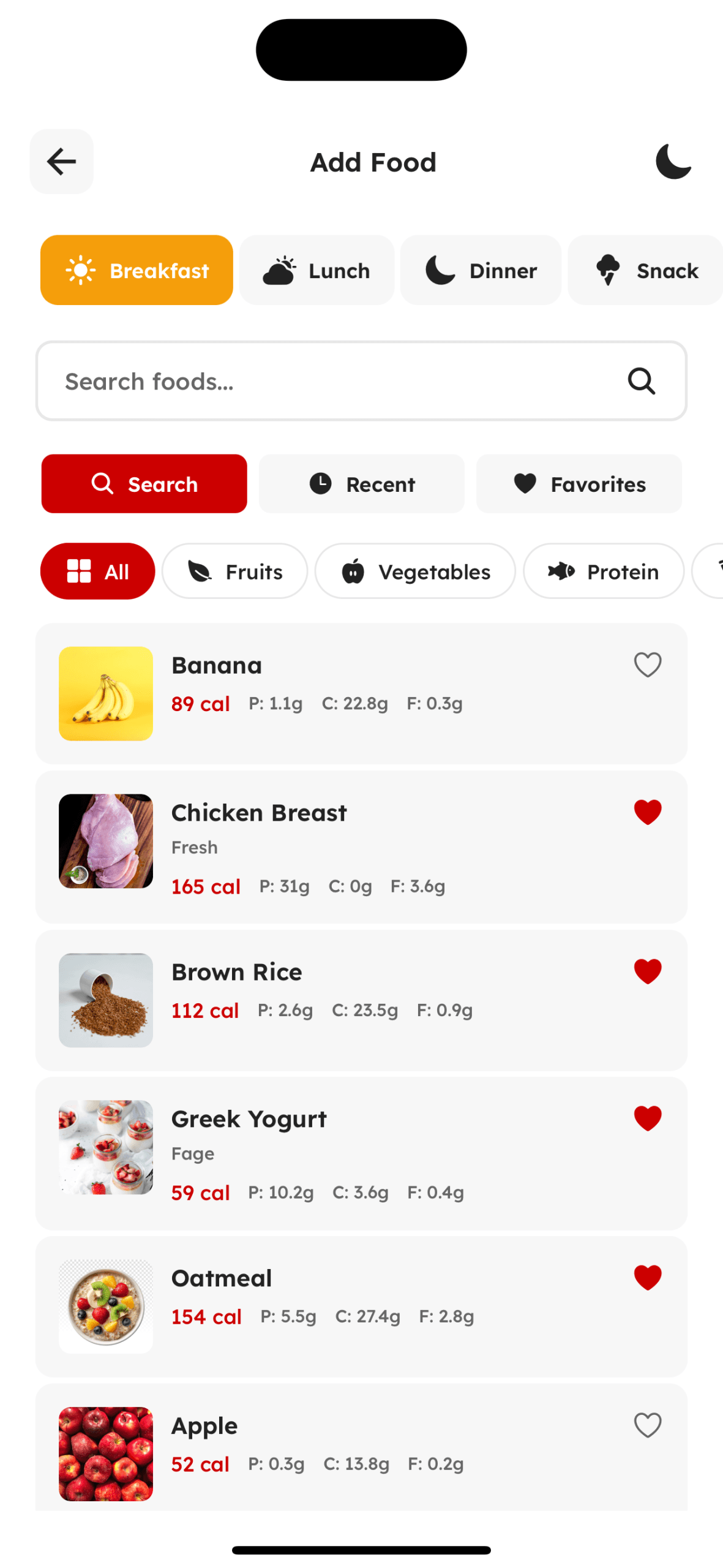
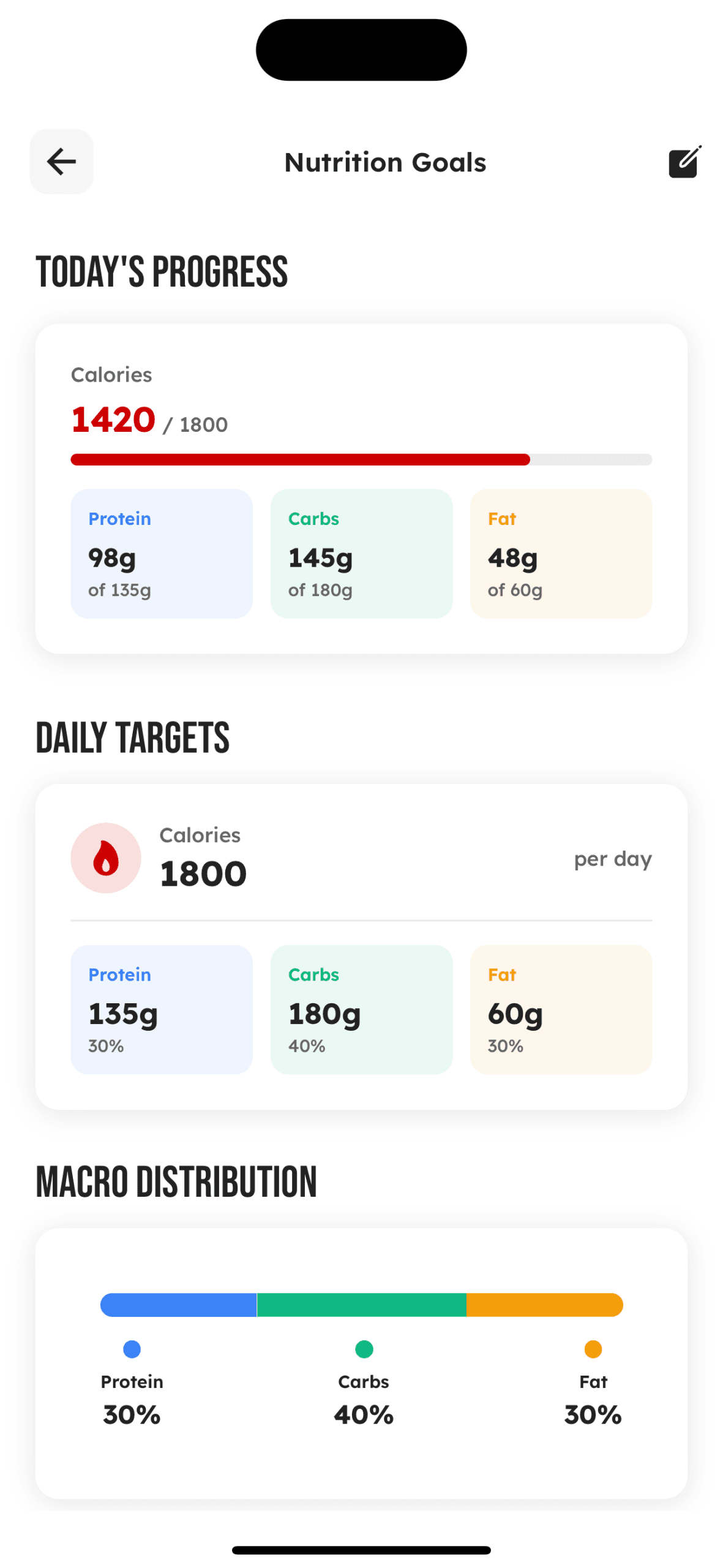
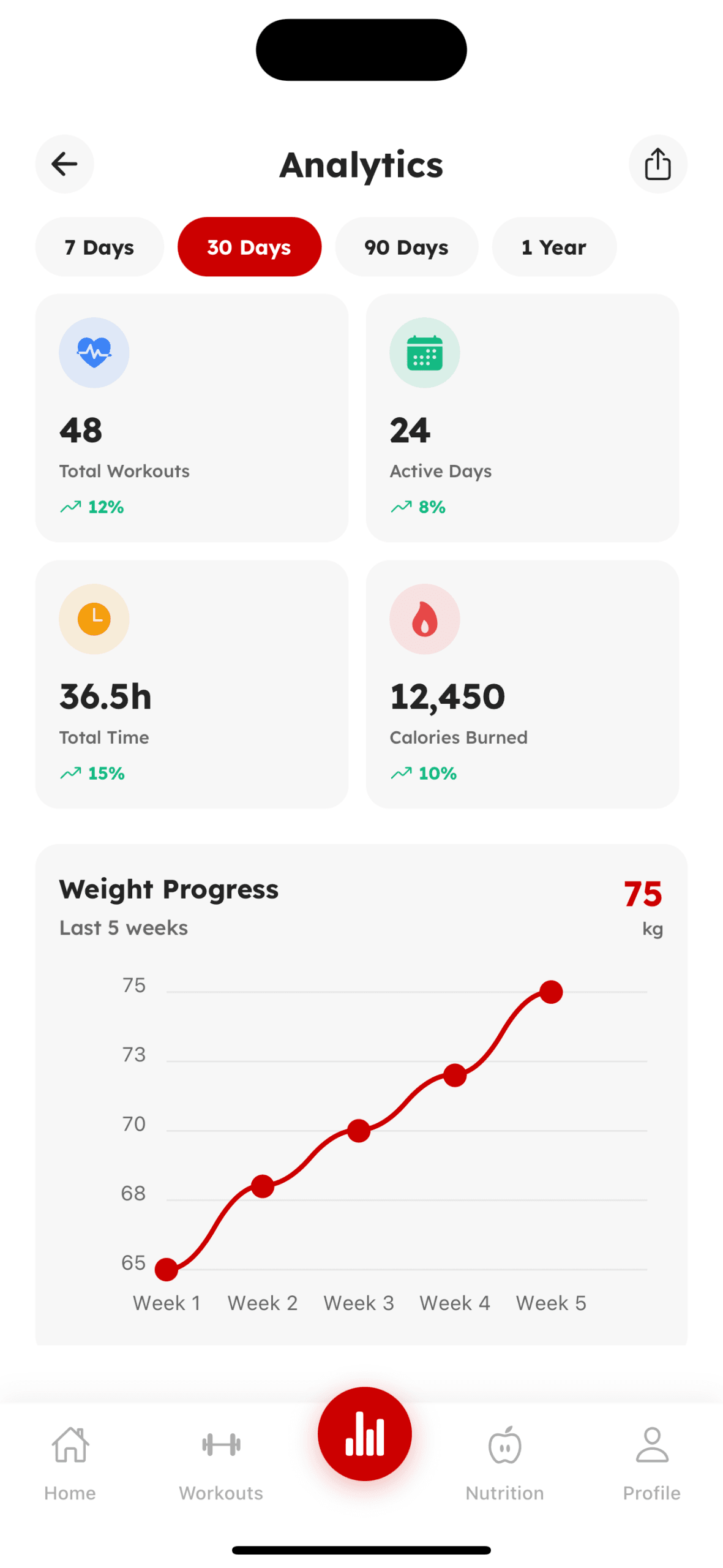
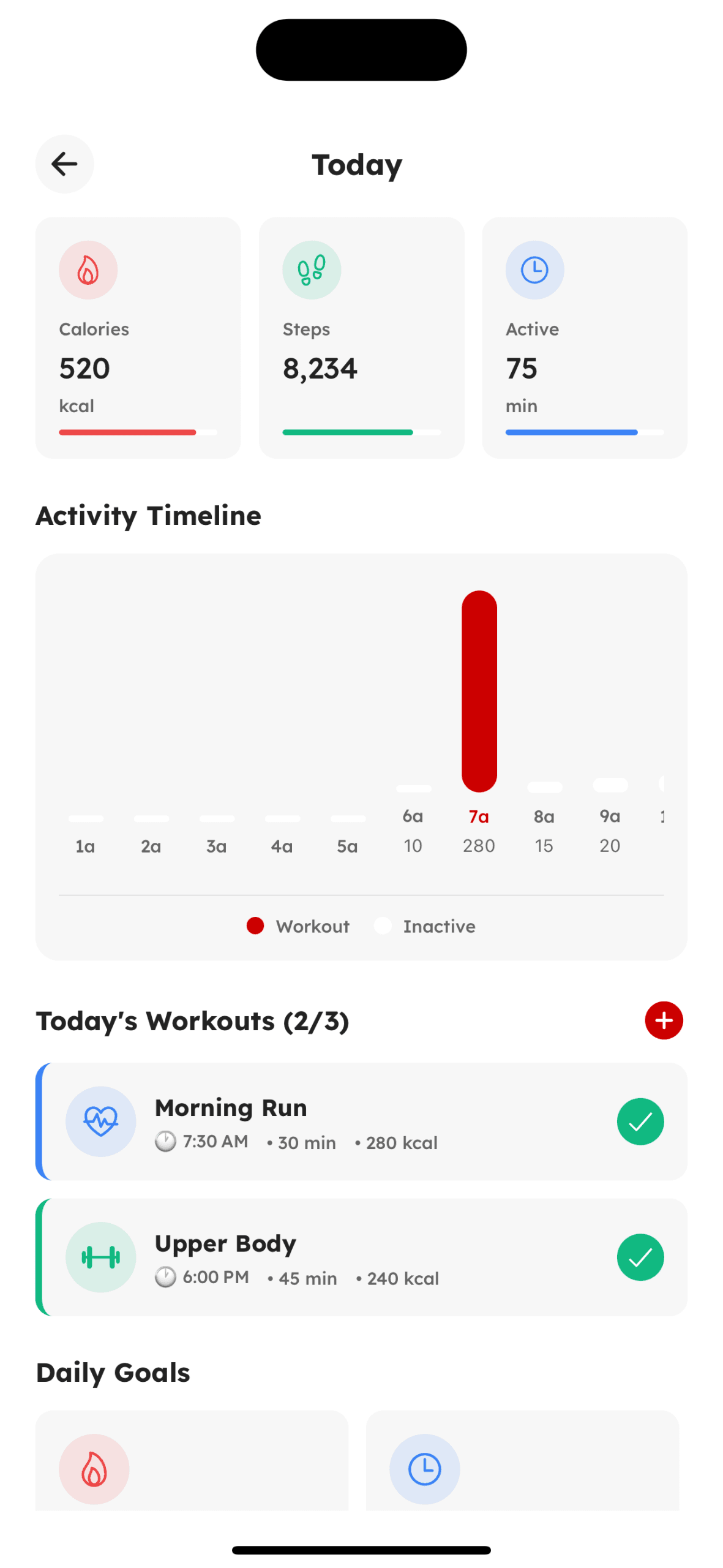
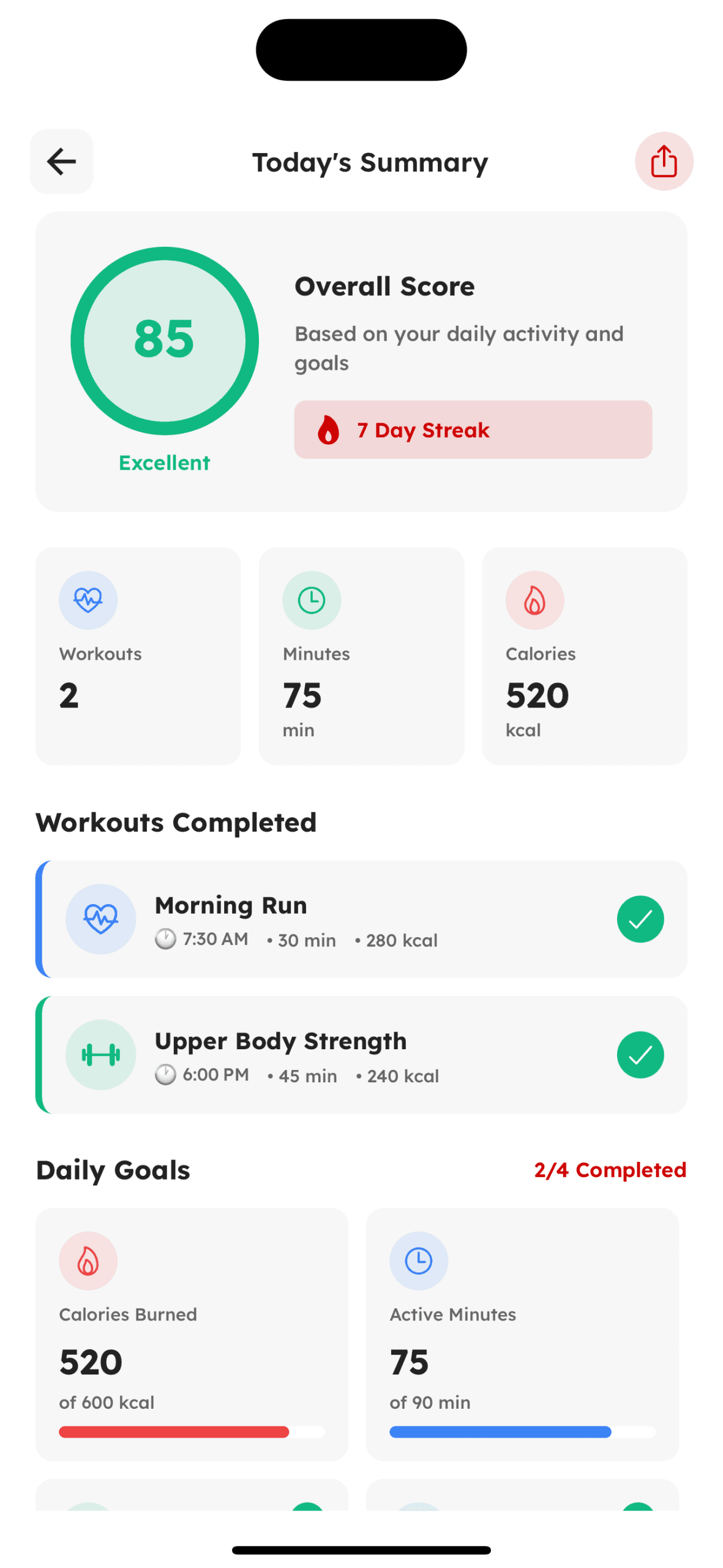
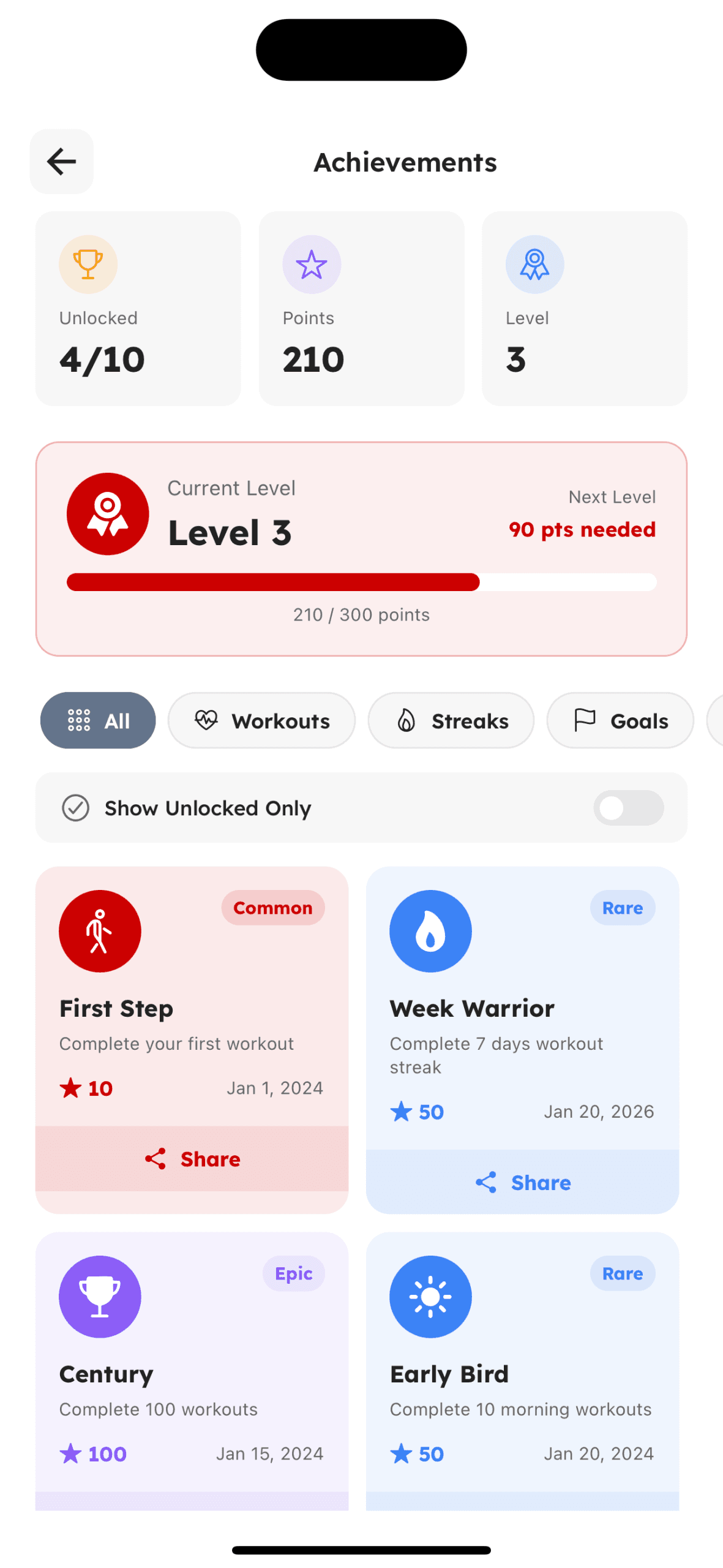
Progress & Analytics
Visual tracking, insights, and achievement milestones
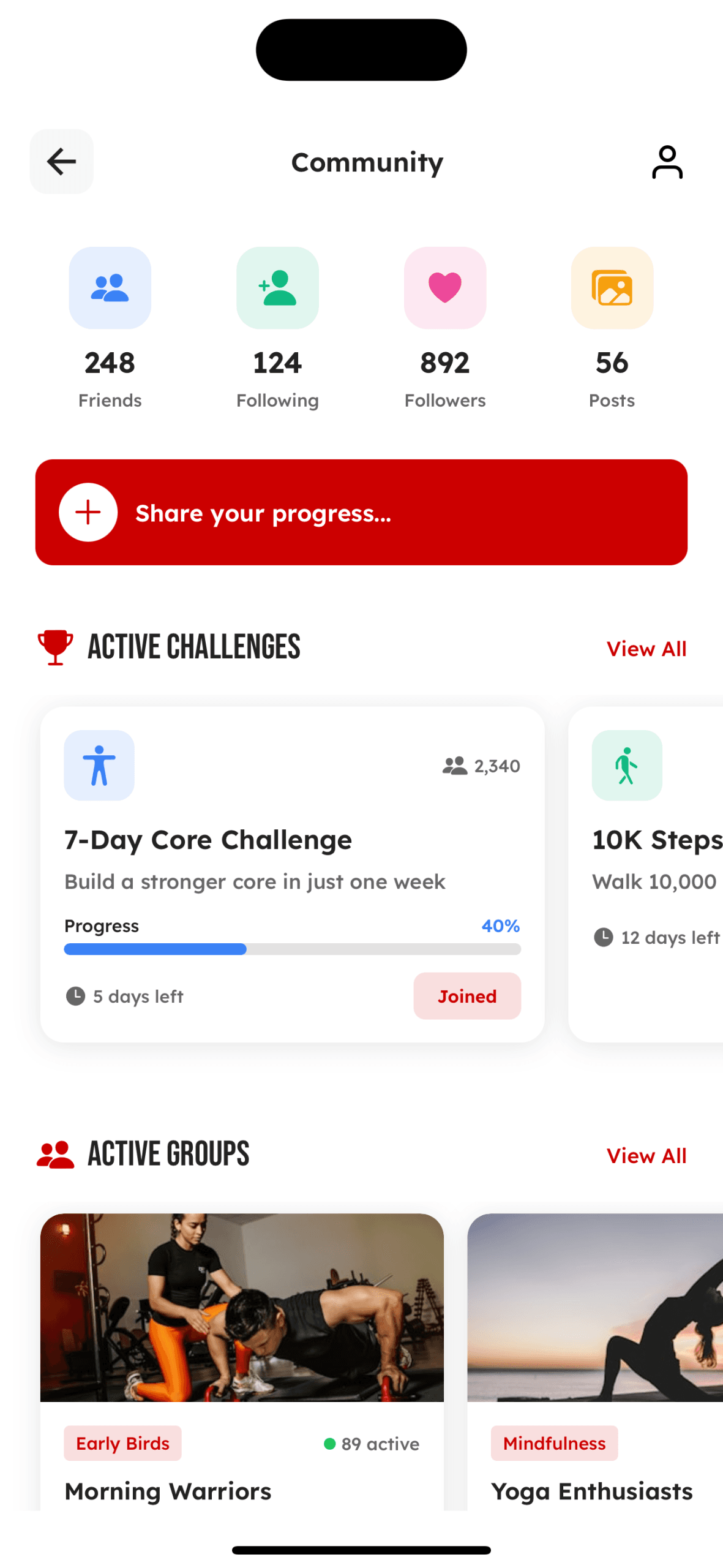
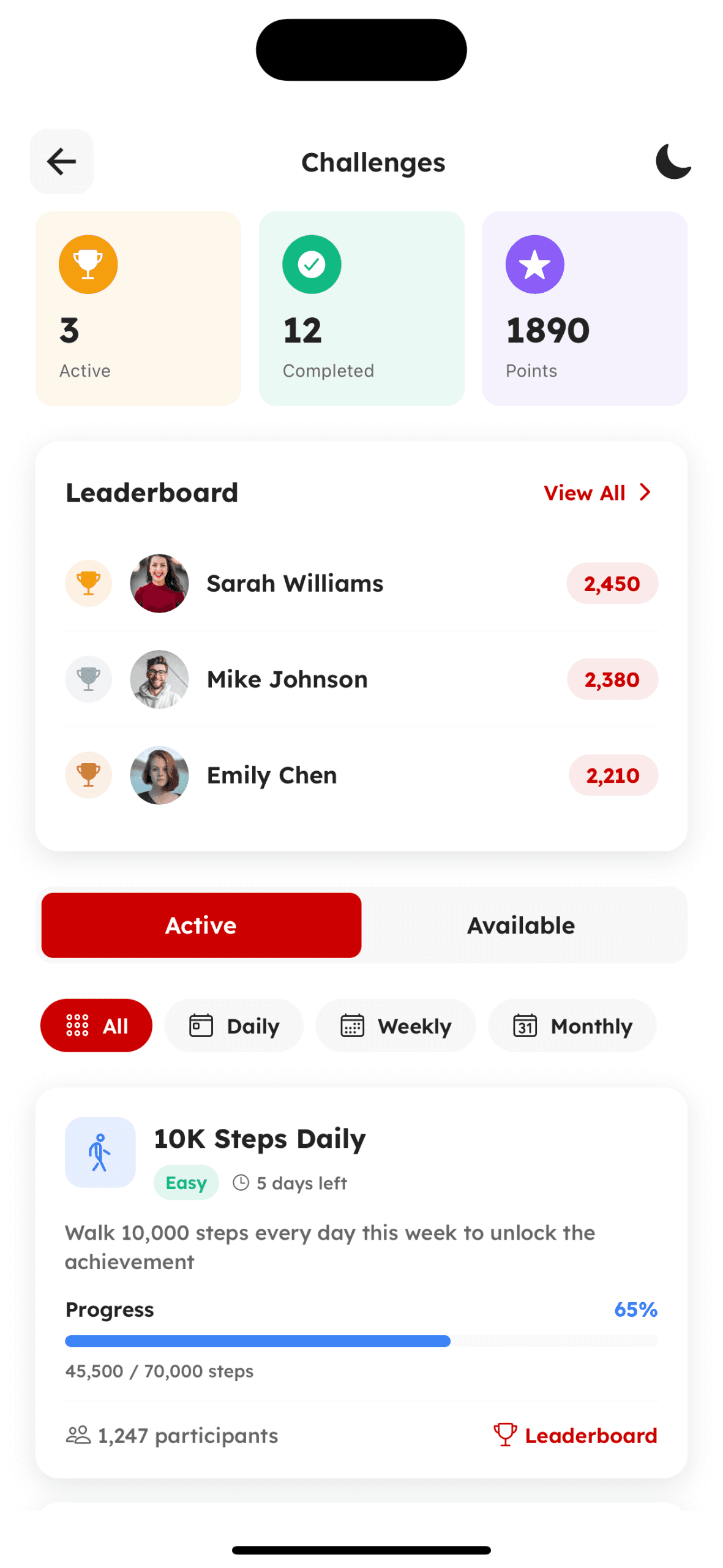
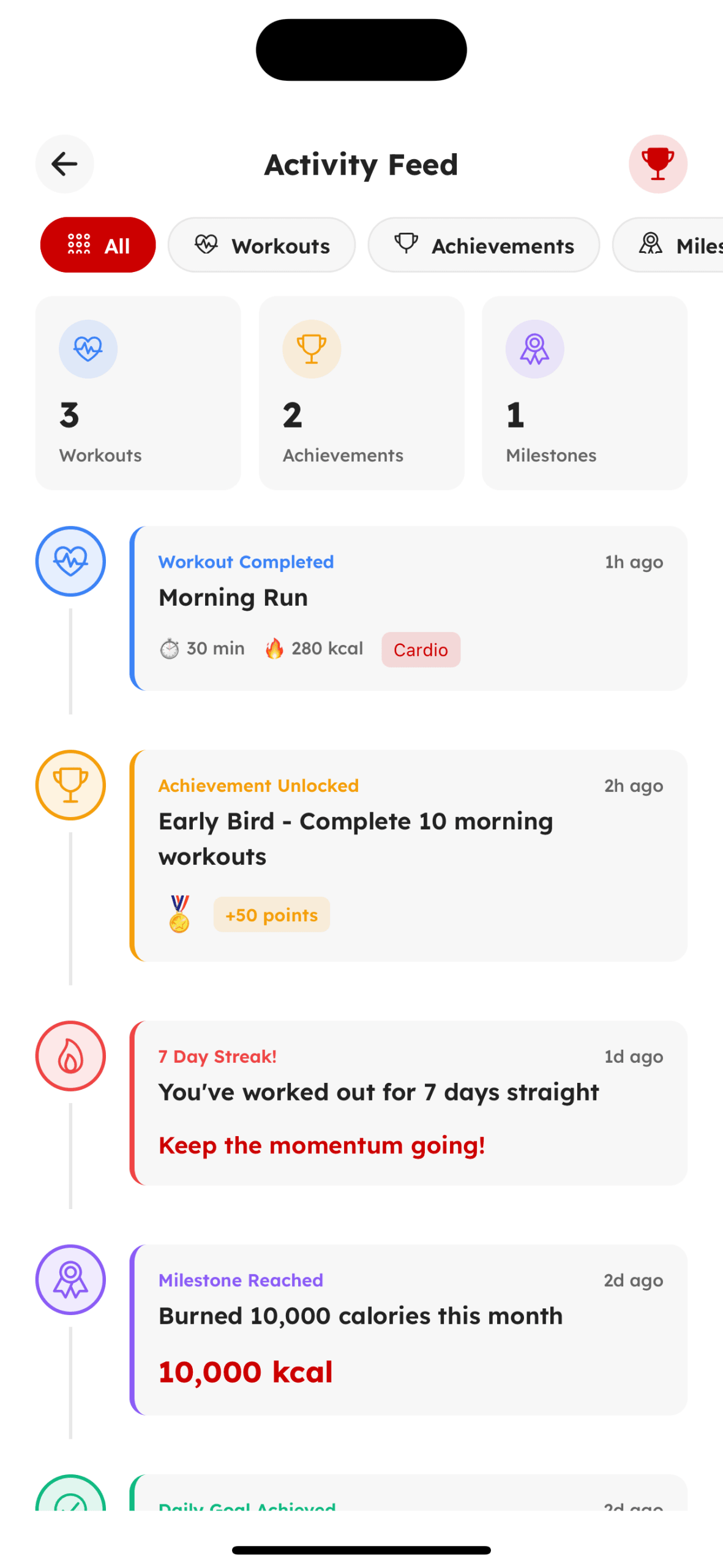
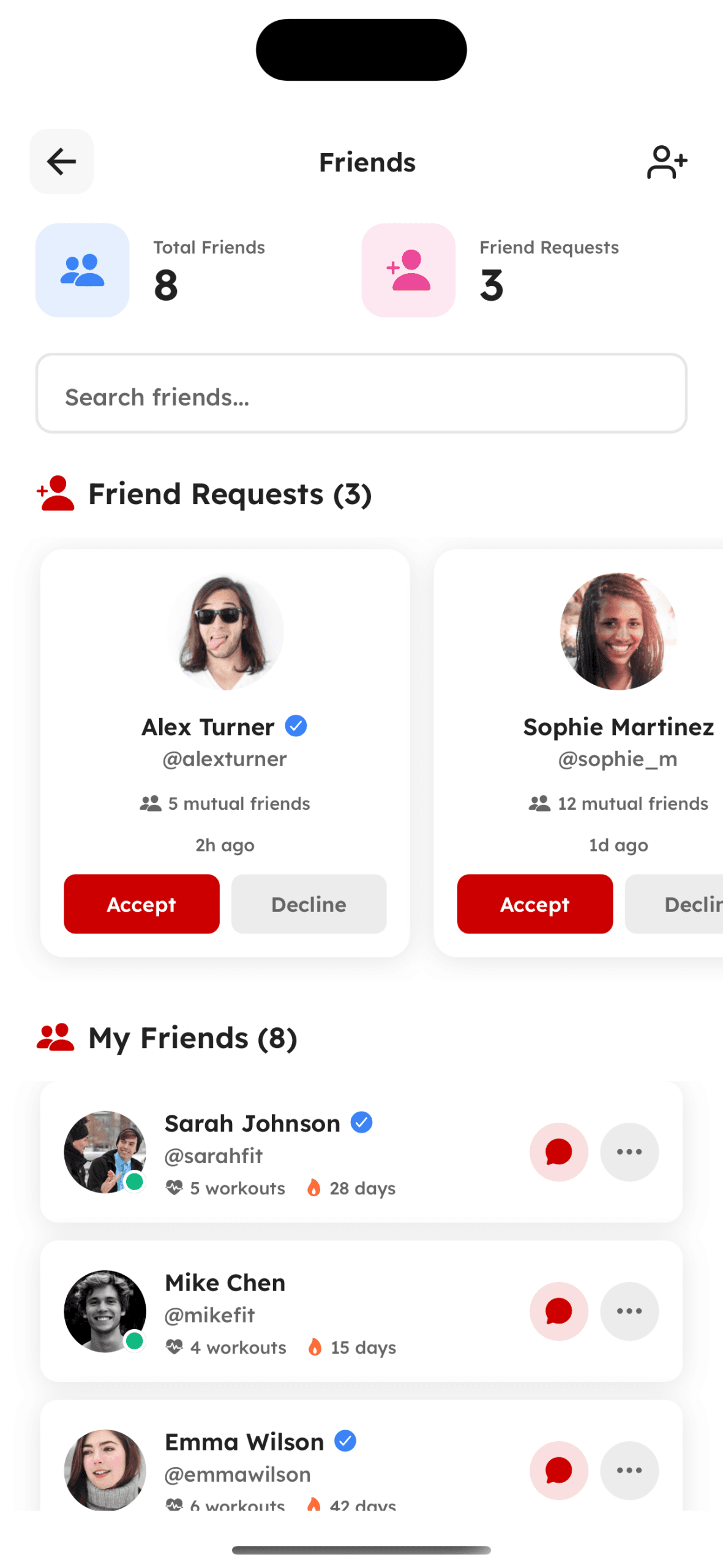
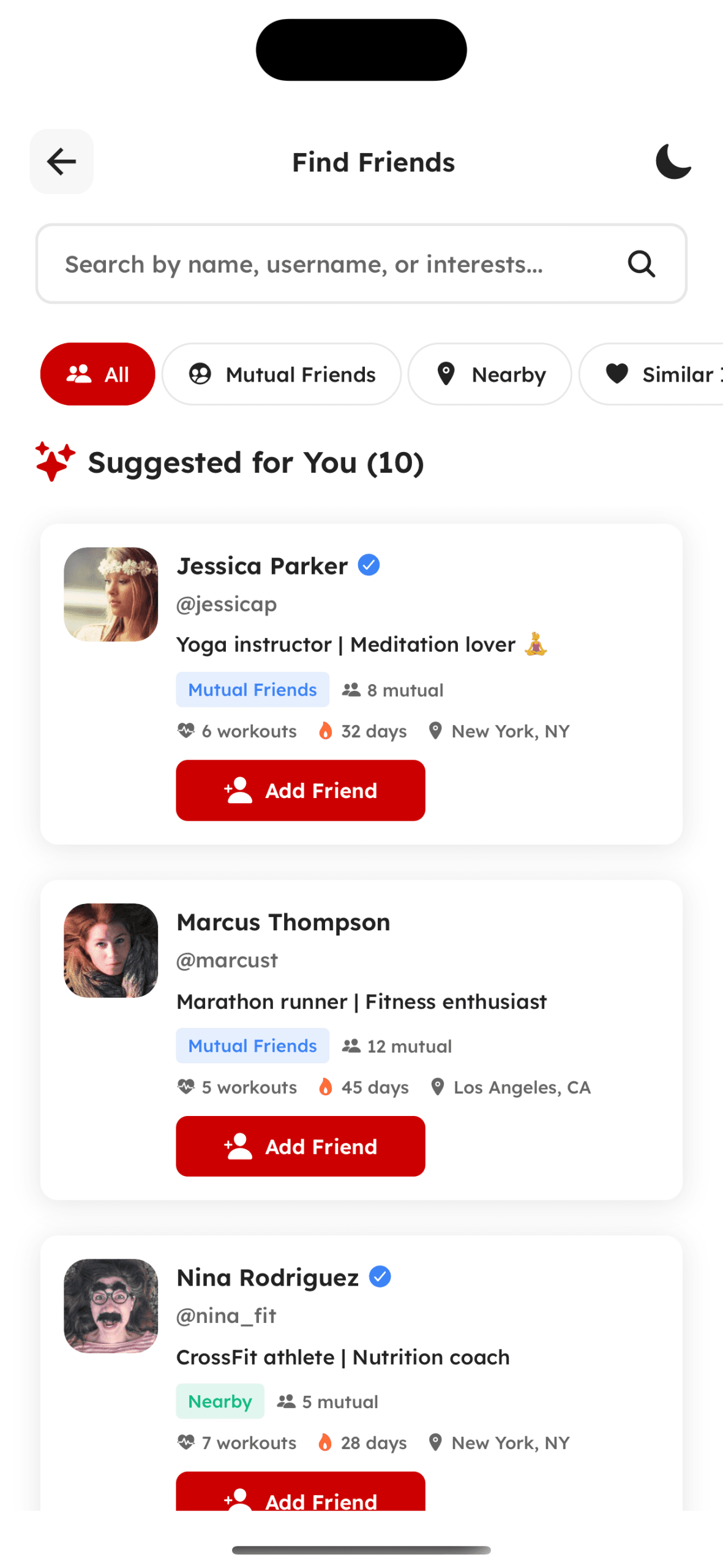
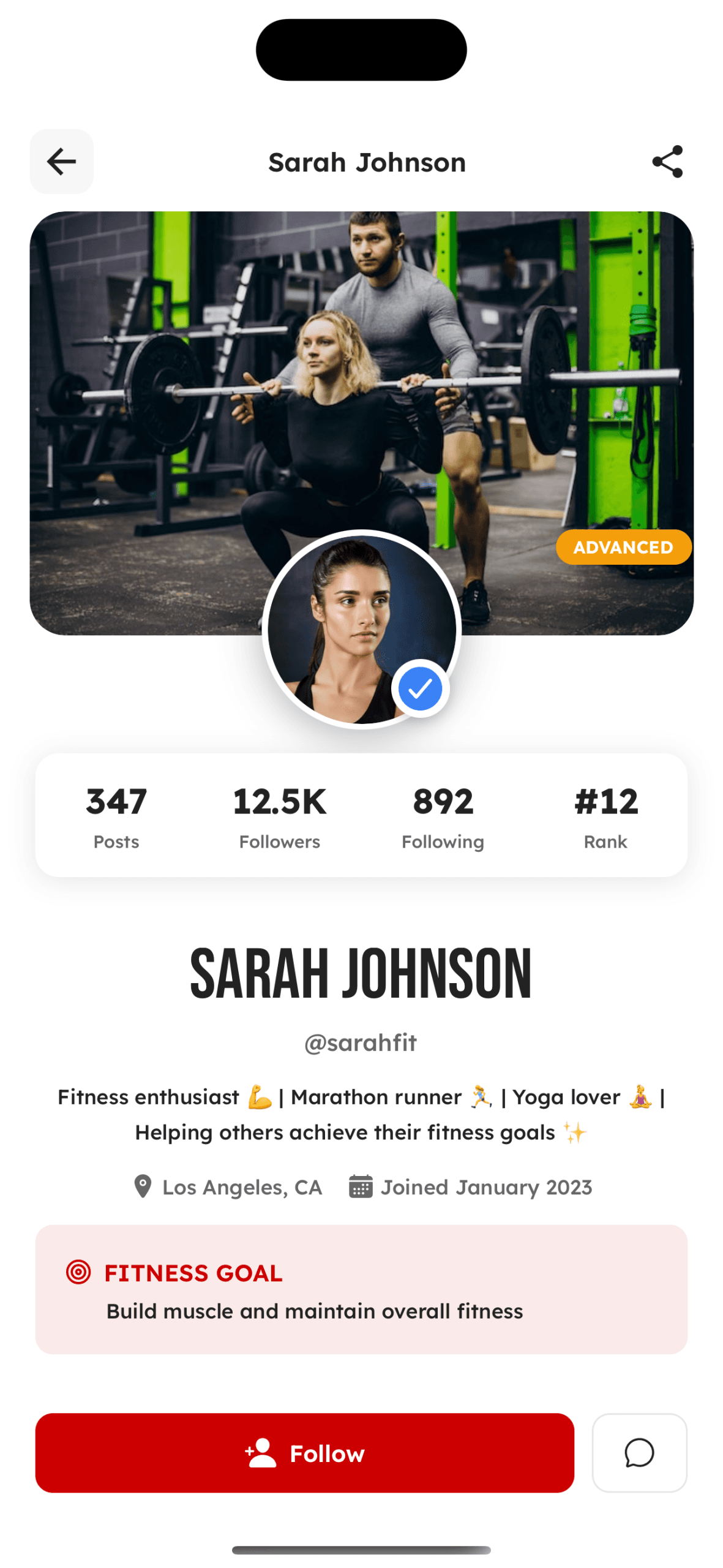
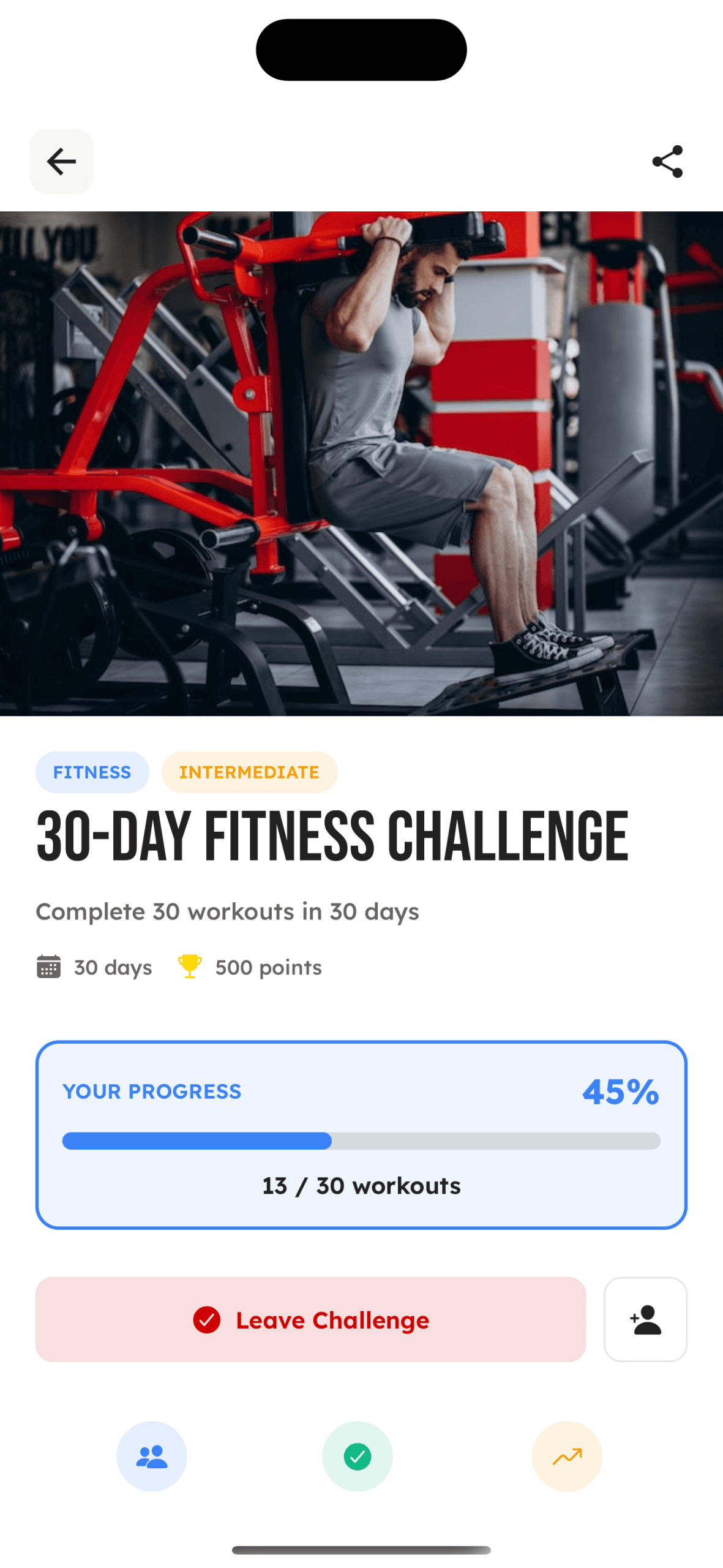
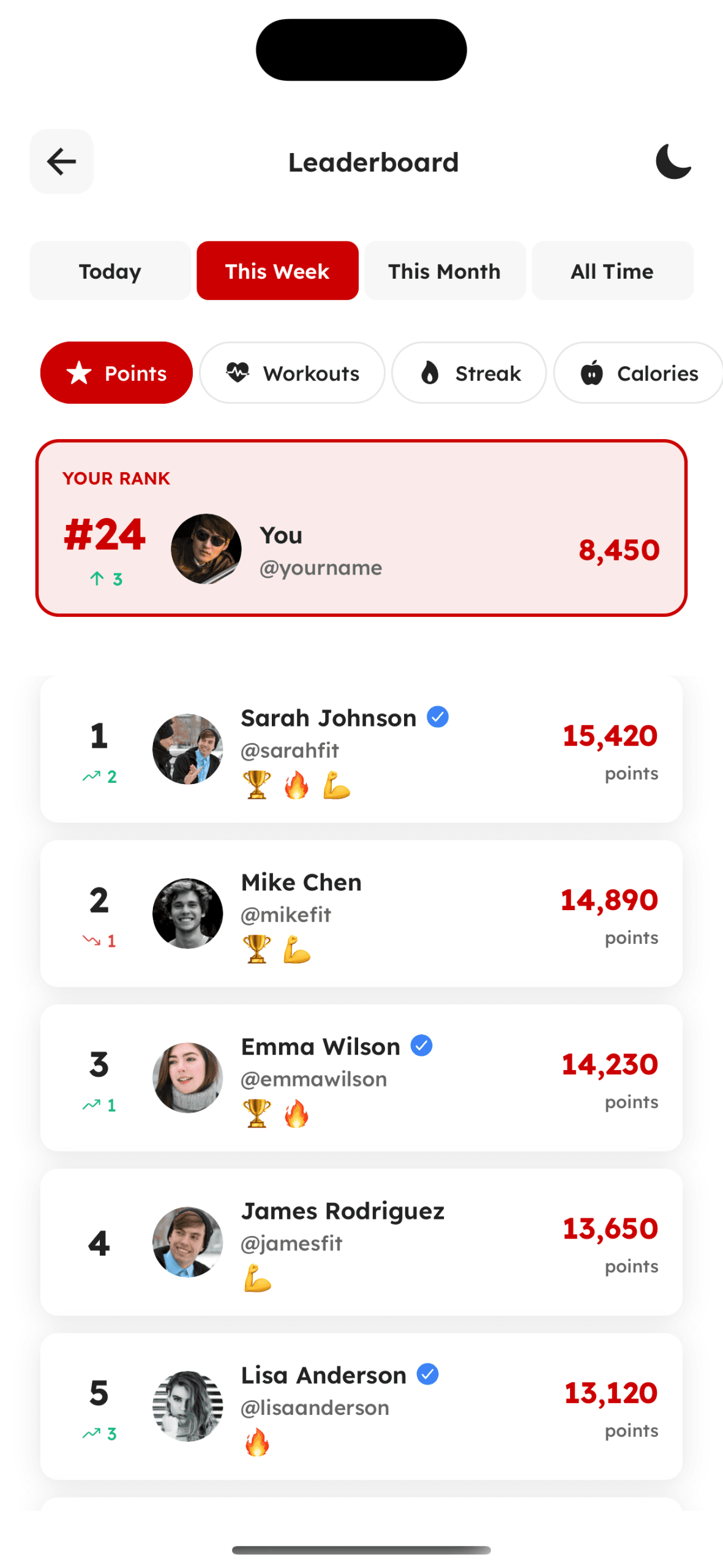
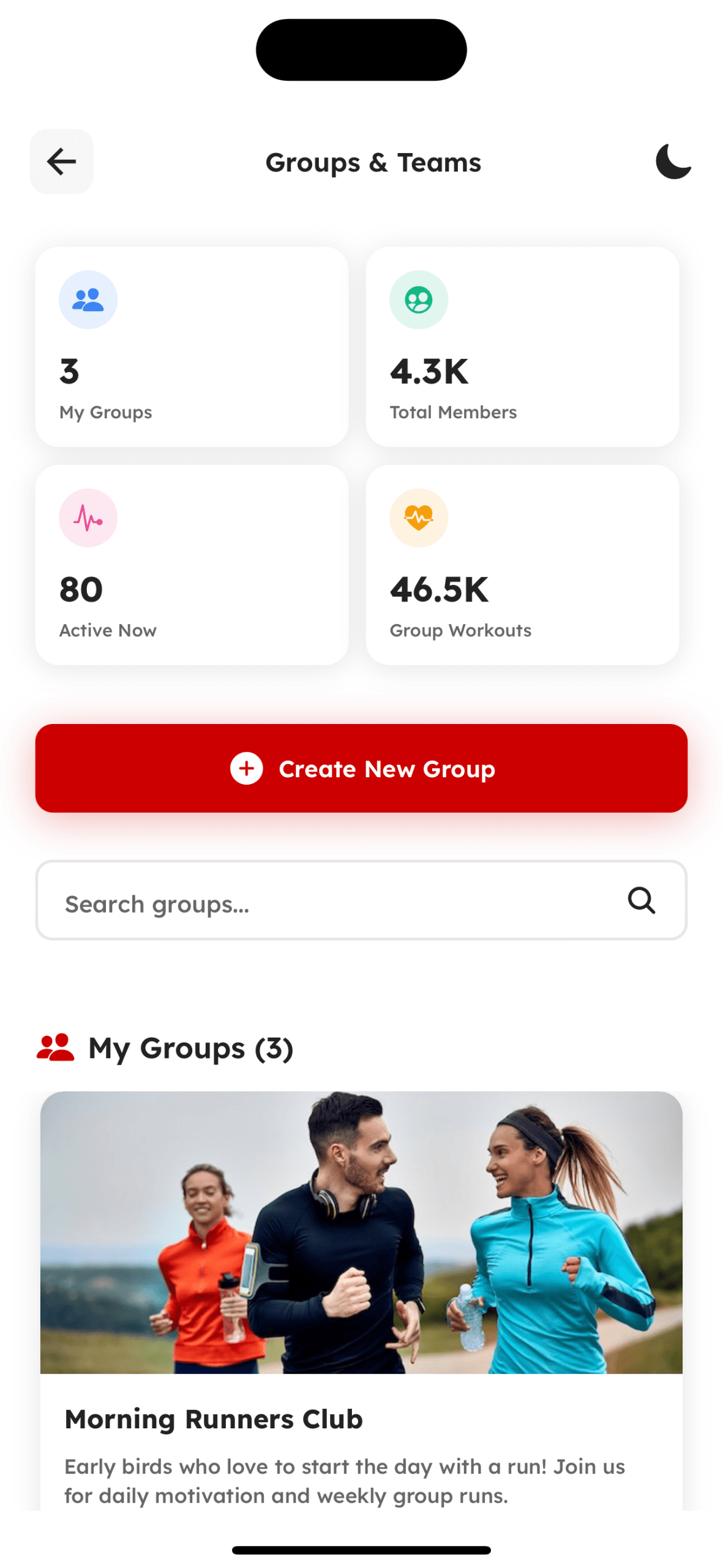
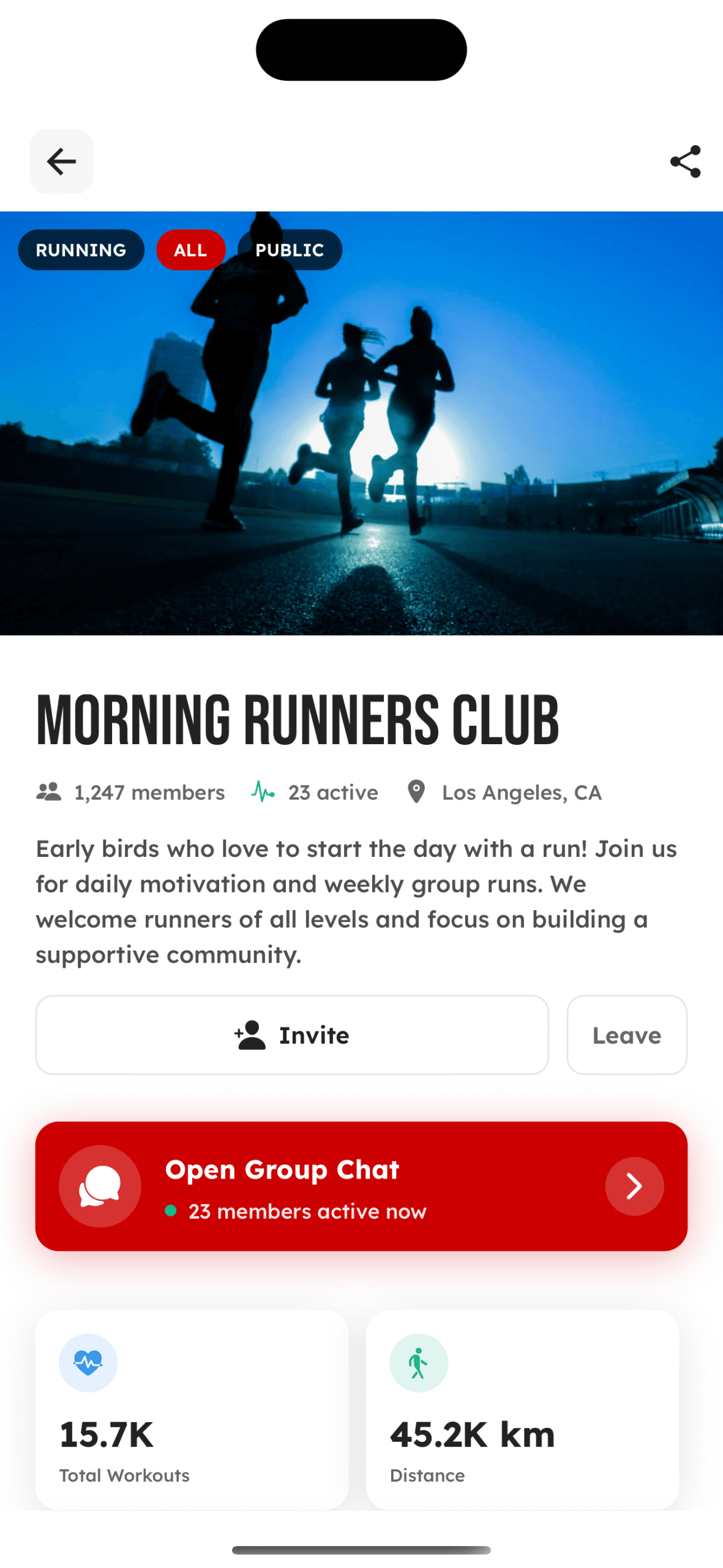
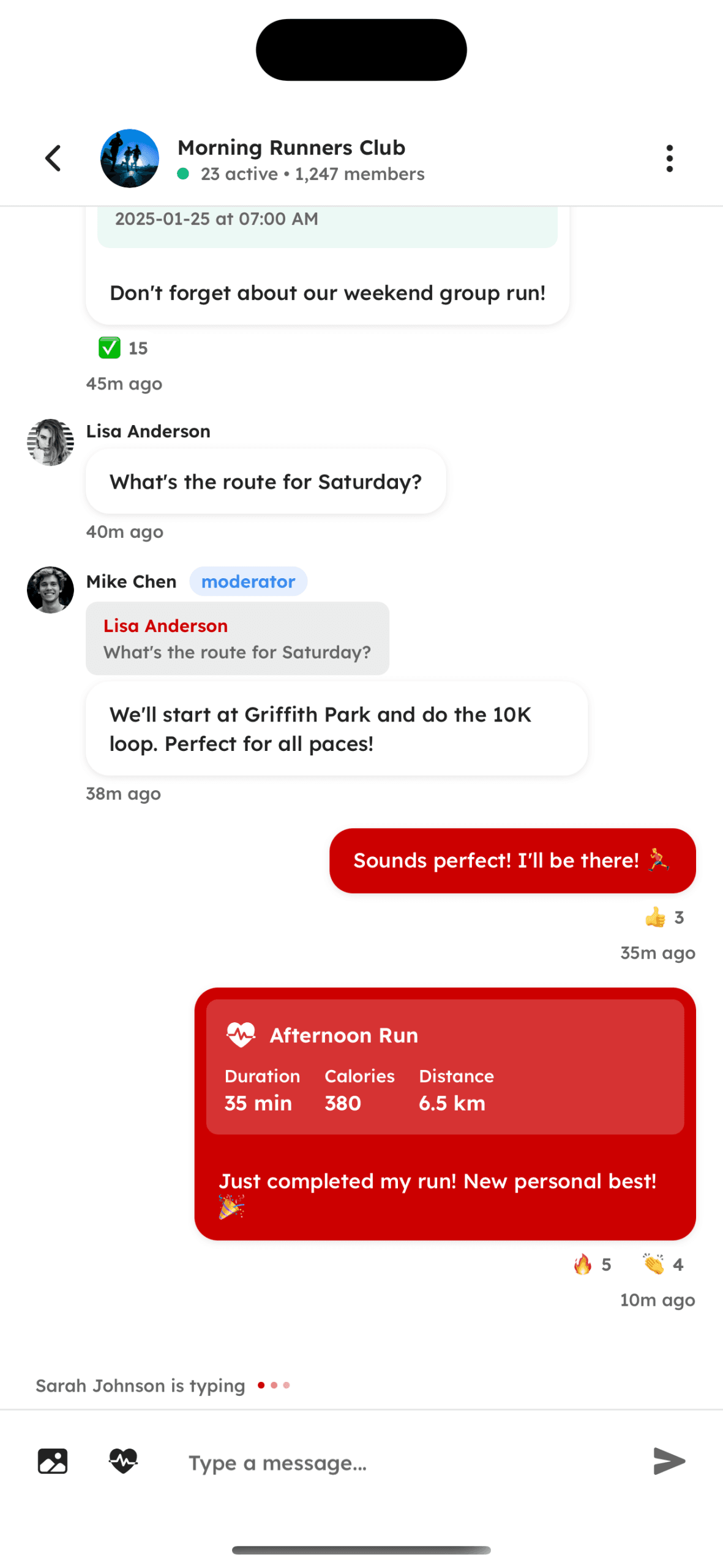
Social & Community
Connect, compete, and stay motivated with others
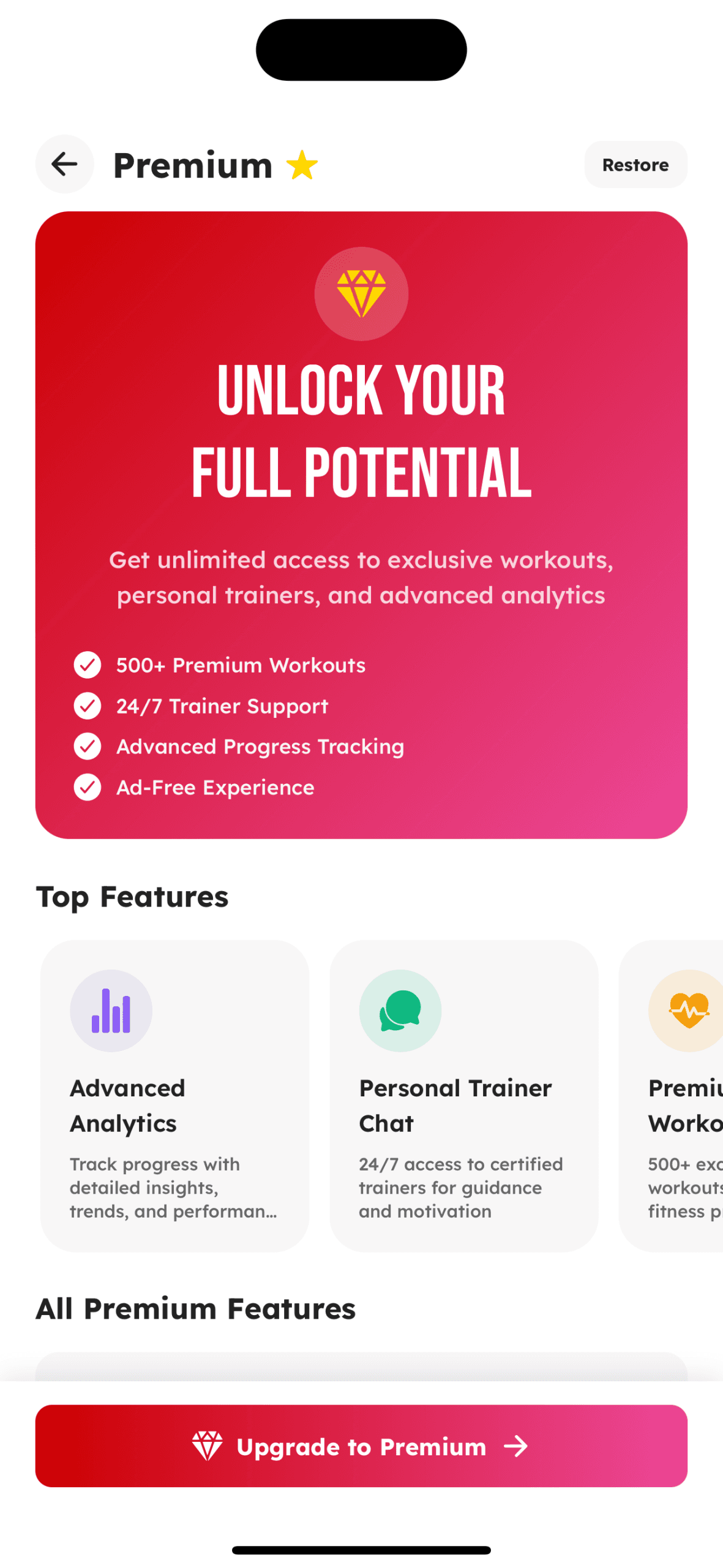
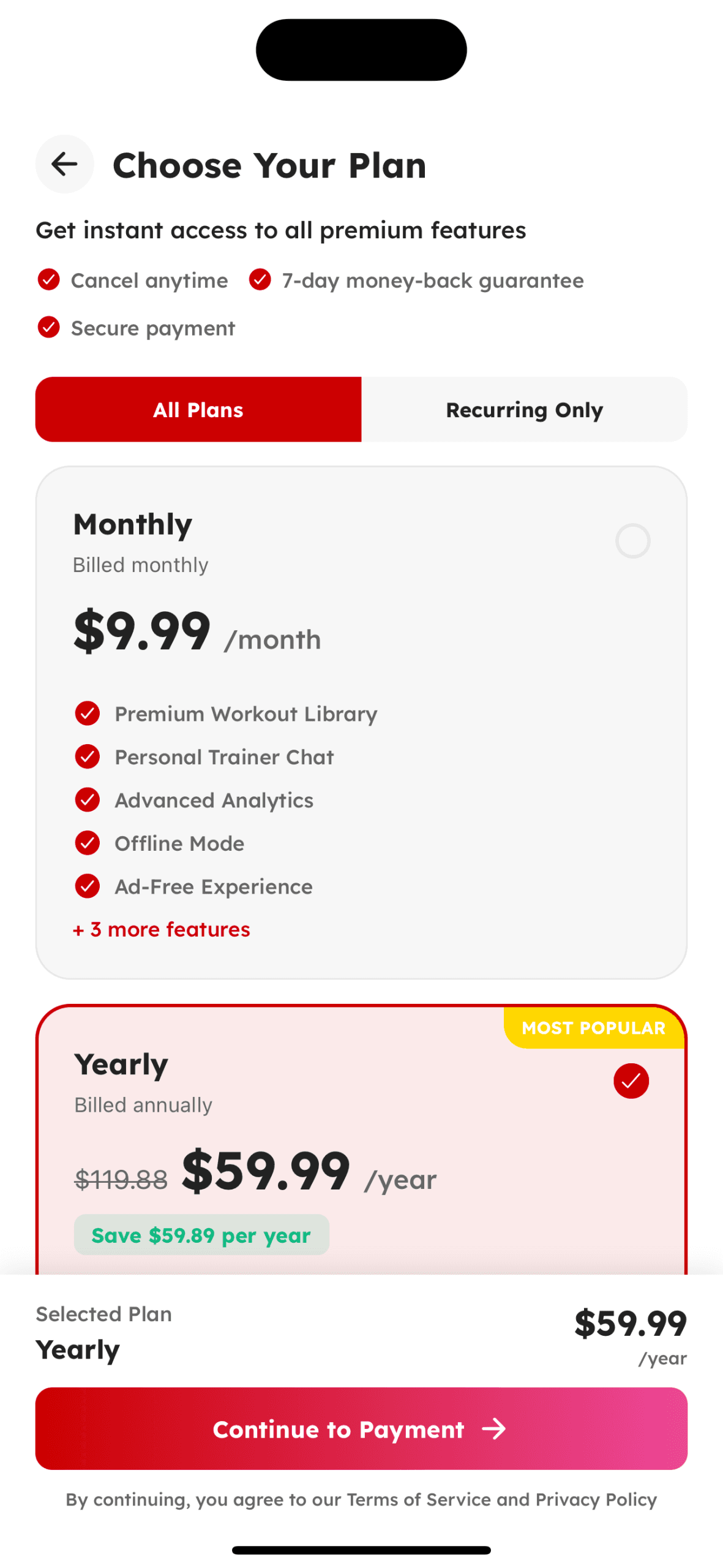
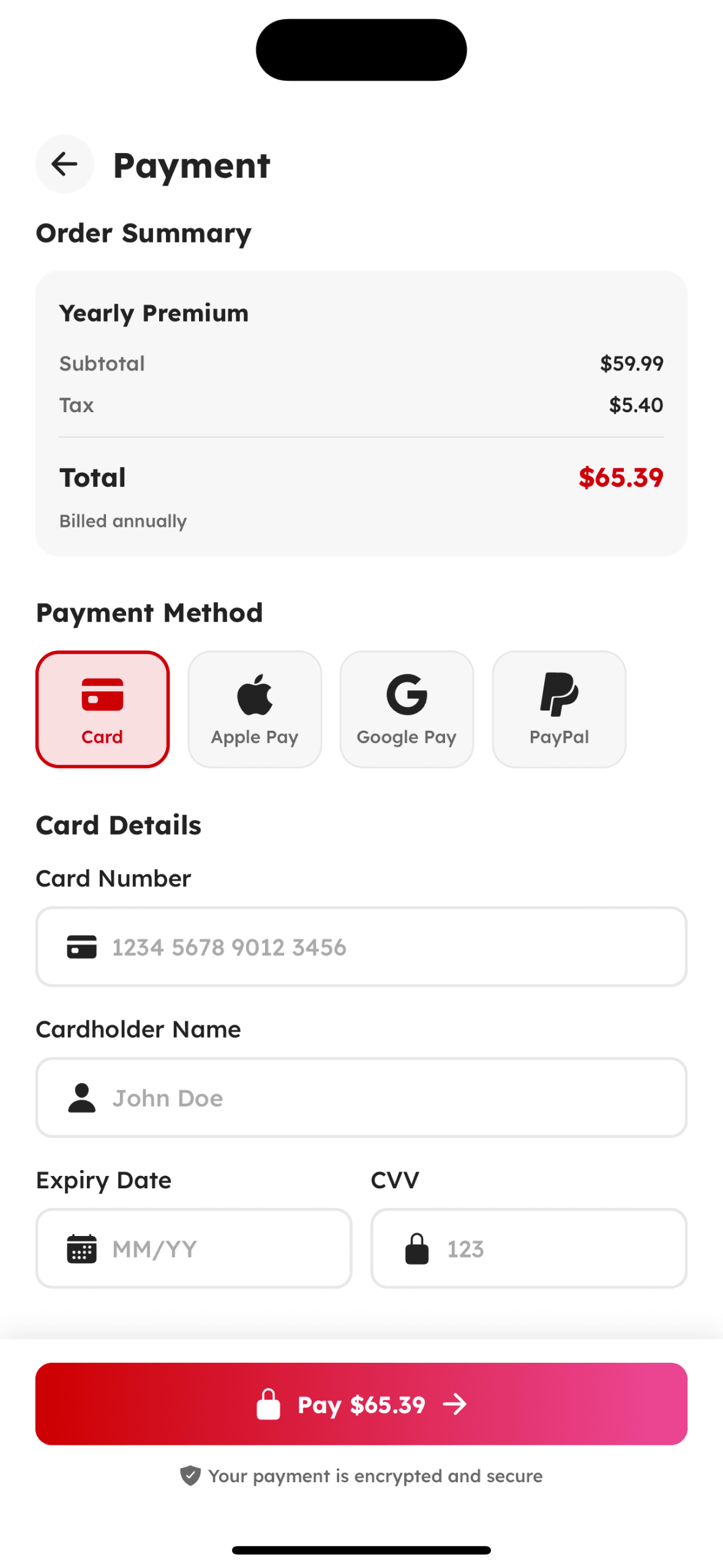
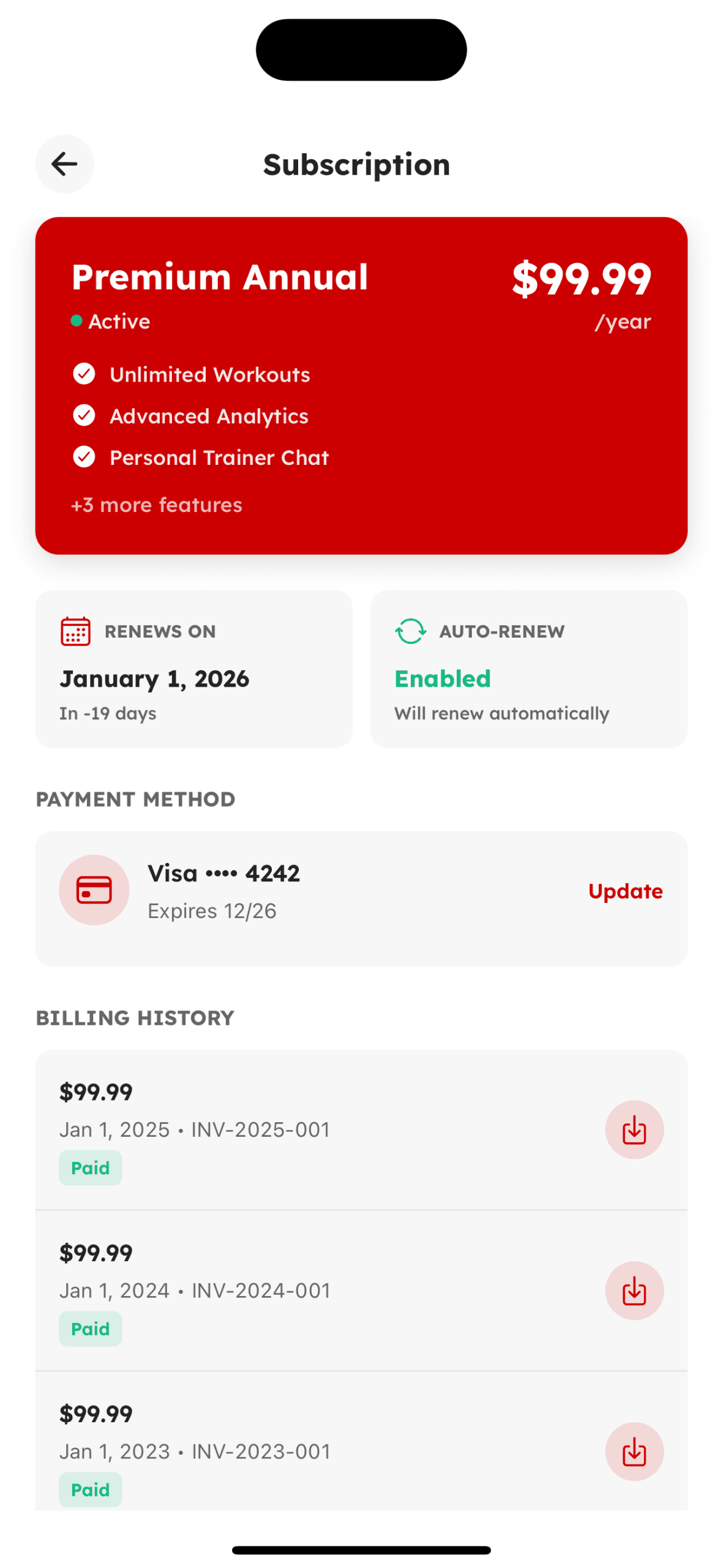
Premium & Subscription
Unlock advanced features and exclusive content
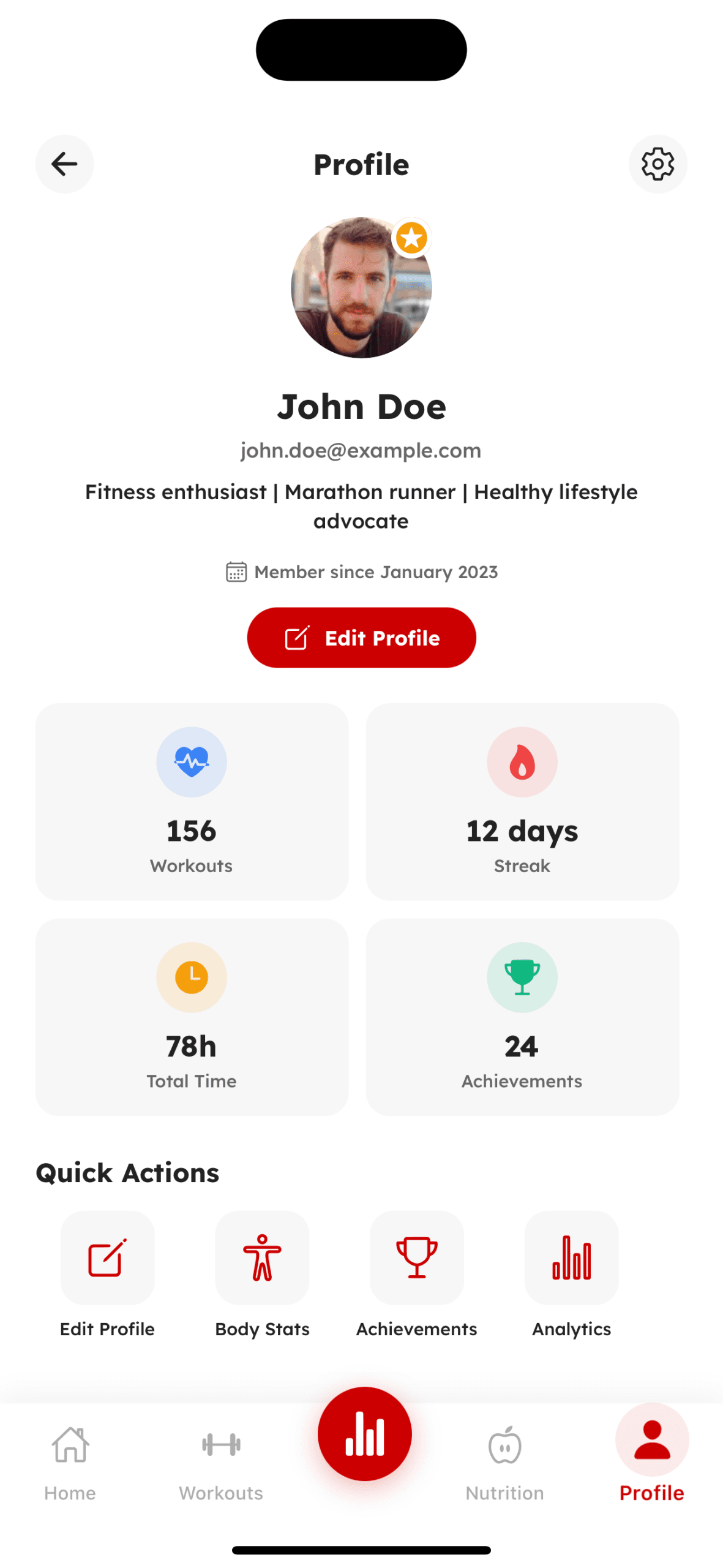
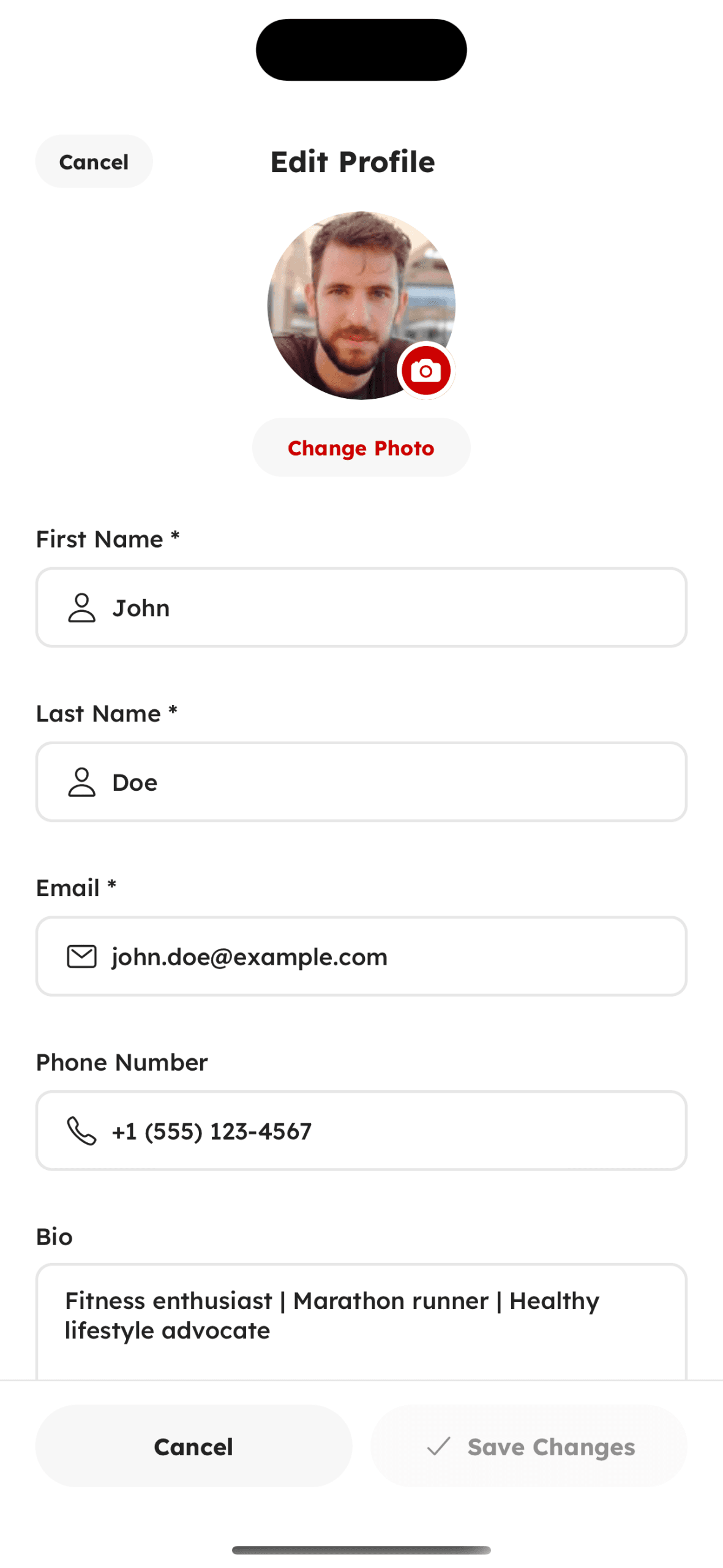
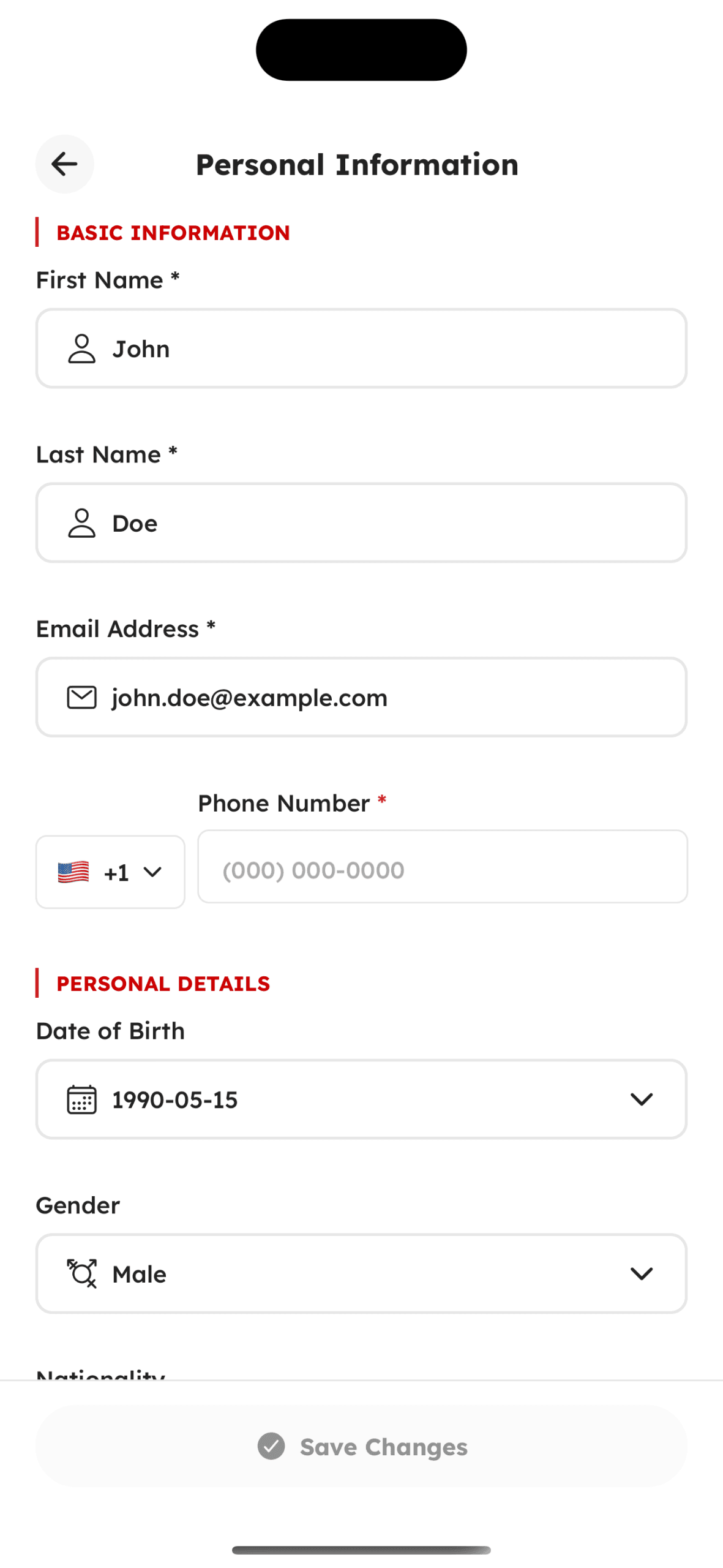
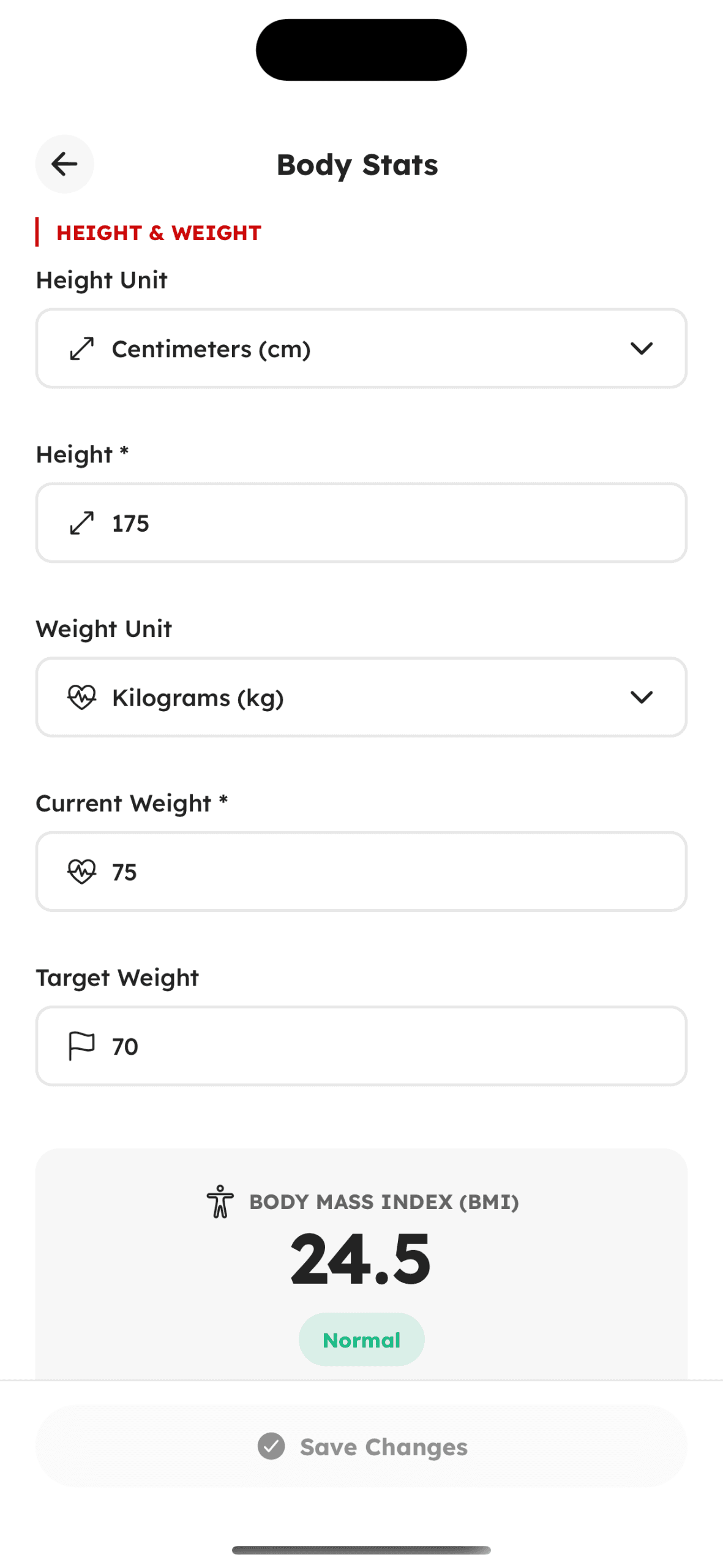
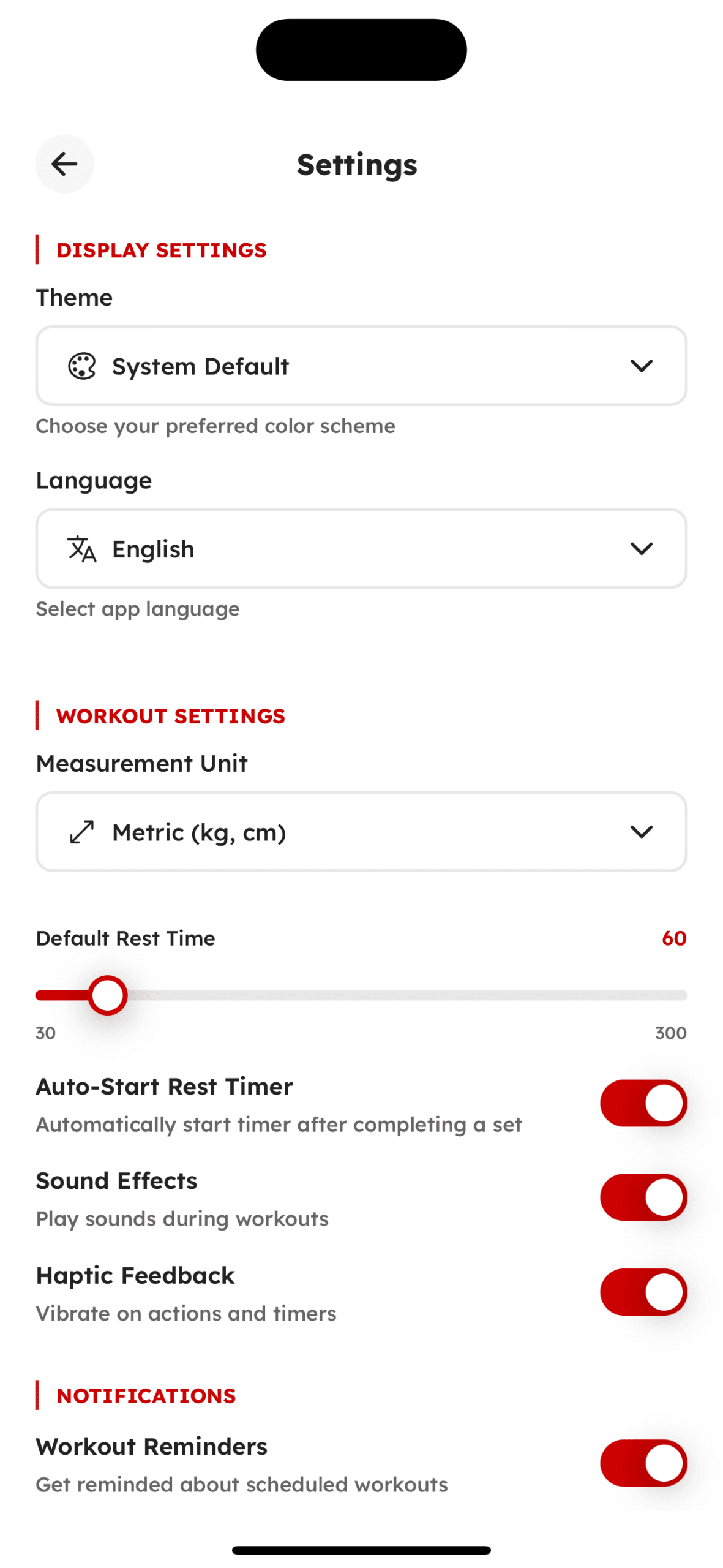
Profile & Settings
Personal information, app configuration, and account management
Explore the App in Expo Go
Scan the QR code with the Expo Go app and see the template live on your device.
Get the template
Built with Modern Technologies
Modern frameworks and tools that ensure speed, stability, and scalability.
Core Technologies
React Native
Built on the latest React Native version for enhanced performance, reliability, and modern capabilities.
Expo
Compatible with Expo SDK 54 and 53, delivering the latest features, stability, and performance improvements.
TypeScript
Fully typed codebase that improves code quality, maintainability, and developer productivity.
NativeWind
Utility-first styling with TailwindCSS-like classes for fast and consistent UI development.
Formik
Lightweight and flexible form management library for handling forms, validation, and submission with ease.
iOS & Android Compatible
Optimized and tested on both platforms to ensure a smooth and consistent user experience.
Packages
Launch Your Stronix 2x Faster
Build your Stronix app without coding from scratch. Save NaN+ hours using our React Native Expo Stronix UI Kit—packed with modern components, advanced features, and everything you need to create a high-quality property app quickly.
80-120 hours
Ui & Design & Prototyping
200-300 hours
Core & Features & Integration
40-60 hours
Navigation & Animations
60-90 hours
User & Flow & Interactions
50-70 hours
Theming & Customization
30-50 hours
Accessibility & Enhancements
40-60 hours
Responsive & Optimization
60-100 hours
Testing & Bugfixing
Customize the Stronix to Match Your Brand
Tailor the Stronix to your brand with our expert customization service. We help transform the UI kit into a polished, fully branded React Native app.
Brand Customization
Customize colors, typography, icons, and UI styles to perfectly reflect your brand’s identity across the entire app.
Feature Upgrades
Add advanced capabilities like AI insights, real-time data, or enhanced functionality tailored to your app’s requirements.
Smooth Integrations
Integrate backend services, APIs, and analytics tools seamlessly for a reliable, end-to-end app experience.
Dedicated Support
Get ongoing maintenance, updates, and technical assistance to keep your app fast, stable, and up-to-date.